Development
Claude Deck Mac
Overview
Stop hunting for the session that needs you.
When you run Claude Code across several projects, the hard part is not typing. It is noticing that a session, two windows back, has been waiting three minutes for a yes or no. Claude Deck turns that into a glance.
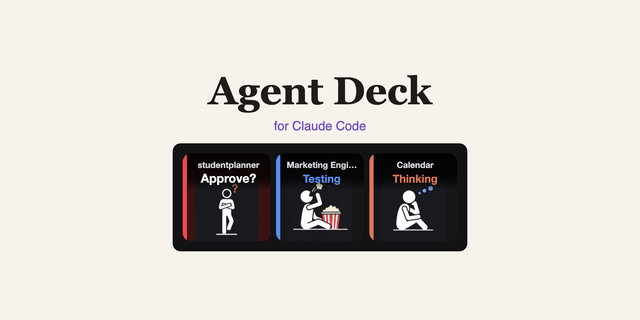
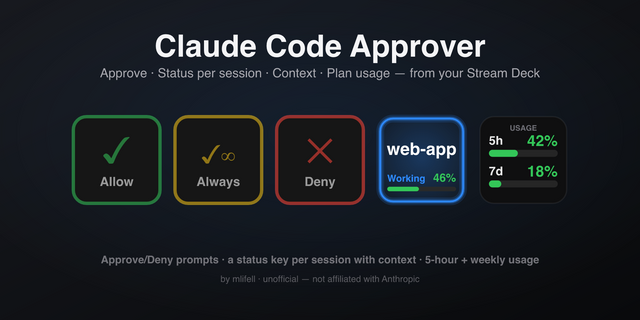
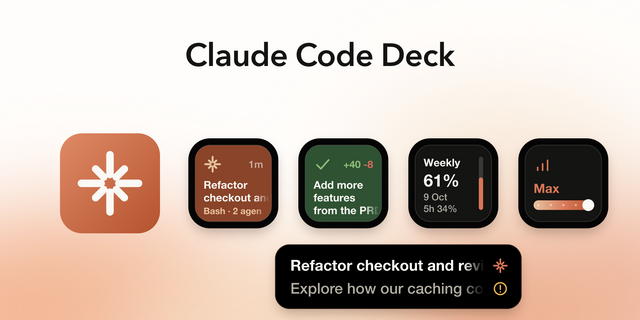
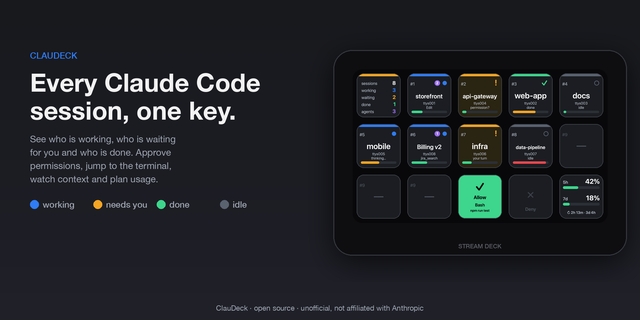
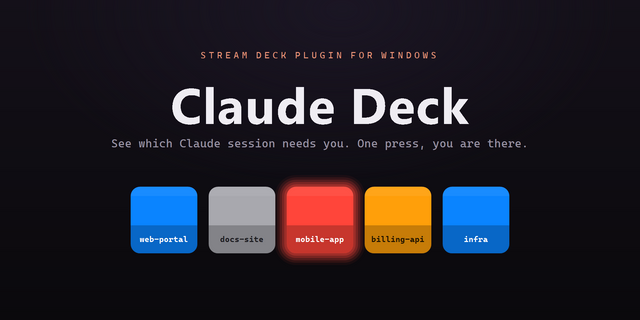
Put one key per project on the top row. Each key shows the live state of its Claude Code session:
- Red, blinking — Claude is asking you something. Act now.
- Amber — Claude finished its turn. Your move, when you are ready.
- Blue — Claude is working. Nothing needed.
- Grey — session open, nothing happening.
Every state carries its own glyph as well as its colour, so the deck reads without relying on colour vision.
Press a key and that project's window comes straight to the front - in about a tenth of a second, and from whatever app you happen to be in. No hunting through windows, no reading title bars.
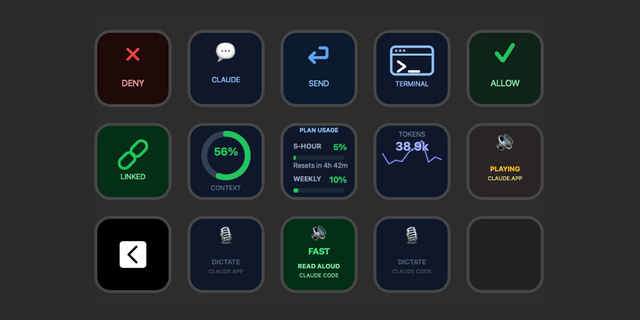
The rest of the deck does the work your keyboard used to.
Drop these onto the other keys and stop typing slash commands:
- Interrupt, Compact, Model, Clear, Permission mode
- New Terminal, Open Folder, Command Palette
- Dev Server (start/stop, with a live green light on the port)
- Open Localhost, and your own Prompt Macros
How it stays accurate. Claude Deck reads Claude Code's own session signals, so the colours reflect exactly what Claude is doing, and it finds each project's window by its folder path rather than by guessing at window titles. Before it types anything it checks that the right editor is in front and that the window belongs to the project you chose; if either is wrong it refuses and tells you, rather than typing into the wrong place.
Requirements
- macOS 12 (Monterey) or later
- Stream Deck software 6.9 or later
- Claude Code (the CLI, or the VS Code extension)
- VS Code, Claude App or Terminal session for window switching of Claude sessions
- One macOS permission: Accessibility, granted to Stream Deck (see below)
- Nothing else to install. The rest ships with macOS.
Setup is automatic on first launch: the plugin enables Claude Code's session
notifications for you, backing up your settings first. Two things are then
needed once - grant Stream Deck Accessibility in System Settings, and start a
fresh Claude Code session so it picks up the new configuration. The deck fills
itself as you work.
Made by a developer who got tired of losing track of his own Claude sessions.
- Works beyond the editor: sessions in Terminal, iTerm, Ghostty, Warp and the
Claude desktop app now get their own key with live status.
- Terminal & iTerm: a press selects the exact tab running the session; command
keys (Model, Mode, Compact, Interrupt, Clear, Macro) type into that tab after
verifying it.
- Claude desktop app: a press opens that specific conversation; command keys
work there too.
- The Accessibility check now detects a missing grant reliably, instead of
reporting it as present.
Version 1.1
Oct 21, 2026
Details
Type
Development
Productivity
OS
Mac
Compatibility
Stream Deck 6.9 or later
Size
176.42 KB
Version
1.1
Language
English
Support
Profiles
No
Dial support
No
Neo Infobar support
No
You might also like