Development
Claude Deck Windows
Overview
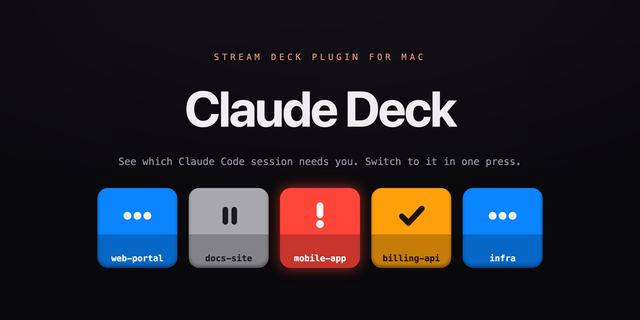
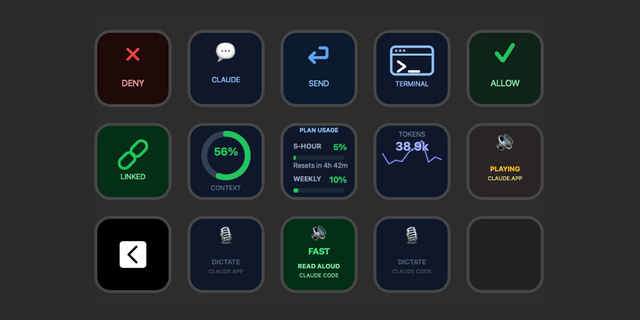
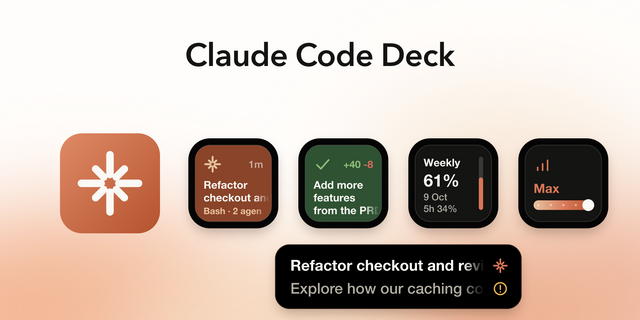
See at a glance which of your Claude Code sessions in Visual Studio is waiting for you, and switch to it with one press. Windows only. Requires Claude Code.
Claude Deck now works with Claude Code in Windows Terminal and PowerShell, not only in VS Code.
- Sessions started in a terminal get their own key, with the same live colours.
- Pressing the key brings the terminal to the front and switches to the exact tab the session runs in.
- Command keys (Interrupt, Compact, Model, Clear, Mode, Prompt Macros) work in terminal sessions too. Editor shortcuts stay VS Code only.
- Safety first: a command is only typed after the plugin has confirmed the right tab is active.
- Faster status: a red key turns blue the moment you approve a permission, instead of when the approved command finishes.
Note: if Windows Terminal runs as administrator, Windows does not allow other apps to switch its tabs or type into it. The key still brings the window to the front; command keys show an alert instead of typing.
Version 1.1
Oct 14, 2026
Details
Type
Development
Productivity
OS
Windows
Compatibility
Stream Deck 7.1 or later
Size
171.67 KB
Version
1.1
Language
English
Support
Neo Infobar support
No
Profiles
No
Dial support
No
You might also like