Development
ClauDeck
by onavascuez
Overview
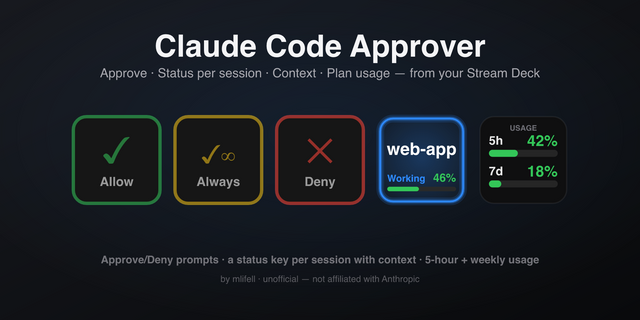
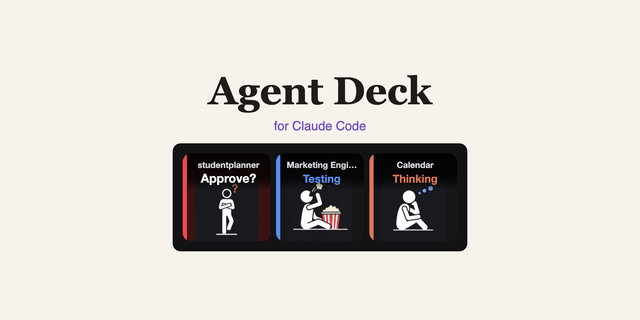
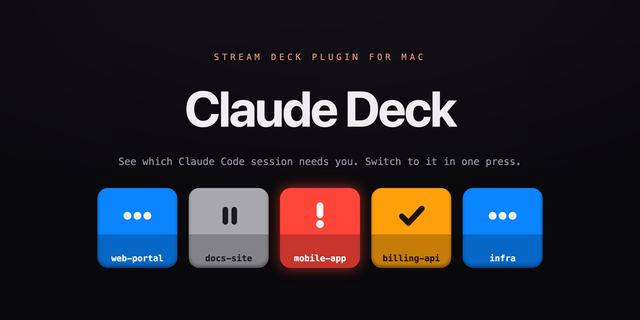
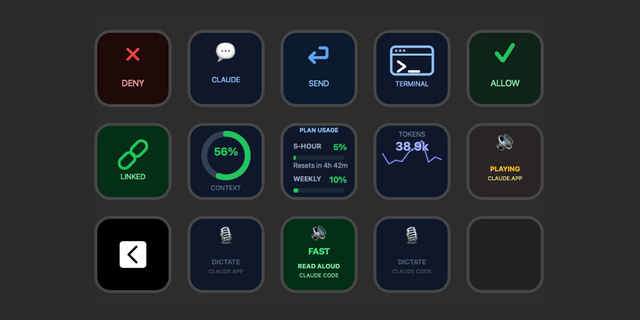
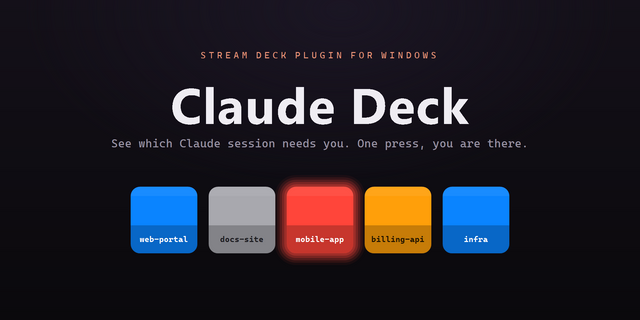
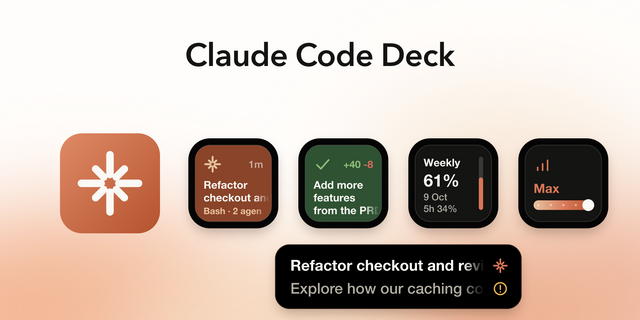
See every Claude Code session on your Stream Deck, one key each, and act on it without touching the keyboard. Blue means working, amber blinking means Claude is waiting for you, green means done, grey means idle. Each key shows the project or session name, the tool in use, running subagents and how much of the context window is used.
- Approve, always-allow or deny permission prompts from a key; the terminal prompt is the fallback.
- Answer Claude's multiple-choice questions with one key.
- Tap a session for its own menu: allow, deny, jump to its terminal, back.
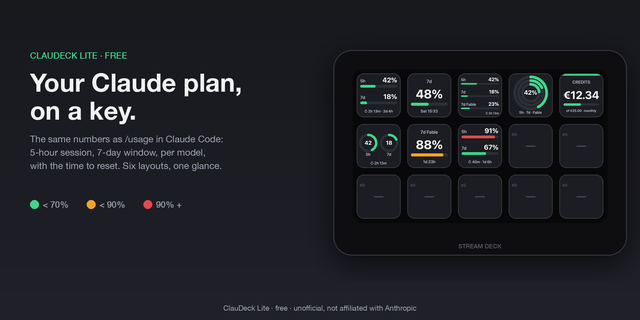
- Forecast: lockout clock, projected percentage at the reset, burn rate, your own budget.
- History: sparkline of the last hours and weekly peaks.
- Native alerts, once per window: early warning with the predicted lockout, hard threshold, and a ping when a window resets nearly full.
- Plan usage (5-hour, 7-day and per-model windows) in six layouts, with extra-usage credits.
- Ready-made profiles for every deck; one tap opens a key per session.
Setup: install, add a key, press "Install hooks". Hooks are asynchronous, never slow Claude down, and sessions already open report at once. Usage is read with the login token Claude Code already keeps; nothing leaves your machine except the call to Anthropic. A small usage history (about 31 KB) stays local; it can be switched off.
Requires the Claude Code CLI installed natively (macOS 12+ or Windows 10+) and a Claude subscription.
Unofficial; not affiliated with Anthropic.
1.1.1 — Auto mode, questions and always-allow, fixed.
Fixed: the Allow, Always allow and Deny keys now work when the permission mode is auto. They were inert there on the assumption that holding a request would stall every tool Claude approves by itself; in fact those never reach the plugin at all.
Fixed: multi-select questions can be answered from the deck. The option keys tick and untick, ticked ones turn green, and the question key sends the set. They used to be a dead end pointing back to the terminal.
Fixed: when Claude asks several questions at once, answers given on the deck are no longer lost. Nothing was sent until all were answered, so one question the keys could not take threw away the ones already given.
Fixed: a session running background agents no longer empties the question keys. Any tool one of those agents finished was read as the human having answered.
Fixed: the Always allow key now really adds the rule. What it sent was in a shape Claude Code rejects, so the rule was never applied and the prompt fell back to the terminal while the key reported success.
Fixed: the Always allow key no longer lights up on prompts that do not offer it. Pressing it there allowed the whole tool — far more than the prompt asked for — and killed the prompt.
Fixed: a question the keys cannot show — free text, a number, or over four options — now goes to the terminal instead of being held behind keys that cannot answer it.
Version 1.1.1
Sep 15, 2026
You might also like