Development
ClaudeDeck
Overview
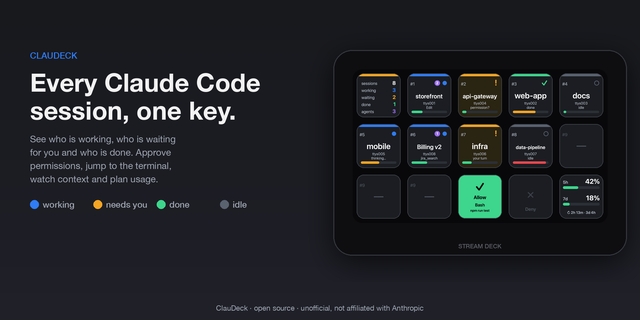
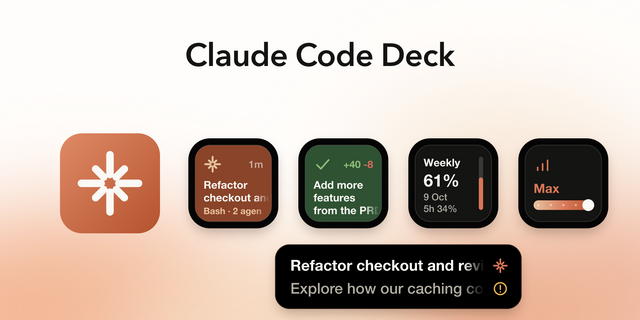
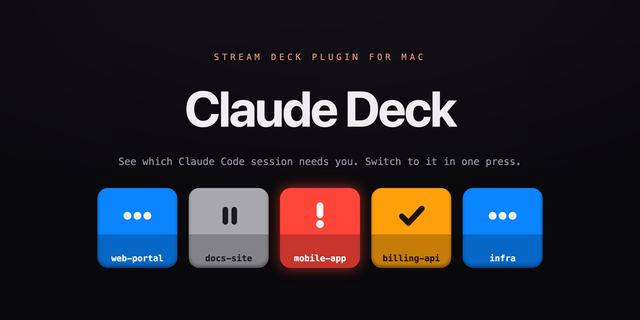
ClaudeDeck puts Claude Code and the Claude desktop app on physical Stream Deck keys, so you can respond without reaching for the keyboard or mouse. Approve or deny permission requests, watch live token and context usage, and control voice input and spoken replies, all from a key press.
HOW IT WORKS
For Claude Code (the CLI), ClaudeDeck installs a small set of hooks into your Claude settings file — one press of the Setup Hooks key adds or removes them. The hooks notify a local plugin server the moment Claude Code asks a question, requests a tool permission, or finishes a response, so the right key lights up instantly.
For the Claude desktop app, which has no hook system, ClaudeDeck instead drives the app's own on-screen controls directly — clicking its Allow/Deny and folder-access dialogs, its built-in dictation toggle, and its Read Aloud button — the same way a person would, just from a key press instead of a mouse click. This part is macOS-only for now.
All communication happens over localhost. Nothing is sent off your machine.
THE 13 KEYS
Claude Code:
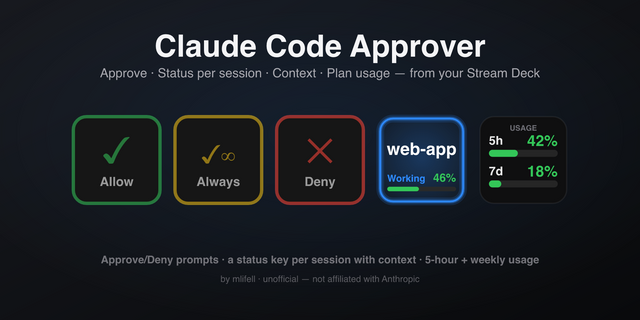
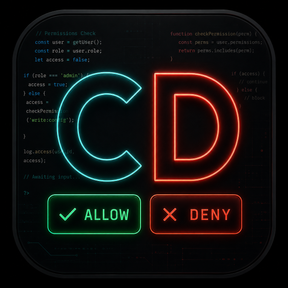
Allow — Approves the pending permission request. The key face shows the exact command or file being requested. Long-press (500ms+) to approve and tell Claude Code not to ask again for that item this session; the key flashes yellow to confirm before you release.
Deny — Denies the pending request.
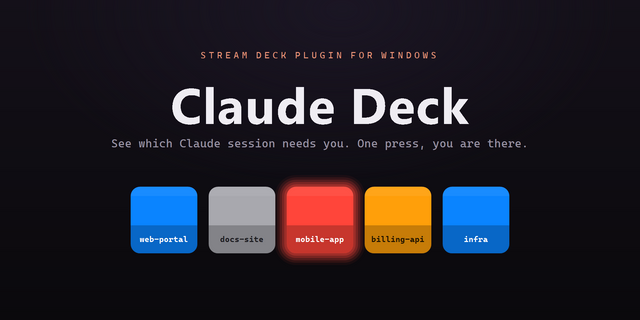
Open Terminal — Flashes the moment Claude Code asks a question in the terminal; press to bring that terminal window forward.
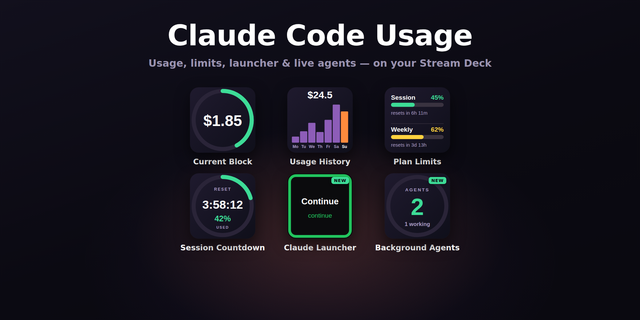
Context Gauge — A live ring showing the current session's context-window usage as a percentage.
Usage Meter — A token-usage sparkline for the current session.
Plan Usage — Shows your live 5-hour and weekly usage bars, read from your account, and opens your Claude usage settings in the browser when pressed.
Setup Hooks — One press installs the required hook configuration; press again to remove it. The key face shows LINKED or UNLINKED status.
Send — Sends Return, for submitting a dictated prompt or running a typed command.
Dictate Claude Code — Toggles Claude Code's own tap-to-talk voice input.
Read Aloud (Claude Code) — Speaks an alert out loud when Claude Code needs your attention, using a configurable phrase, voice, and rate.
Claude desktop app (macOS only):
Open Claude.app — Brings the app window forward.
Dictate Claude.app — Toggles the app's built-in dictation on and off.
Read Aloud (Claude.app) — Clicks the app's own Read Aloud button to have it speak the latest reply; press again to stop.
REQUIREMENTS
Stream Deck software 6.9 or later. macOS 12+ or Windows 10+ (the Claude.app keys require macOS). Node.js 20+ and the Claude Code CLI, for the Claude Code features. The Claude desktop app installed, for its keys.
Unofficial. Not affiliated with or endorsed by Anthropic.
Initial release.
ClaudeDeck puts Claude Code and the Claude desktop app on your Stream Deck, so you can respond without reaching for the keyboard or mouse.
Claude Code (CLI):
- Allow / Deny — the pending permission request flashes on the key with the exact command or file; press to approve (allow once) or deny.
- Open Terminal — flashes when Claude Code asks a question; press to bring the terminal forward.
- Context Gauge, Usage Meter, Plan Usage — live context-window, token, and 5-hour / weekly plan usage, right on the deck.
- Setup Hooks — one press installs or removes the hook config in ~/.claude/settings.json.
- Send, Dictate Claude Code, Read Aloud (Claude Code) — submit prompts, tap-to-talk voice input, and spoken alerts with a configurable phrase, voice, and rate.
Claude desktop app (macOS only):
- Open Claude.app, Dictate Claude.app, Read Aloud (Claude.app) — bring the app forward, toggle its built-in dictation, and have it read the latest reply aloud.
All communication stays on localhost — nothing leaves your machine. Unofficial; not affiliated with or endorsed by Anthropic.
Version 1
Sep 7, 2026
Details
Type
Development
Monitoring
OS
Mac
Windows
Compatibility
Stream Deck 6.9 or later
Size
128.66 KB
Version
1
Language
English
Support
Profiles
No
Dial support
No
Additional links
You might also like