Productivity
Clipboard History for Windows
by GRAMSHIFT
Overview
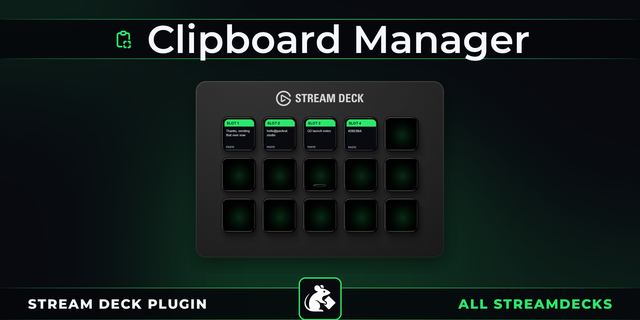
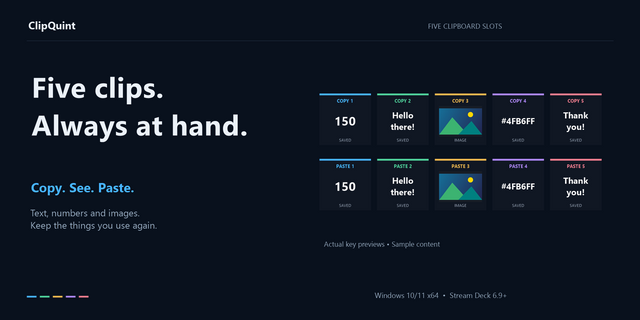
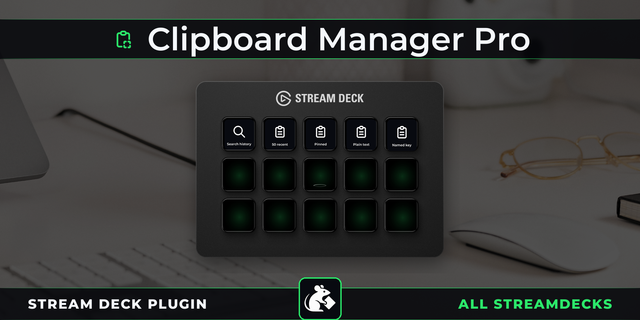
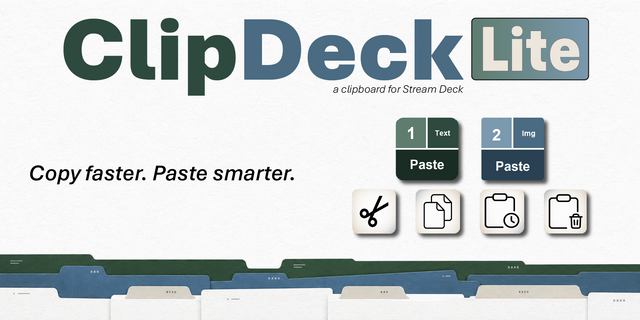
Copy and paste faster on Windows: this clipboard manager puts your clipboard history on Stream Deck keys. Recent copies, text and images, show as a preview or a thumbnail, and one press pastes the one you need into the app in front of you. Pin the snippets you reuse daily and paste plain text.
Recent copies, one key each
Copy #1, #2, #3 (up to #20) side by side, each with its first lines or a thumbnail
A press puts it back on the clipboard and sends Ctrl+V; the order stays, so a key pastes the same item again
Or paste plain text (fonts, colors and links dropped), or put it on the clipboard only
Pin what you reuse Hold a key for 1 second to pin its item, or pick one in the key's settings. New copies leave it in place.
Private copies stay private
Copies an app flags as private to Windows, a flag password managers can set, are not stored
Text that looks like a password or an API key shows as dots
A Pause key stops recording; a Clear key (hold 2 seconds) deletes the history
Stored on your PC Up to 200 items, encrypted with your Windows account, kept after a restart or in memory only. Nothing is uploaded.
Four key looks, English and Japanese.
Good to know
Files copied in Explorer, and screenshots a tool flags as private, stay out of the history
In apps run as administrator, press Ctrl+V yourself after the key
Windows 10 or later, Stream Deck 6.9 or later
Idea or bug? Use the Support link. Every message is read.
First release. Your recent copies, text and images, appear on Stream Deck keys with a preview or a thumbnail, and one press pastes one into the app you are in, as it was or as plain text. Hold a key for 1 second to pin its item. A Pause key stops recording, and a Clear key deletes the history with a 2-second hold. Copies an app flags as private to Windows are not stored, and the history stays on your PC, encrypted. Four key looks, English and Japanese.
Version 1
Oct 12, 2026
Details
Type
Productivity
Utilities
OS
Windows
Compatibility
Stream Deck 6.9 or later
Size
816.77 KB
Version
1
Language
English
Japanese
Support
Profiles
No
Neo Infobar support
No
Dial support
No
Additional links
You might also like