Productivity
Clipboard Manager
by PackRat 🐀
Overview
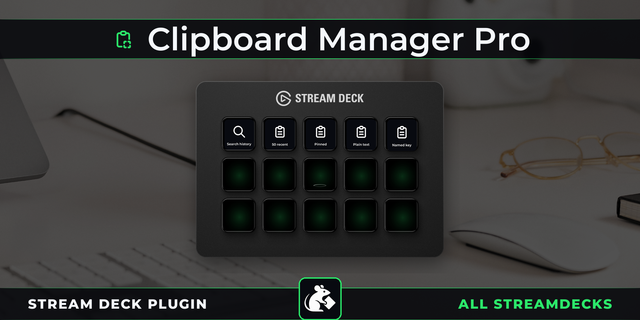
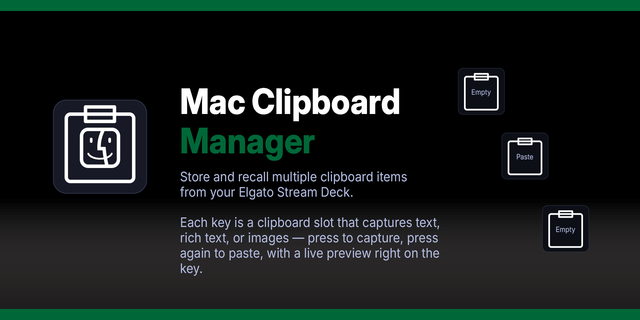
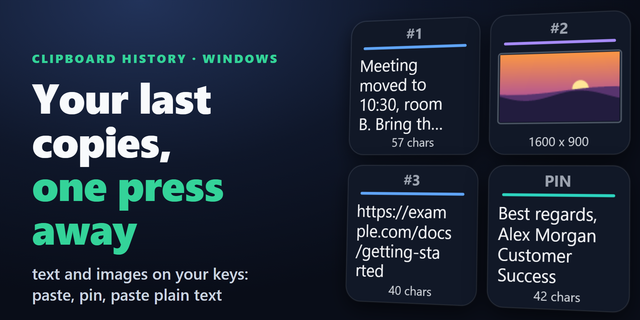
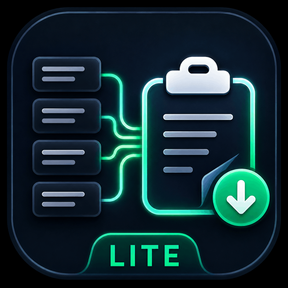
Clipboard Manager for Stream Deck: your last four copies sit on four keys, each showing a preview of the text it holds, and a press pastes it straight in.
Copying something new loses whatever you copied before it, so you go back and copy it again. Clipboard Manager keeps the last four and puts one on each key, newest first. Glance down to see what is in a slot, press it to paste it.
Works on every Stream Deck model, for Windows and macOS.
*Your last four copies, on four keys.*
**Four slots** - Each key holds one of your last four copies. Slot 1 is the most recent, and the row shifts along as you copy.
**Preview on the key** - A shortened preview of the text so you can tell two similar copies apart. The press still pastes the whole thing.
**Paste or restore** - A press pastes into whatever you are working in, or just puts the text back on the clipboard for you to paste yourself.
**Survives a restart** - Your slots are still there after a reboot, so something you copied yesterday is still one press away.
**Text only, on purpose** - Copied images and files are skipped rather than taking up a slot you wanted for text.
For Windows and macOS, on every Stream Deck model. Building the four slots means reading what you copy, and what you copy stays on your own computer.
---
More Stream Deck profiles, plugins and tools from Packrat, all on the marketplace at @packrat.
clipboard, clipboard manager, clipboard history, copy paste, paste, Stream Deck plugin
• Improved native clipboard packaging and redesigned the Property Inspector with existing settings preserved.
• Stream Deck+ history previews now use the full strip, wrap text cleanly and avoid the default green title box. Clipboard keys no longer receive an extra host title overlay.
Version 1.1.1
Oct 13, 2026
Details
Type
Productivity
OS
Mac
Windows
Compatibility
Stream Deck 6.9 or later
Size
1.7 MB
Version
1.1.1
Language
English
Support
Neo Infobar support
No
Profiles
No
Dial support
Yes
You might also like