Productivity
ClipQuint
by Oliver Koch
Overview
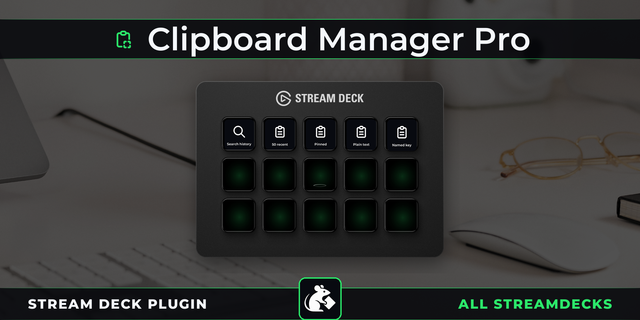
ClipQuint gives your Stream Deck five independent clipboard slots. Copy selected text, numbers or images into a slot, see a preview on its keys and paste the saved content whenever you need it. Keep frequently reused clips close at hand across compatible Windows apps.
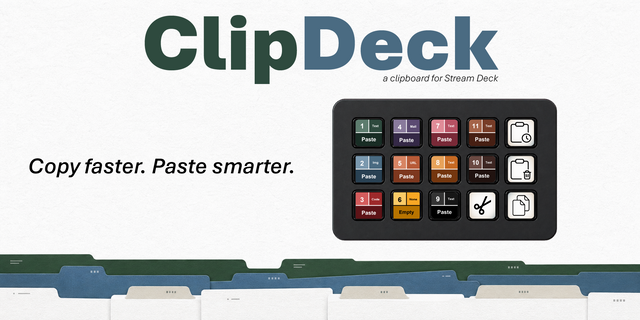
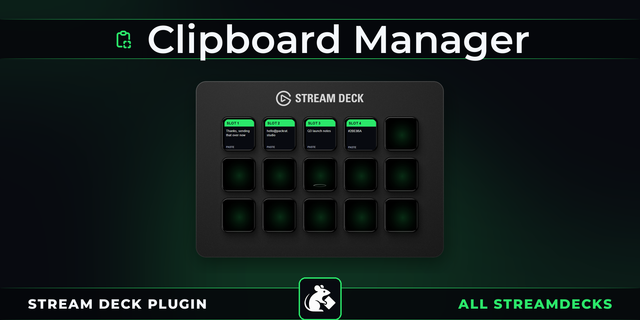
Use the Copy and Paste actions with a matching slot number, or import the included 15-key layout. Each pair has its own color and number. Short text appears directly on the keys; images show a thumbnail while the slot retains the original supported data.
Your slots stay on this PC between restarts, with Windows account encryption for saved contents. Lock a slot against accidental overwrites, hide its content previews or clear it from the action settings. English and German are included. ClipQuint has no telemetry and does not upload your clips.
Requires Windows 10/11 x64, .NET Framework 4.8 and Stream Deck 6.9 or later. The supplied profile is for 15-key devices. Up to 64 MB of supported clipboard data per slot. Copy and paste require a compatible foreground app. Explorer file copies are file lists; special OLE objects are not supported. The Windows clipboard is used when copying and pasting.
Initial release for Windows x64.
• Five independent clipboard slots with configurable Copy and Paste actions. • Text and image previews on Stream Deck keys. • Local persistence with Windows account encryption for saved clips. • Slot protection, hidden previews and confirmed clearing. • English and German interfaces. • Included 15-key profile.
Version 1
Oct 7, 2026
Details
Type
Productivity
OS
Windows
Compatibility
Stream Deck 6.9 or later
Size
66.49 KB
Version
1
Language
German
Support
Dial support
No
Neo Infobar support
No
Profiles
Yes
You might also like