Productivity
Codex & ChatGPT App Control
Overview
Bring live Codex task status and useful ChatGPT desktop commands to Stream Deck on Windows.
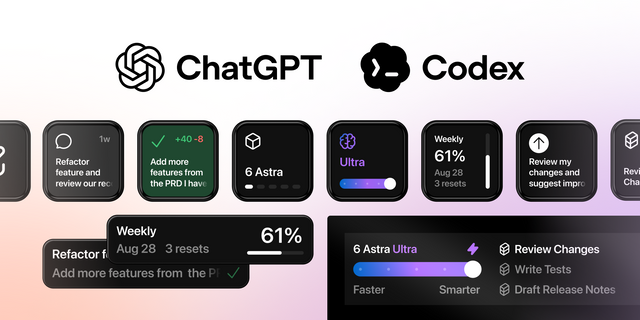
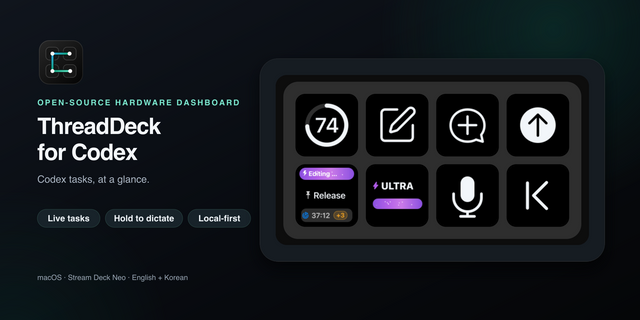
Codex & ChatGPT App Control shows the Task Name, working status, approval needed, response needed, unread, error and idle states across six enhanced task slots. A further 24 slots remain available through Codex hooks and app-server data, with more limited live feedback. Select a task, open it in ChatGPT/Codex, keep important work in fixed or automatic slots, and even navigate active work from a Stream Deck encoder.
Build your own layout from seven actions:
Task Slot - show, select and open one automatic, fixed or live-queue task.
Attention Queue - cycle approvals, response-needed tasks, errors and unread completions.
Task Navigator - move through populated slots from an encoder.
Clear Selected Status - acknowledge local completion or manual-stop status; hold an LCD key to compact READY gaps between automatic slots.
App Command - run a detected ChatGPT/Codex desktop command using its current supported keyboard shortcut.
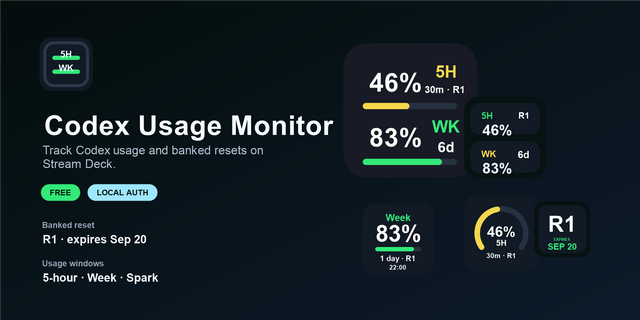
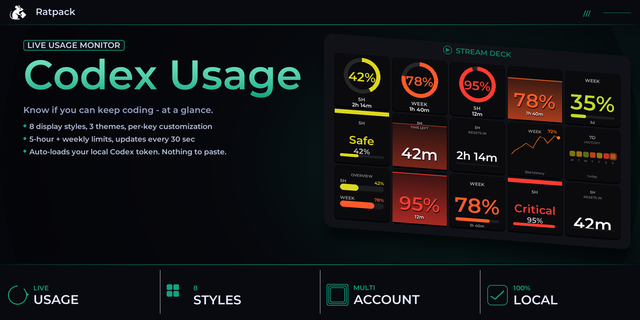
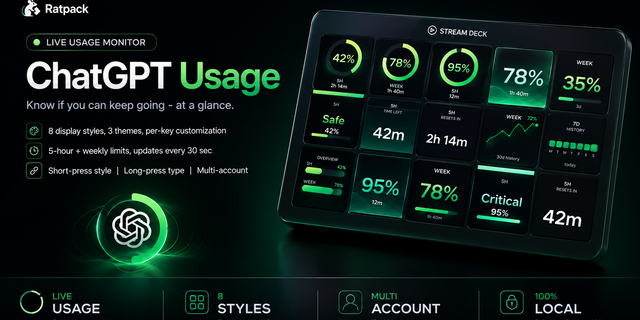
Usage Readout - show quota, reset, token, streak and turn information when Codex supplies it.
Start Here: Plugin Setup - A quick start install, inspect, repair or remove the local bridge.
The guided setup copies a current-user local bridge, installs its bundled Codex plugin through an existing Codex CLI, and asks the user to review and trust seven lifecycle/status hooks. The integration locally reads Codex task identifiers, titles, working-directory/repository labels, status, account category, usage data, the installed desktop app command definitions and the user's Codex keybindings. It stores Stream Deck slot settings, a DPAPI-protected bridge credential, redacted local logs, version state and a normalized command cache. It uses Windows app focus and keyboard input only when the user presses a configured control.
SomeoneHadTo operates no product backend, telemetry, analytics, activation server or remote product account. No task, prompt, response, credential, account or usage data is sent to SomeoneHadTo. Diagnostics are redacted and copied only when the customer requests them.
Optional enhanced live status requires an explicit click. When ChatGPT is fully closed, the plugin can launch it with a dynamic loopback-only debugging endpoint and read six task IDs, selection and status values. Other local processes on the PC may be able to inspect or control the ChatGPT renderer while that endpoint is active; fully quitting ChatGPT removes it.
Requirements: Windows 10 or 11, Stream Deck 7.4 or later, supported Stream Deck hardware, the separately installed ChatGPT desktop app with Codex, the separately installed Codex CLI, and an eligible OpenAI/ChatGPT account. No OpenAI API key is required, and this product does not download, install, update or redistribute OpenAI software.
The product depends on local ChatGPT and Codex integration points that OpenAI may change, restrict or remove. Fallback status paths are included where practical, but uninterrupted compatibility cannot be guaranteed.
Support: support@someonehadto.dev
Independent plugin by SomeoneHadTo; not affiliated with or endorsed by OpenAI or Elgato.
Version 1.0.2.2
Fixes phantom task cards and task links created by internal Codex threads.
- Internal and ephemeral threads no longer occupy Task Slots or enter task queues.
- New sessions appear after Codex verifies that they are user-facing tasks. Lifecycle updates received during verification are preserved.
- Task navigation rejects unverified session IDs before opening Codex.
- Separate chats and user-created forks in the same project keep their own identities and status.
- Updates an older background bridge automatically through an authenticated handoff, preserving real task status while rechecking internal identities.
- Retains verified hook files needed by already-running Codex turns during bridge upgrades.
- Includes Codex Bridge 1.0.3 for Windows x64 and ARM64.
Use Install/Repair Bridge in Plugin Setup if the bundled Codex Bridge is reported as outdated.
Version 1.0.2.2
Oct 21, 2026
Details
Type
Productivity
OS
Windows
Compatibility
Stream Deck 7.4 or later
Size
5.13 MB
Version
1.0.2.2
Language
English
Support
Profiles
No
Neo Infobar support
No
Dial support
Yes
You might also like