Monitoring

Codex Minibar

Overview

Codex Minibar puts live AI usage quotas on your Stream Deck. Watch remaining or used limits for Codex, Claude, Cursor, OpenCode Zen, OpenCode Go, and OpenRouter, including 5-hour, weekly, monthly, and spending windows, with reset countdowns on each key.

The Quota Indicator action reads live snapshots from the Codex Minibar Windows app on the same PC and updates each key about once a second. Place as many keys as you need, choose a provider and limit in the Property Inspector, and keep session, weekly, Cursor model, and OpenRouter spend data on hardware.

Features:

- Quota Indicator action with a single limit or a combined 5-hour plus weekly widget

- Styles: progress rings, solid status color, horizontal or vertical bars, left rail, stacked numbers, stacked bars, reset time, and reset countdown

- Remaining or used values, optional percent symbol, usage pace, and a provider name or logo

- Key press can open the Minibar popup, jump to that provider, or cycle selected providers

- If Codex Minibar is closed, pressing a key starts it and the plugin reconnects

Requirements:

- Windows 10 or later and Stream Deck software 6.9 or later

- The free Codex Minibar desktop app: https://vertopolkalf.github.io/codex-minibar/

Support for multiple providers with new Codex Minibar version

Version 0.1.0.8

Oct 13, 2026

Details

Type

Monitoring

Productivity

Utilities

OS

Windows

Compatibility

Stream Deck 6.9 or later

Size

294.75 KB

Version

0.1.0.8

Language

English

Support

Neo Infobar support

No

Profiles

No

Dial support

No

Additional links

You might also like
  • Codex Shortcuts Plugin
    Codex Shortcuts Plugin app icon

    Codex Shortcuts Plugin

    by KAWAII

    ∙

    Development

    Turn Stream Deck + into a tactile control surface for the Codex desktop app on macOS. Follow six recent Codex tasks with...

    Free

  • Codex Usage Monitor
    Codex Usage Monitor app icon

    Codex Usage Monitor

    by Status Check

    ∙

    Development

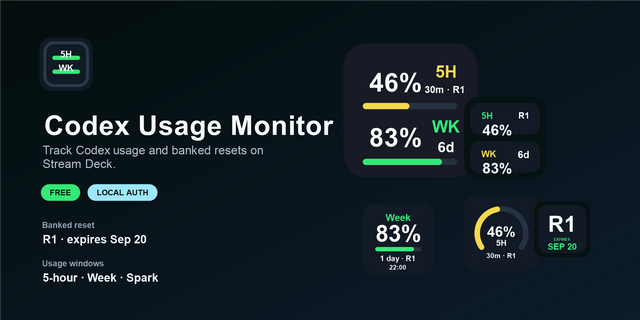
    Codex Usage Monitor is an unofficial local Stream Deck plugin that shows current Codex usage directly on a Stream Deck k...

    Free

  • Codex Usage
    Codex Usage app icon

    Codex Usage

    by PackRat 🐀

    ∙

    Business

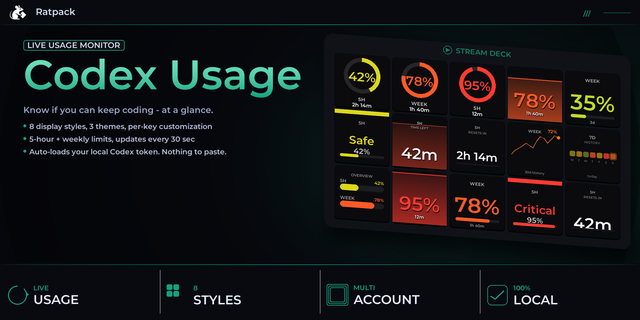
    Track your Codex and ChatGPT Plus usage limits live on your Stream Deck, with 8 display styles, color alerts, and multi-...

    $6.99

  • Codex Usage
    Codex Usage app icon

    Codex Usage

    by Tiltti

    ∙

    Development

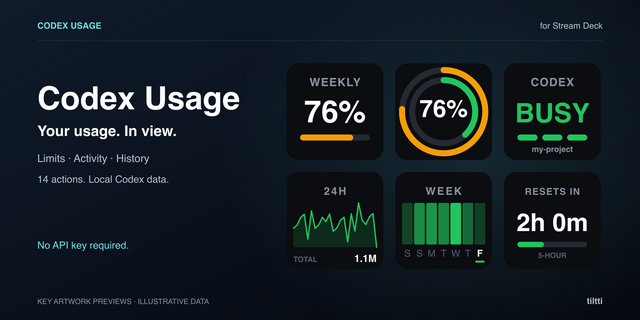
    Codex Usage turns your Stream Deck into a local dashboard for recorded Codex limits, reset times, token history and acti...

    Free

  • Codex & ChatGPT App Control
    Codex & ChatGPT App Control app icon

    Codex & ChatGPT App Control

    by Someone Had To

    ∙

    Productivity

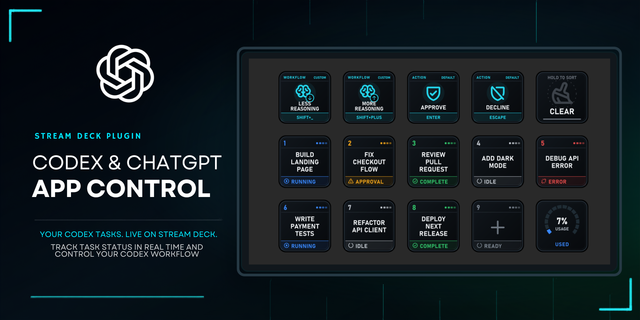
    Bring live Codex task status and useful ChatGPT desktop commands to Stream Deck on Windows. Codex & ChatGPT App Control ...

    $11.99

  • Claude & Codex Cost Lite
    Claude & Codex Cost Lite app icon

    Claude & Codex Cost Lite

    by PackRat 🐀

    ∙

    Monitoring

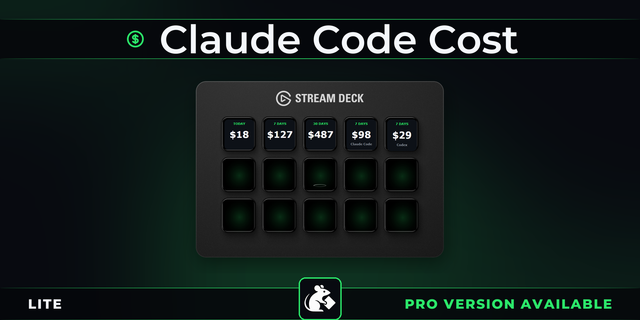
    Claude Code cost on a key. See what Claude and Codex actually cost you today, this week and this month, in dollars, with...

    Free

  • AI Usage Limits
    AI Usage Limits app icon

    AI Usage Limits

    by 2kit

    ∙

    Development

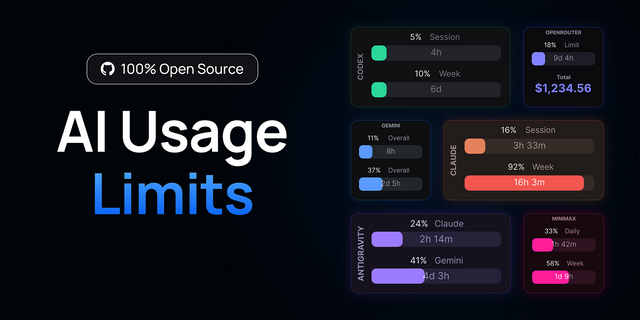
    Open source: https://github.com/lenadweb/stream-deck-ai-limits AI Usage Limits gives you a live view of your AI usage li...

    Free

  • Codex Control
    Codex Control app icon

    Codex Control

    by Oddfini

    ∙

    Development

    Control the Codex task in your current window from Stream Deck. Choose from six focused actions: Preset, Model, Effort, ...

    Free