Business
Codex Usage
by PackRat 🐀
Overview
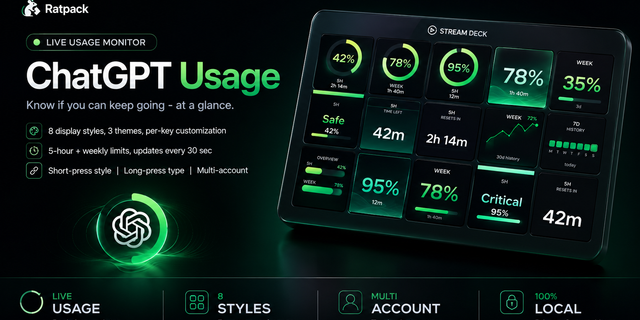
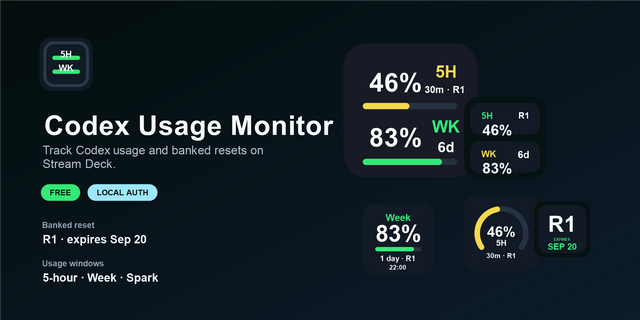
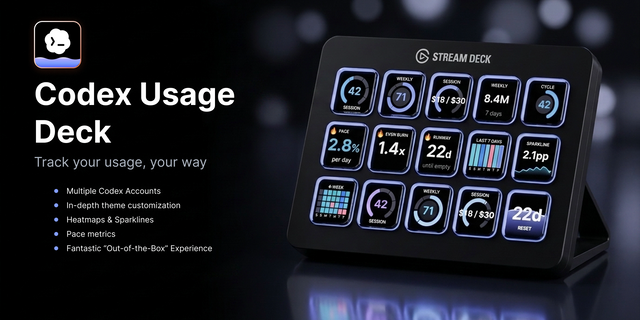
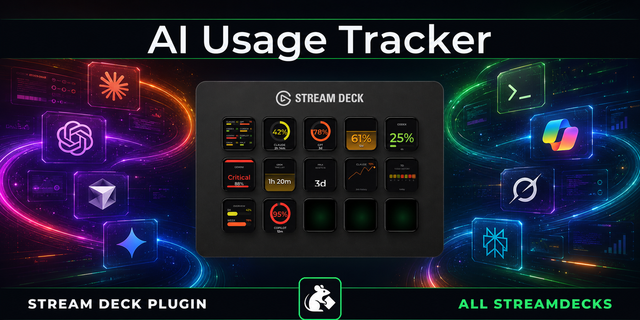
Track your Codex and ChatGPT Plus usage limits live on your Stream Deck, with 8 display styles, color alerts, and multi-account support.
Know if you can keep coding - at a glance.
Codex Usage puts your live request limits directly on your Stream Deck keys. No browser tab-switching mid-session.
Token Tracking - Reads your token limits so you know exactly how much you have left, at a glance.
Auto-detect - Reads your Codex token automatically from your local install. Usually nothing to paste.
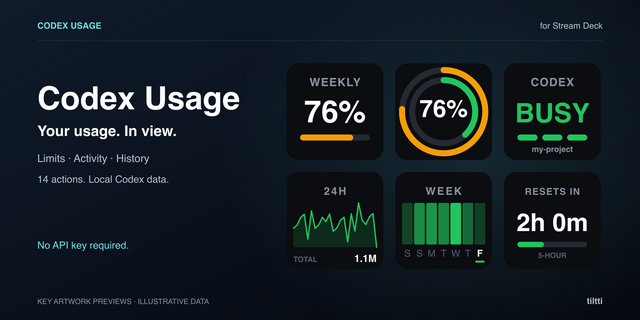
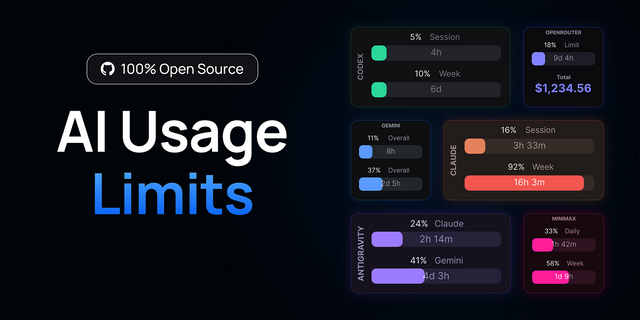
8 display styles - Ring, Full, Big Number, Countdown, Status, Sparkline, Heatmap, Overview. Short-press to cycle.
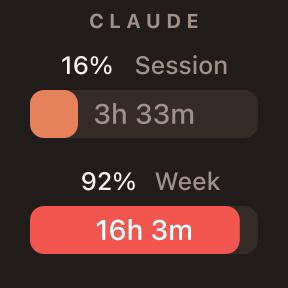
5-hour and weekly - Both usage windows always visible. Each key tracks one window independently.
Color alerts - Keys shift green to yellow to red as limits approach. Threshold is automatic.
Multi-account - Name each key's account. Work, personal, or client - no mixing them up.
Requires a ChatGPT Plus, Pro, or Team subscription. Token stays 100% local, only used to read your own usage.
---
Also from Ratpack: Claude Usage, ChatGPT Usage, Cursor Usage.
Codex, ChatGPT, OpenAI, Stream Deck, usage monitor, request limit, AI usage, token tracker, GPT-4, productivity, developer tools
- Fixed: pasting the session cookie, which the setup notes recommend for a login that lasts, always came back as "Expired". The plugin could not tell the cookie apart from the shorter-lived access token and tried to use it as one, which can only ever fail. Both now work, so a key set up with the cookie stops asking you to re-paste it every few days.
Version 0.1.3
Sep 1, 2026
Details
Type
Business
Development
Monitoring
Productivity
Utilities
OS
Mac
Windows
Compatibility
Stream Deck 6.9 or later
Size
125.37 KB
Version
0.1.3
Language
English
Support
Profiles
No
Dial support
No
Additional links
You might also like