ComfyUI Shortcut Profile
by Adx.cool
Overview
The complete ComfyUI keyboard shortcut pack for Stream Deck.
30 shortcuts across 8 categories — organized, scored by importance, and ready to install on Stream Deck Classic / MK.2, XL. Stop memorizing key combos. One tap, one action.
What's included:
• Edit (7): Undo, Redo, Copy Nodes, Paste Nodes, Paste with Connections, and 2 more • Nodes (6): Mute Nodes, Bypass Nodes, Collapse Nodes, Add Frame, Pin / Unpin, and 1 more • Panels (6): Queue Sidebar, Workflow Sidebar, Node Library, Model Library, Log Panel, and 1 more • View (4): Zoom In, Zoom Out, Fit View to Graph, Focus Mode • Generate (3): Queue Prompt, Queue Prompt (Front), Interrupt • File (2): Save Workflow, Load Workflow • Workflows (1): Save + Queue • Help (1): Open Docs
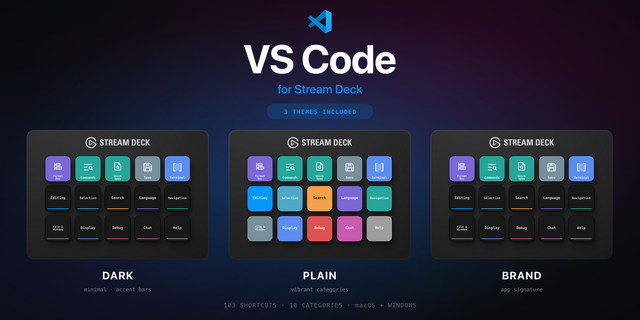
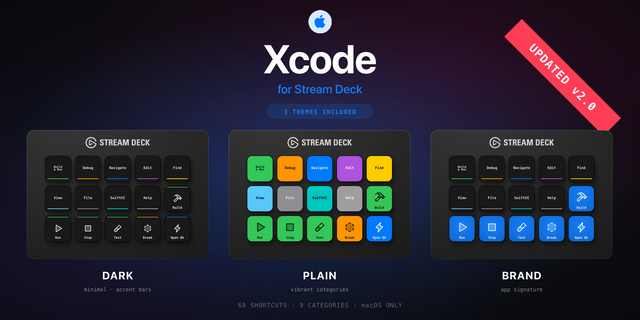
Features: • Three icon themes: Dark (minimal, accent bars), Plain (vibrant category colors), and Brand (app signature color across all keys) • Folder-based navigation with category pages for quick access • Auto-organized layout — most important shortcuts first • Works on Stream Deck Classic / MK.2, XL • Available for macOS and Windows
Install: double-click any .streamDeckProfile to import. The App binding is pre-filled to ComfyUI — auto-activates on focus. If it didn't pre-fill, set it manually under Stream Deck → Preferences → Profiles → App.
Learn more about ComfyUI: https://comfy.org
The complete ComfyUI keyboard shortcut pack for Stream Deck.
38 shortcuts across 8 categories What's included:
• Nodes (8): Mute Nodes, Bypass Nodes, Collapse Nodes, Add Frame, Pin / Unpin, and 3 more • View (8): Zoom In, Zoom Out, Fit View to Graph, Focus Mode, Lock canvas, and 3 more • Panels (8): Queue Sidebar, Workflow Sidebar, Node Library, Model Library, Log Panel, and 3 more • Edit (7): Undo, Redo, Copy Nodes, Paste Nodes, Paste with Connections, and 2 more • Generate (3): Queue Prompt, Queue Prompt (Front), Interrupt • File (2): Save Workflow, Load Workflow • Workflows (1): Save + Queue • Help (1): Open Docs
Features: • 38 controls — every default keybinding ComfyUI ships that a deck key can send. • Canvas lock and unlock, the minimap and linear view, on their own keys. • Subgraphs both ways: convert a selection into one, and step back out. • The assets sidebar and the shortcuts panel, added in v2. • Three icon themes · macOS and Windows
Install: double-click any .streamDeckProfile to import. The App binding is pre-filled to ComfyUI — auto-activates on focus. If it didn't pre-fill, set it manually under Stream Deck → Preferences → Profiles → App.
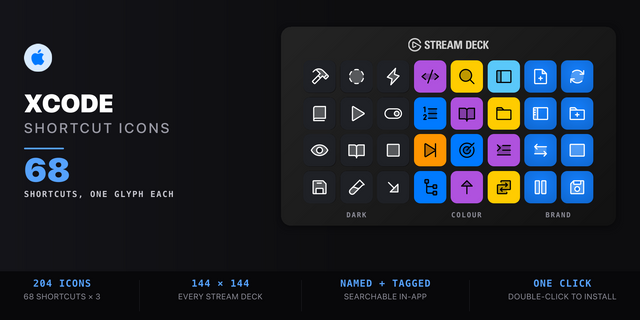
Also included: the 114-icon ComfyUI icon pack (38 icons in 3 finishes), as a .streamDeckIconPack you can install with a double-click. Every key in this profile, available to drop on any action you like.
Version 2
Sep 14, 2026
Details
Device
Stream Deck MK
Stream Deck XL
OS
macOS
Windows
Compatibility
Stream Deck 6.4 or later
Size
4.43 MB
Version
2
Language
English
Support
Icons
Yes
Additional links
You might also like