Development
Coral Console Lite
by AKHAN .
Overview
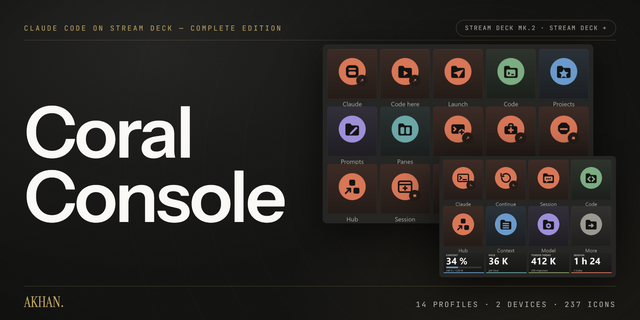
Claude Code on your Stream Deck. One profile per device — Stream Deck Classic and Stream Deck +, both included — with a Home page and three folders: Session, Code and Help.
Every key is a real action, not a label. Start a session, resume the last one, switch model, check context, open the transcript, stop a run, fork a conversation, export it. Slash commands are typed, never pasted, so your clipboard is never touched and they work in every terminal.
What you get
1 profile per device · 56 keys on a Classic, 66 on a Stream Deck +
A Home page and three folders — Session, Code and Help
237 icons in the Vivid variant, 144×144 PNG, ready to drop on any key you add yourself
Colour-coded by category, so you find a key by its colour before you read its title
How to install
Download, unzip, and double-click the .streamDeckProfile for your device.
Check the device in the import dialog. It comes preselected on whichever Stream Deck is active right now, not on the one the profile was built for — a 5×3 layout on a 4×2 deck loses its bottom row.
The app does not switch profiles by itself. Open the profile list and pick it.
Nothing runs in the background. No plugin, no service, no account, no network connection. A profile is a file: once imported it works whether or not anything else is installed.
Requires Windows 10 or later.
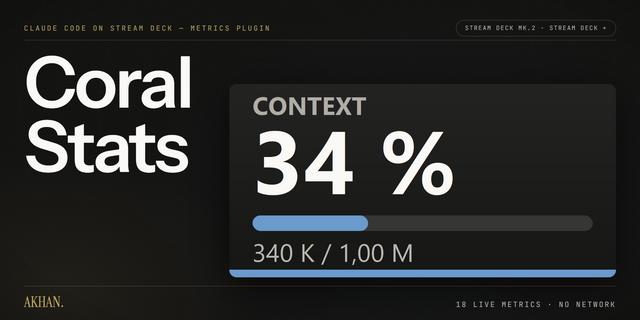
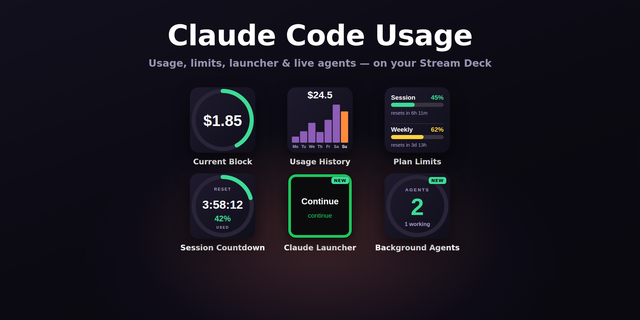
For the full set — Starter, Desktop and Code profiles, a Hub key that switches between them, seven icon variants, the editable SVGs and the configured dials — see Coral Console. Live metrics are in the free Coral Stats plugin.
Unofficial. Not affiliated with, sponsored by, or endorsed by Anthropic.
Release and publishing
Version 1
Aug 4, 2026
Details
Type
Development
Device
Stream Deck +
Stream Deck MK
OS
Windows
Compatibility
Stream Deck 7.1 or later
Size
1.23 MB
Version
1
Support
Icons
Yes
AI Content
Yes
You might also like