Monitoring
Core System Monitor
Overview
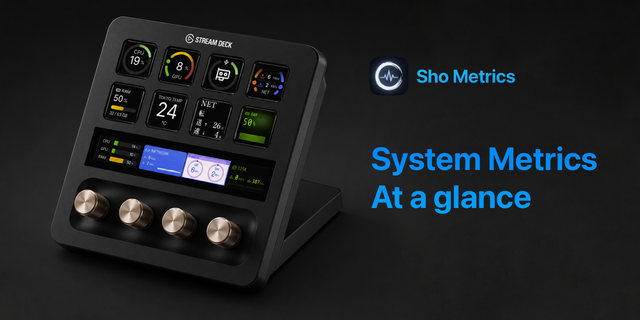
See your whole system at a glance — right on your Stream Deck.
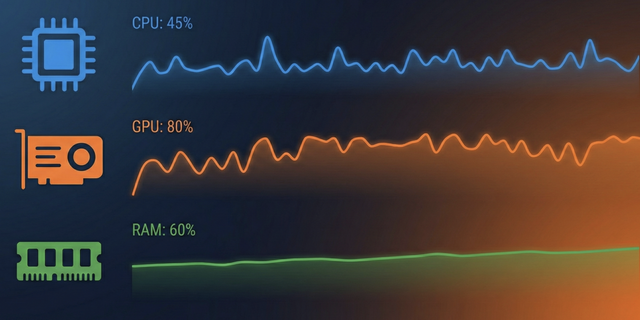
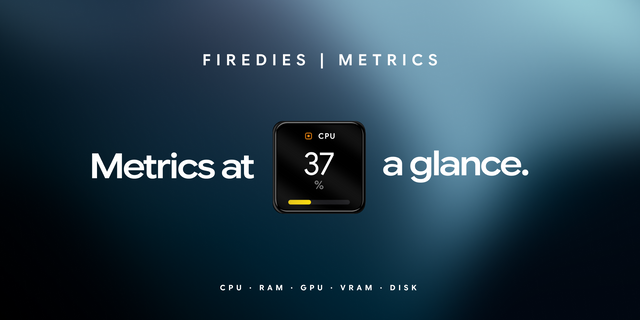
Core System Monitor shows live CPU, GPU, memory, disk, network and battery status on your keys, updated every 2 seconds. It runs natively on both Mac and Windows with no extra software or drivers.
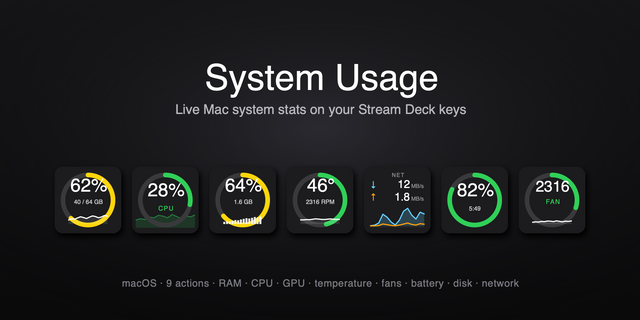
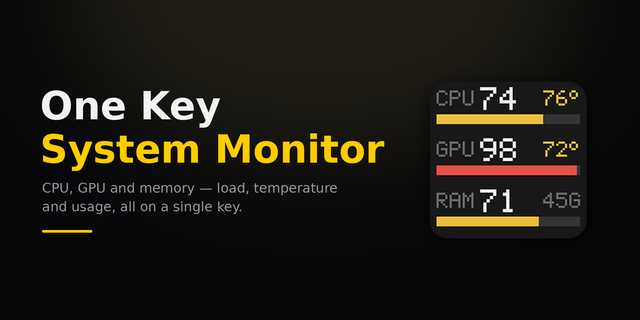
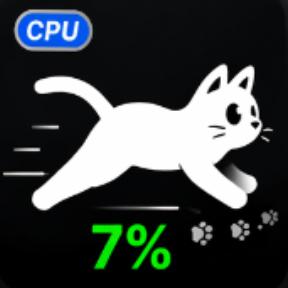
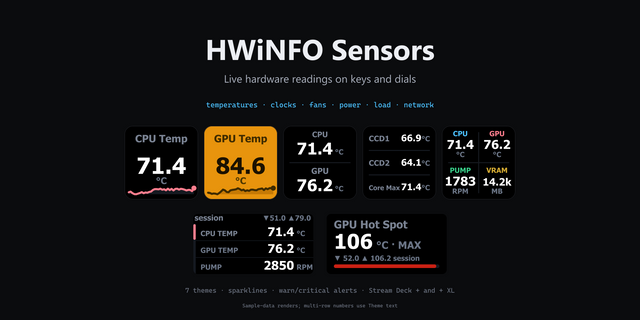
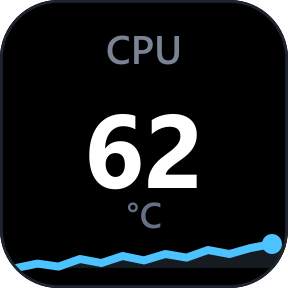
ACTIONS • CPU All Cores — every core as a bar graph, with efficiency and performance cores in different colors. Macs with more than 16 cores (e.g. Mac Studio Ultra) switch to a two-row view. • CPU Core — usage and 60-second history for a single core. • Memory — usage in % and GB. Pressure + Swap mode colors the bar by memory pressure (green / yellow / red) and shows swap usage in large text. • GPU — usage and GPU memory with a 60-second graph. Choose which GPU to show if you have more than one. • Disk I/O — read and write speed with a 60-second graph, for all disks or one disk. • Network — download and upload speed with a 60-second graph, for all interfaces or one interface. • Battery — charge level, charging state and time remaining. Each key can use the Dark, Neon, Terminal or Light color theme.
MAC Apple Silicon efficiency / performance cores, memory pressure and swap, just like Activity Monitor.
WINDOWS Intel / AMD CPUs, available-memory alert, page file usage. Works on any Windows language.
PRIVACY Everything is measured locally. No data ever leaves your computer.
Want a matching look for the rest of your Stream Deck? Theme-matched icon packs and ready-made profiles are available separately.
• New GPU action — shows GPU usage and GPU memory with a 60-second graph. If your computer has more than one GPU, you can choose which one to display. • New Battery action — shows charge level, charging state and time remaining. • Both new actions support the Dark, Neon, Terminal and Light themes.
Version 1.1
Oct 14, 2026
Details
Type
Monitoring
Utilities
OS
Mac
Windows
Compatibility
Stream Deck 7.1 or later
Size
142.79 KB
Version
1.1
Language
English
Japanese
Support
Profiles
No
Dial support
No
Neo Infobar support
No
You might also like