Utilities

Current Language

Overview

Windows normally shows the active input language in the taskbar on the main monitor. In a multi-monitor setup, especially while using a full-screen app, checking the current language can mean leaving or minimizing the app.

Current Language solves this problem by displaying the active Windows input language directly on a Stream Deck key. You can see which language is selected at a glance without interrupting your work, switching windows, or minimizing a full-screen app. Press the key to switch to the next configured Windows input language.

Important: switching languages by pressing the key works while the Stream Deck app is running in the background. The app must not be closed.

Initial Marketplace release.

- Displays the active Windows input language directly on a Stream Deck key.

- Updates automatically when the input language changes.

- Switches to the next configured input language with one key press.

- Keeps the current language visible during full-screen and multi-monitor workflows.

- Supports Windows 10 or later and Stream Deck 6.9 or later.

Language switching requires the Stream Deck app to remain running in the background.

Version 1.0.2

Aug 4, 2026

Details

Type

Utilities

OS

Windows

Compatibility

Stream Deck 6.9 or later

Size

1.32 MB

Version

1.0.2

Language

English

Profiles

No

Dial support

No

You might also like
  • Language Switcher
    Language Switcher app icon

    Language Switcher

    by Type1

    ∙

    Productivity

    Language Switcher for macOS — shows your current input language on the Stream Deck key and cycles to the next one with a...

    Free

  • Contacts
    Contacts app icon

    Contacts

    by ChekTek

    ∙

    Productivity

    Contacts is a Stream Deck plugin that simplifies your communication tasks. With a single key press, you can open your de...

    $4.99

  • Monitor Input Keys for Windows
    Monitor Input Keys for Windows app icon

    Monitor Input Keys for Windows

    by GRAMSHIFT

    ∙

    Productivity

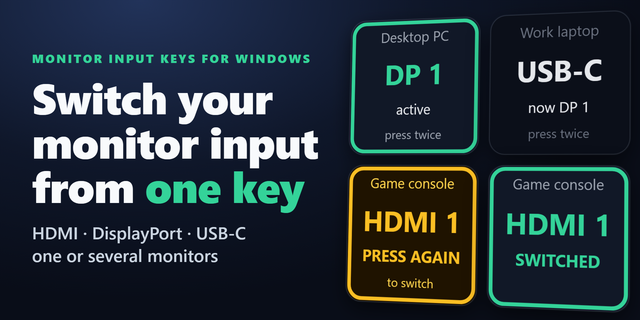
    Put your monitor input switch on a Stream Deck key. Switch input between HDMI, DisplayPort and USB-C from one key instea...

    $500.00

  • Monitor Input Switcher
    Monitor Input Switcher app icon

    Monitor Input Switcher

    by Odd Signal Labs

    ∙

    Productivity

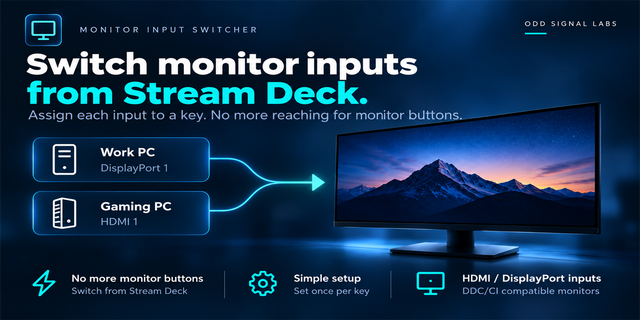
    Share one monitor between multiple devices? Monitor Input Switcher lets you assign a monitor input to a Stream Deck key ...

    $500.00

  • The Matrix 3D GIF

    The Matrix 3D GIF

    by VIVRE-MOTION

    ∙

    Artistic

    THE MATRIX Code 3D [Digital Rain] depth of field (DOF) - Inspired by the 1999 science fiction film 96× animated-GIF-Icon...

    $4.00

  • Windows
    Windows app icon

    Windows

    by 7bp Solutions

    ∙

    Monitoring

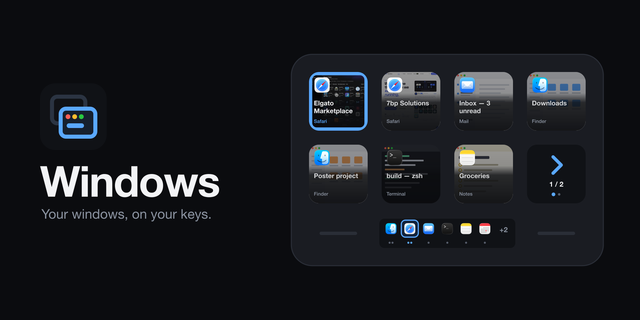
    Windows puts your open windows on your Stream Deck. Every key is a window: its app's icon, its title, and a live picture...

    $0.99

  • After Effects - Control Groups
    After Effects - Control Groups app icon

    After Effects - Control Groups

    by Scott Black

    ∙

    Productivity

    RTS-style control groups meet motion design. Now on Stream Deck. Control Groups lets you organise layers into reusable, ...

    Free

  • Cyberpunk 2077

    Cyberpunk 2077

    by iConCity

    ∙

    Gaming

    Cyberpunk 2077 explore the world of Night City with your Stream Deck as a companion. Icons: Based on in-game actions, Ca...

    $12.00