-app-icon-optimized-7171bf4e-2e32-4875-b94d-30578d9bb4df.png)
Utilities
Current Media (Now Playing)
Overview
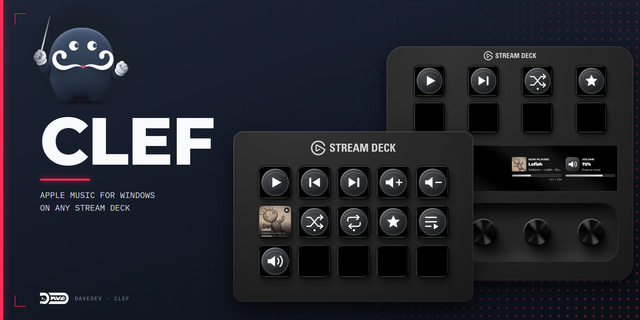
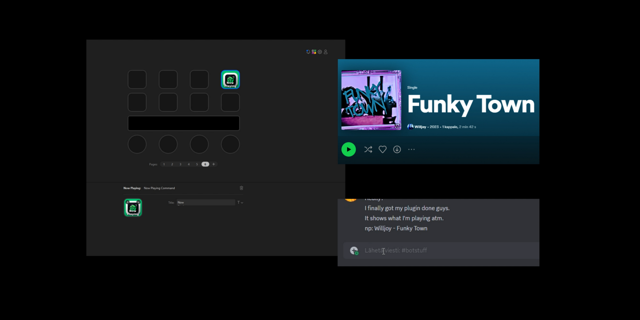
See what's playing, right on your Stream Deck. With a single key, the current track’s cover art, artist, and title appear in real time—whether it’s Spotify, Chrome, Yandex Music, Soundcloud, or any app using Windows media controls. No more alt-tabbing to check the song or digging through windows to skip a track.
Key features:
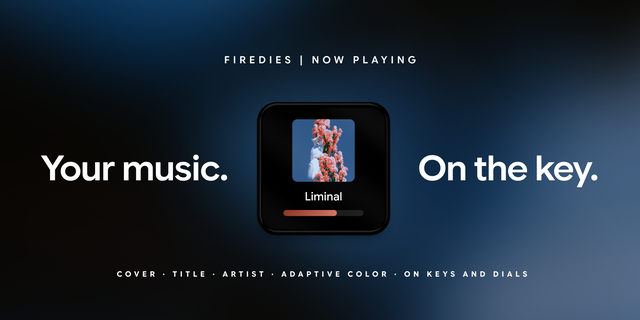
Cover art on the key — Album or track artwork is shown directly on the Stream Deck key and updates as the track changes
Artist and title — See the performer(s) and track name; choose to show both, title only, or artist only
Large cover mode — Use a 2×2 grid of keys to display one big cover image
One key, full control — Tap for play/pause, next, previous, or seek 10s; or use dedicated keys for each action
Customize the look — Text display (artist, title, or both), optional marquee for long names, overlay for app icon and playback stats
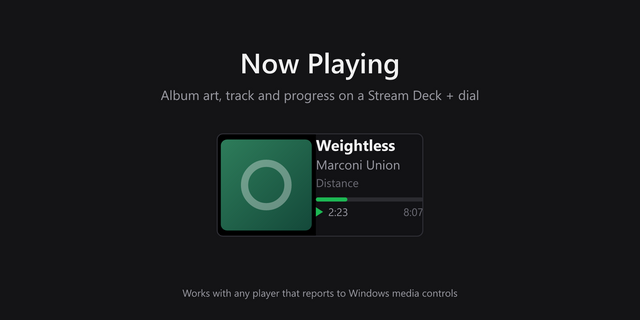
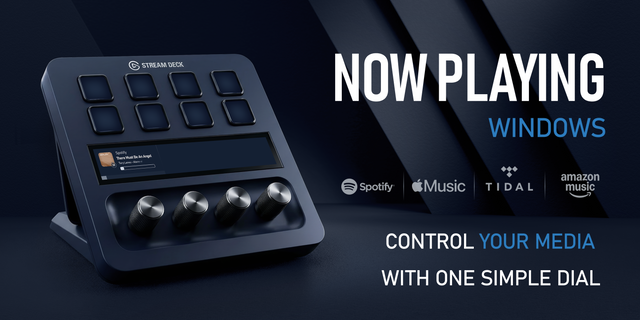
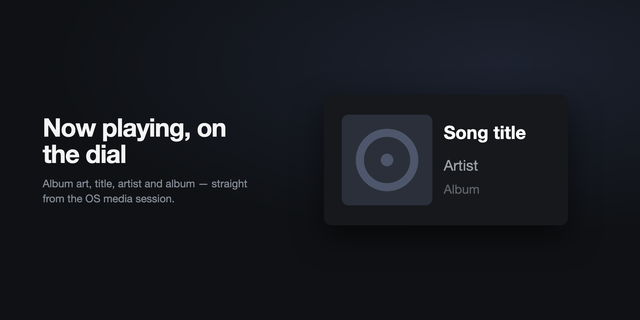
Stream Deck+ dial support — Cover art, artist, title, and a progress bar
Idle background — Pick your own image to show when nothing is playing
Changes
Long press actions for Stream Deck keys. Assign a second action, such as Next Track or Seek Forward, to a long press.
Stream Deck+ dial and touch strip display: cover art, title, artist, and a progress bar with elapsed and total time. Long text scrolls as a marquee.
Idle background on the touch strip. A custom image from the action settings is shown when nothing is playing and is replaced by cover art during playback.
Settings grouped into Key, Dial, Touch Strip, and Display sections.
Version 2.4.2
Oct 13, 2026
Details
Type
Utilities
OS
Mac
Windows
Compatibility
Stream Deck 6.9 or later
Size
31.34 MB
Version
2.4.2
Language
Chinese
English
French
German
Japanese
Korean
Spanish
Support
Profiles
No
Neo Infobar support
No
Dial support
Yes
Additional links
You might also like