Gaming

Cursor Lock Keys for Windows

Overview

Lock the mouse cursor to one monitor from your Stream Deck. On a dual monitor Windows PC, one key press keeps the mouse on one screen, so it stays on your game or work instead of slipping onto the other display. Press again to free it.

Features

Lock to Monitor: keep the mouse on the screen it is on, or on a screen you choose

Lock to Window: keep the mouse inside the active window, such as a borderless game

Cursor to Monitor: move the pointer to the middle of the next screen

Hold to leave: hold Ctrl, Alt or Shift to let the pointer out for a moment

The lock is set again ten times a second, since Windows drops it when you switch windows

The key shows LOCKED or FREE from what Windows reports

English and Japanese

Safety

The lock ends when the screen layout changes, the PC wakes from sleep, the window closes, the lock keys leave the visible page, or Stream Deck quits

A helper process frees the pointer if the plugin is killed

Requirements and limits

Windows 10+, Stream Deck 6.9+. Tested on Windows 11

Lock to Monitor is for PCs with two or more screens

A game that confines the pointer itself can override the lock; the key then says NOT HELD

It limits the pointer only; camera movement a game reads directly from the mouse (Raw Input) is unchanged

No statement about anti-cheat software

Privacy

Runs on your PC. Nothing is recorded or sent anywhere.

Idea or bug? Use the Support link. Every message is read.

First release with three actions. Lock to Monitor and Lock to Window keep the mouse pointer on one screen or inside the window in front, and Cursor to Monitor moves it to the next screen. English and Japanese.

Version 1

Oct 8, 2026

Details

Type

Gaming

Productivity

Utilities

OS

Windows

Compatibility

Stream Deck 6.9 or later

Size

812.6 KB

Version

1

Language

English

Japanese

Support

Profiles

No

Dial support

No

Neo Infobar support

No

Additional links

You might also like
  • Borderless Fullscreen Keys
    Borderless Fullscreen Keys app icon

    Borderless Fullscreen Keys

    by GRAMSHIFT

    ∙

    Gaming

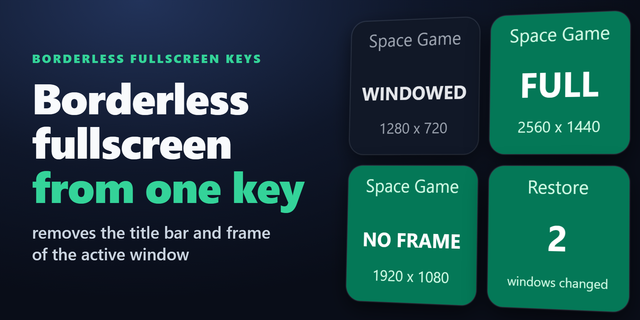
    Make a windowed game borderless fullscreen with one key on your Stream Deck. On a Windows PC, a press removes the title ...

    $780.00

  • Window Opacity Keys
    Window Opacity Keys app icon

    Window Opacity Keys

    by GRAMSHIFT

    ∙

    Gaming

    Make any window transparent (see-through) with one key on your Stream Deck, so you still see what is behind it. On Windo...

    $780.00

  • On Air: Mic In Use for Windows
    On Air: Mic In Use for Windows app icon

    On Air: Mic In Use for Windows

    by GRAMSHIFT

    ∙

    Productivity

    For meetings, calls and streams: see on your Stream Deck whether an app is recording from a microphone of your Windows P...

    $780.00

  • Restart Pending for Windows
    Restart Pending for Windows app icon

    Restart Pending for Windows

    by GRAMSHIFT

    ∙

    Gaming

    See on your Stream Deck whether a Windows Update restart is waiting. Before you go live, one look tells you if Windows h...

    $780.00

  • Startup Apps Keys for Windows
    Startup Apps Keys for Windows app icon

    Startup Apps Keys for Windows

    by GRAMSHIFT

    ∙

    Productivity

    Choose which apps launch at sign-in from Stream Deck: see and switch the classic Windows startup entries in the Run regi...

    $780.00

  • App Priority Keys for Windows
    App Priority Keys for Windows app icon

    App Priority Keys for Windows

    by GRAMSHIFT

    ∙

    Gaming

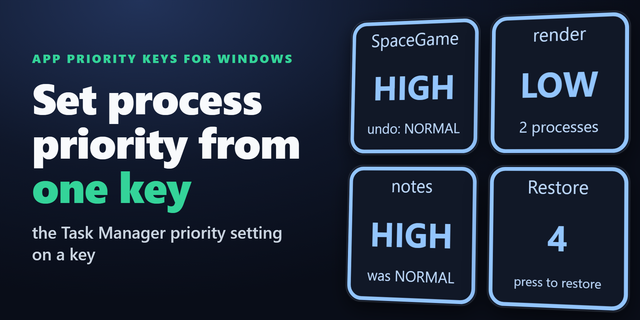
    Set process priority from your Stream Deck. On Windows, these keys put the Task Manager priority setting on a key: high ...

    $780.00

  • Force Close Keys for Windows
    Force Close Keys for Windows app icon

    Force Close Keys for Windows

    by GRAMSHIFT

    ∙

    Gaming

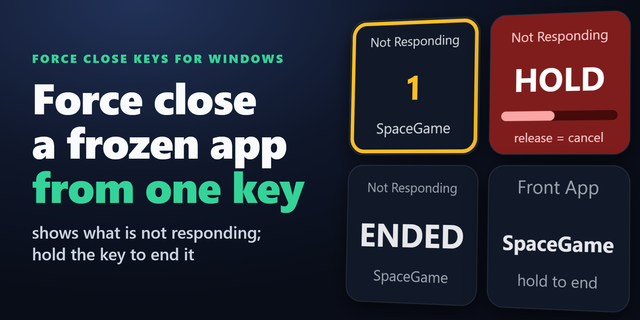
    Force close a frozen game or app from your Stream Deck when Task Manager is out of reach. On Windows, the keys show whic...

    $780.00

  • Moment Notes
    Moment Notes app icon

    Moment Notes

    by rafikiAOS

    ∙

    Productivity

    Moment Notes adds local recording notes to OBS Studio from Stream Deck. Mark highlights, fixes and ideas while recording...

    $7.99