Monitoring
Customizable Clock & Date
by job0403
Overview
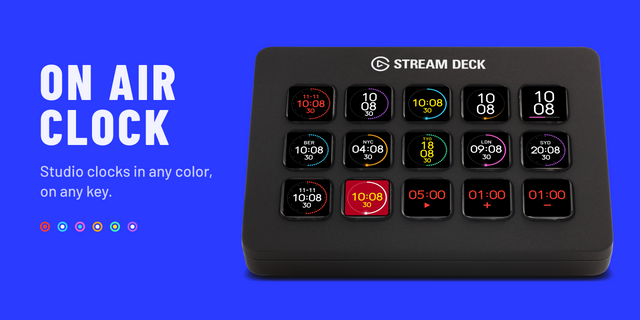
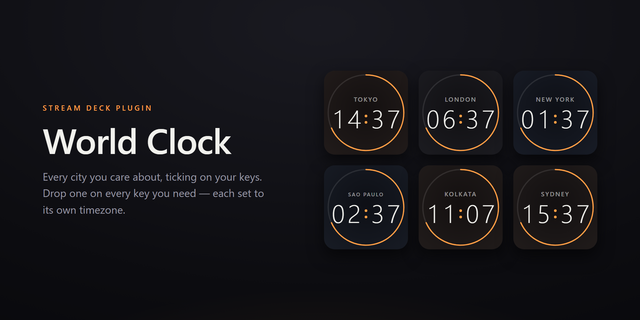
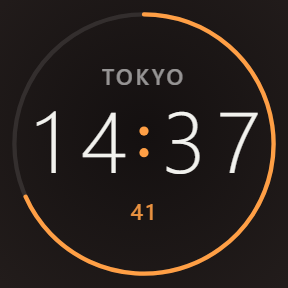
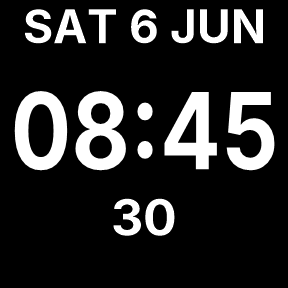
Customizable Clock & Date is an ultra-lightweight, highly flexible digital clock widget designed to look gorgeous on your Stream Deck. This plugin gives you complete granular control over your typography, allowing you to perfectly match your aesthetic. Because it is written natively in C#, it runs incredibly fast in the background and uses practically zero system memory, ensuring your PC resources remain completely untouched while you stream or game.
Features include:
Independent Typography: Choose from multiple professional fonts like Inter, Roboto, Antonio, and Michroma.
Weight Control: Adjust font weights from Thin (100) all the way to Black (900).
Layout Precision: Use custom sliders to dial in font sizes, letter spacing, and the exact vertical position of the time, date, and seconds.
Format Flexibility: Instantly switch between standard 12-hour (AM/PM) and 24-hour formats.
Custom Colors: Pick any exact HEX color code for your text to perfectly match your setup.
Setup Tip: To get started, simply drag the "Customizable Clock & Date" action onto your Stream Deck canvas. Click on the widget to open the Property Inspector at the bottom of your screen, where you can immediately begin tweaking the fonts, colors, and layouts to build your perfect clock!
Initial Release of Customizable Clock & Date (v1.0.0.0)! 🎉
Welcome to the cleanest, most highly customizable clock widget for your Stream Deck.
Core Features:
Independent Typography: Choose from multiple professional fonts like Inter, Roboto, Antonio, and Michroma.
Weight Control: Adjust font weights from Thin (100) all the way to Black (900).
Layout Precision: Use custom sliders to dial in font sizes, letter spacing, and the exact vertical position of the time, date, and seconds.
Format Flexibility: Instantly switch between standard 12-hour (AM/PM) and 24-hour formats.
Custom Colors: Pick any exact HEX color code for your text to perfectly match your setup.
Enjoy your new clock!
Version 1
Sep 4, 2026
Details
Type
Monitoring
Productivity
Utilities
OS
Windows
Compatibility
Stream Deck 6.9 or later
Size
2.29 MB
Version
1
Language
English
Support
Profiles
No
Dial support
No
You might also like