Utilities
Date Inserter
by HodaPress
Overview
Date Inserter is a lightweight Stream Deck plugin that inserts today's date into whatever text field currently has focus — with a single key press. No need to switch windows, open a calendar, or type the date manually.
Whether you are filling out spreadsheets, writing daily logs, updating project notes, or entering timestamps in any Windows application, Date Inserter saves you a few seconds every time. Those seconds add up over a workday.
How it works
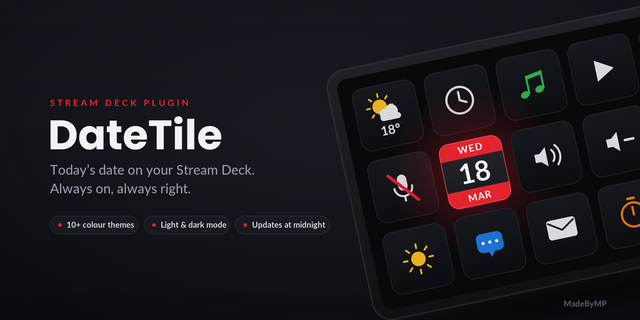
Place the action on your Stream Deck, click into any text field, and press the key. The plugin types today's date directly into that field. The key itself displays the current date, so you always know at a glance what will be inserted.
18 date formats
Choose the format that fits your workflow from the action settings:
20260728 — compact, ideal for filenames and IDs
2026-07-28 — ISO-style with hyphens
2026/07/28 — slash-separated
2026年7月28日 — Japanese format
28.07.2026 — European style with dots
07/28/2026 — US style (MM/DD/YYYY)
July 28th, 2026 — US English with ordinal
2026년 7월 28일 — Korean
28 juillet 2026 — French
And more — see the built-in format guide in the action settings
Settings are saved automatically — no Save button needed. The date updates at midnight, so the key always shows today.
18 date formats — expanded from 5 to 18, so you can paste dates in the style you need:
European numeric: 28.07.2026 (dot), plus existing DD-MM-YYYY and DD/MM/YYYY
US numeric: 07/28/2026, 07-28-2026
English long-form: 2026 July 28th, July 28th, 2026, 28th July 2026, Jul 28, 2026
Korean: 2026년 7월 28일
French: 28 juillet 2026
Spanish: 28 de julio de 2026
Portuguese: 28 de julho de 2026
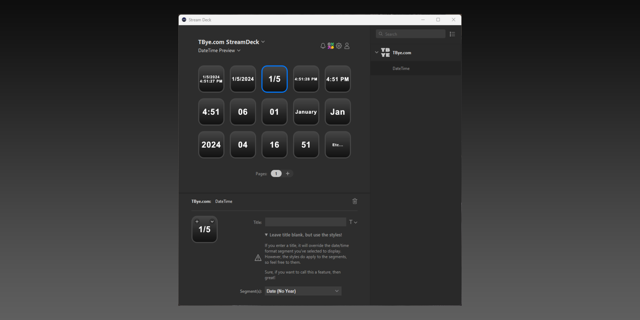
Format guide in settings — the action settings now show a live reference table with an example and short description for every format (English and Japanese).
Version 0.1.3
Aug 3, 2026
Details
Type
Utilities
OS
Windows
Compatibility
Stream Deck 7 or later
Size
92.54 KB
Version
0.1.3
Language
English
Japanese
Support
Profiles
No
Dial support
No
Additional links
You might also like