Monitoring

DeckBridge for Cursor with Grok Bot

Overview

DeckBridge for Cursor with Grok Bot puts your Cursor spending dashboard on your desk. Four meter keys track Cursor Models, Other Models, Grok Bot, and On-Demand spend as live gauges: a colour ring that turns from calm teal through amber to red as you approach a limit, with the reset countdown right on the key.

Grok Bot gets special treatment - its quota runs on a weekly clock, not a monthly one, which makes it the easiest limit to lose track of and the fastest to hit. DeckBridge gives it a dedicated meter with the days until the weekly reset always on the key.

Sign in once through a dedicated Chrome profile — DeckBridge never touches your normal browser, never sees your password, and never sends anything anywhere. After that, meters refresh themselves silently in the background every few minutes, on wake from sleep, or instantly on a key press. Hold any meter to open the real Cursor dashboard.

Honest states: values that couldn't refresh are marked STALE, metrics your plan doesn't include say so plainly, and a Setup & Status key (or any key's settings panel) walks you through sign-in and recovery when Cursor needs attention.

No telemetry, no accounts, no cloud service: usage numbers render on your deck and stop there.

Support for the new unified Grok plans with weekly pooled usage indicator

Reliability enhancements

Version 1.0.4

Nov 2, 2026

Details

Type

Monitoring

Productivity

Utilities

OS

Mac

Windows

Compatibility

Stream Deck 7.1 or later

Size

144.67 KB

Version

1.0.4

Language

English

Neo Infobar support

No

Profiles

No

Dial support

No

You might also like
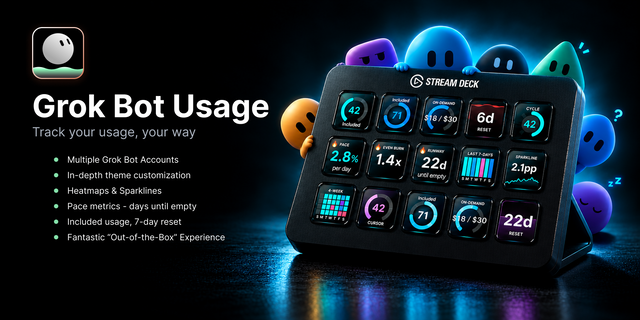
  • Grok Bot Usage Deck
    Grok Bot Usage Deck app icon

    Grok Bot Usage Deck

    Track Grok Bot included usage on your Stream Deck - each account styled its own way - plus 6 key types, 6 key faces, and...

    $5.99

  • Grok Bot Agents
    Grok Bot Agents app icon

    Grok Bot Agents

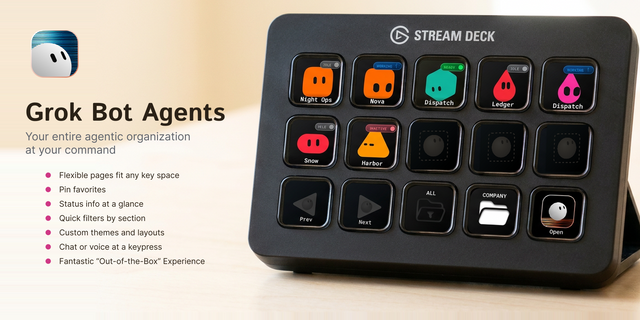
    Page the Grok Bots in your sidebar from Stream Deck - each key a Bot you can open, pin, or filter - plus pager keys, a s...

    $5.99

  • Grok Usage Deck
    Grok Usage Deck app icon

    Grok Usage Deck

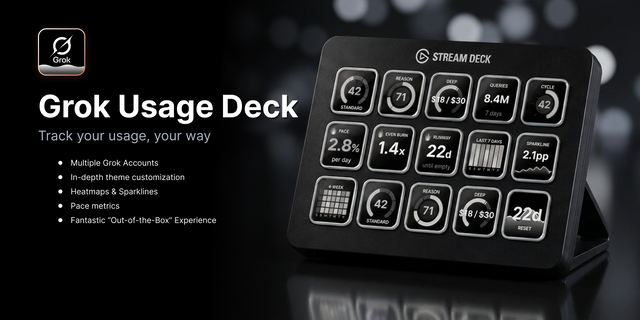
    Track every Grok account side by side on your Stream Deck - each styled its own way - plus 9 key types, 6 key faces, and...

    $4.99

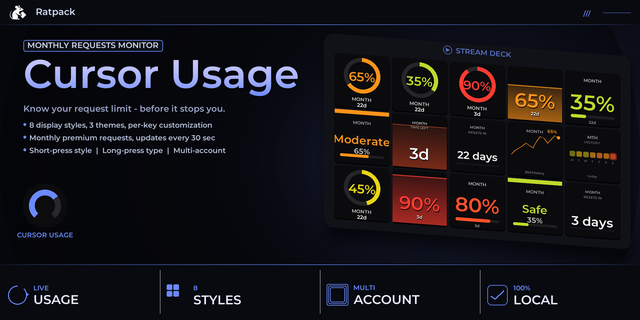
  • Cursor Usage
    Cursor Usage app icon

    Cursor Usage

    by PackRat 🐀

    ∙

    Business

    Track your Cursor Pro monthly request usage live on your Stream Deck, with 8 display styles, color alerts, and multi-acc...

    $5.99

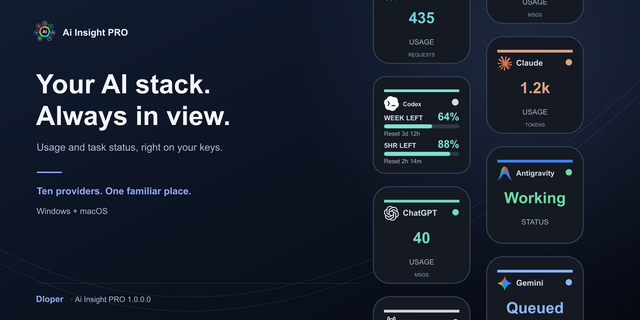
  • Ai Insight PRO
    Ai Insight PRO app icon

    Ai Insight PRO

    by Dloper

    ∙

    Business

    Ai Insight PRO Keep your AI stack visible on your Stream Deck. A Dloper plugin for macOS and Windows. TEN AIS, INDEPENDE...

    $8.99

  • DeckBridge for DaVinci Resolve
    DeckBridge for DaVinci Resolve app icon

    DeckBridge for DaVinci Resolve

    Every DaVinci Resolve command on your Stream Deck - live. DeckBridge is a native plugin, not a profile pack: keys light ...

    $54.99

  • Grok Usage
    Grok Usage app icon

    Grok Usage

    by PackRat 🐀

    ∙

    Business

    Grok Usage monitor for Stream Deck. Tracks rate limits for Grok 3, Grok 4 Heavy, Reasoning, and DeepSearch with live res...

    $4.99

  • MiniMax Usage Deck
    MiniMax Usage Deck app icon

    MiniMax Usage Deck

    Track every MiniMax account side by side on your Stream Deck - each styled its own way - plus 8 key types, 6 key faces, ...

    $2.99