Productivity
DeckCal
by Phil Ewels
Overview
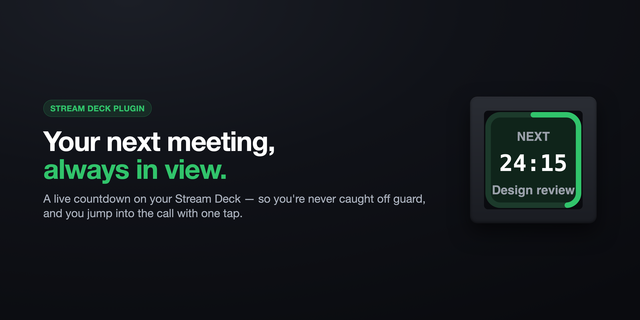
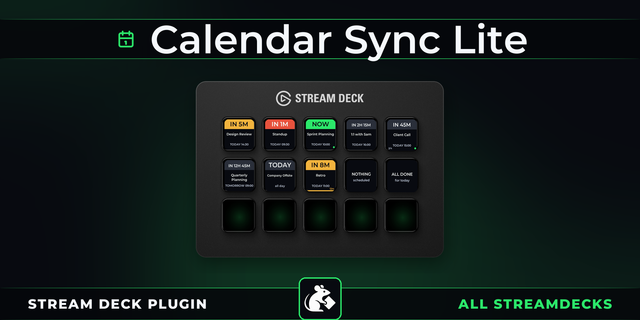
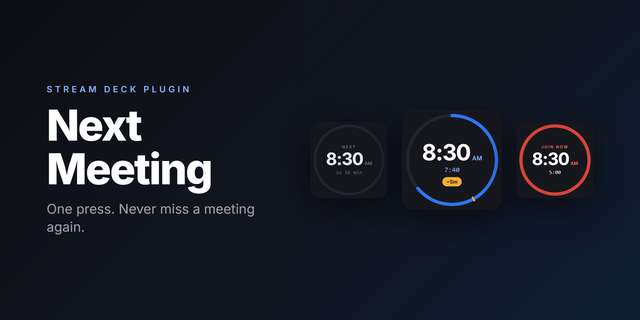
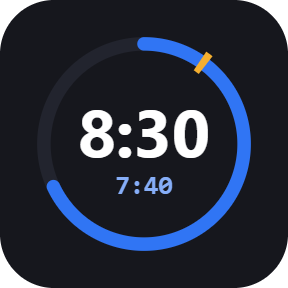
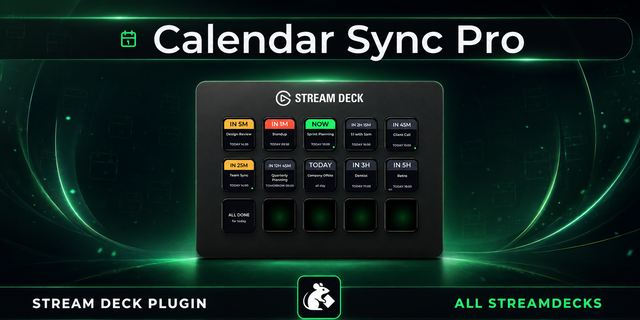
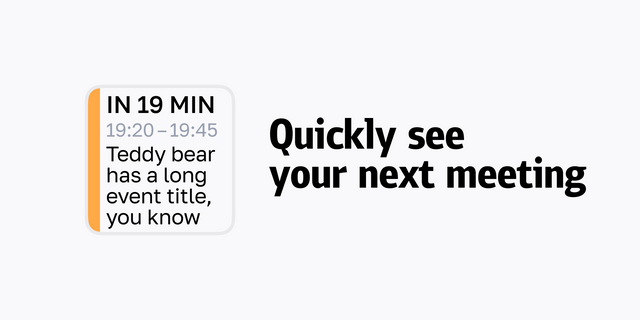
DeckCal turns a Stream Deck key into a live countdown to your next Google Calendar meeting. A small blue bar counts down to the meeting, and a large multi-key yellow fill slowly covers adjacent keys over the last few minutes. Give it more than one key and those fills span the whole group as a single band, turning a row of keys into one countdown bar you can read from across the room. If that's not attention-grabbing enough, it flashes NOW when the meeting starts.
Two actions. Meeting countdown carries the text and the bars, and follows the meeting you are in, the next one, or whichever matters most. Meeting alert is bars only, for widening the band.
Short press joins the call in Google Meet, Zoom or Microsoft Teams, in your browser or an app you choose. Long press opens the first attached document.
The key flashes as a meeting starts, until you press it or it times out.
Out of office and focus time show as a coloured footer band, so the next real meeting stays visible behind them.
Sign in to more than one Google account and tick which calendars each key follows.
Read only access. Your calendar data and sign in tokens stay on your computer.
Requirements: Stream Deck 7.1 or later, macOS 12 or Windows 10 and above, and a Google account. Free, no subscription.
First release on the Elgato Marketplace.
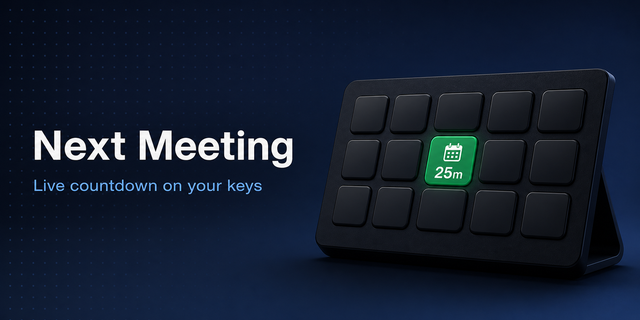
DeckCal turns a Stream Deck key into a live countdown to your next Google Calendar meeting, and turns a row of keys into one countdown bar.
Two actions. Meeting countdown carries the countdown text and the progress bars, following the meeting you are in, the next one, or whichever matters most. Meeting alert shows the same bars with no text, blank until a meeting is close.
The tile updates every second: a blue bar closing the gap to the next meeting, a yellow fill over the last 5 minutes before it starts, and a green fill tracking elapsed time once it is under way.
Multi-key sweep. Put DeckCal keys next to each other and the yellow and green fills span the whole group as a single band, so the countdown can be as big as you want it.
The key flashes yellow as a meeting starts, until you press it or it times out on its own.
Short press joins the meeting in Google Meet, Zoom or Microsoft Teams, in your browser or in an app of your choosing. Long press opens the first attached document.
Sign in to one or more Google accounts and tick which calendars each key follows. A Refresh now button picks up a calendar change straight away, rather than waiting for the next check.
Out of office and focus time appear as a coloured footer band, so the next real meeting stays visible behind them.
Read only calendar access. Your calendar data and sign in tokens stay on your computer.
Version 1.1
Sep 16, 2026
Details
Type
Productivity
OS
Mac
Windows
Compatibility
Stream Deck 7.1 or later
Size
3.16 MB
Version
1.1
Language
English
Support
Profiles
No
Dial support
No
Additional links
You might also like