Audio
Deckify
by MARTIN.G
Overview
Deckify brings fast, focused Spotify control to your Stream Deck.
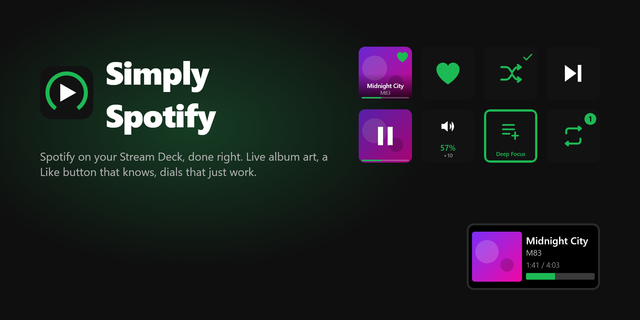
Control playback, volume, Like, Now Playing and playlists directly from your keys — with a guided setup experience and ready-made layouts that get you started in minutes.
Choose between DECKIFY Recommended or SIMPLE, then customize the layout however you like in Stream Deck.
Features
Play / Pause, Previous and Next
Now Playing with live track information
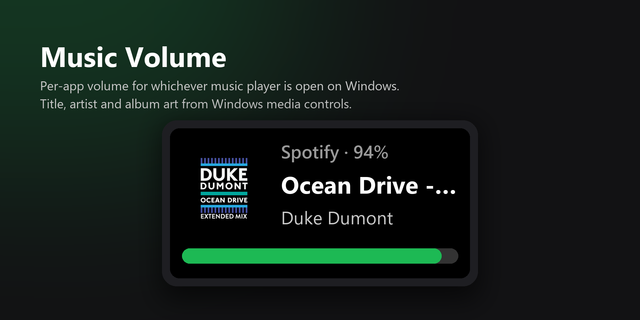
Volume Up, Volume Down and Mute
Like / Unlike tracks
Play playlists and add the current track to a playlist
Guided Spotify setup
Ready-made, editable Stream Deck profiles
Secure local authentication using Spotify OAuth with PKCE
No Client Secret required
Requirements
Windows 10 or later
Stream Deck 7.1 or later
Spotify Premium
A free Spotify Developer account and your own Client ID
Install → Connect → Choose → Play.
Deckify is an independent project and is not affiliated with or endorsed by Spotify or Elgato.
Deckify 1.0 is the first public release.
Spotify playback controls: Play / Pause, Previous and Next
Now Playing with live track information
Volume Up, Volume Down and Mute
Like / Unlike using Spotify's official states
Play playlists and add the current track to a playlist
Guided Spotify setup with PKCE authentication
Ready-made DECKIFY and SIMPLE Stream Deck profiles
Secure local session storage
Windows 10+ support
Install → Connect → Choose → Play.
Version 1
Oct 10, 2026
Details
Type
Audio
Music
Utilities
OS
Windows
Compatibility
Stream Deck 7.1 or later
Size
309.73 KB
Version
1
Language
English
Support
Dial support
No
Neo Infobar support
No
Profiles
Yes
You might also like