Utilities
DeckSmith - Control Profile for ChatGPT Work
by DeckSmith
Overview
Missed the Codex Micro? You don't need it.
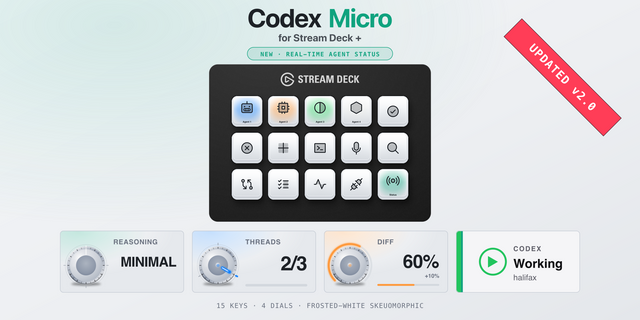
OpenAI's Codex Micro sold out in under a day, with no restock promised. This Stream Deck profile delivers the same core control on hardware you already own, with more shortcuts, four fully mapped dials and no waiting list.
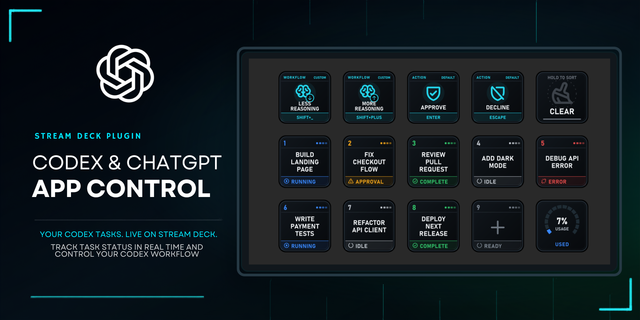
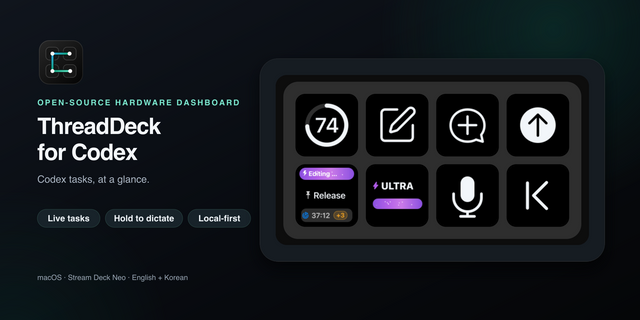
Approve or decline requests with dedicated keys, clearing the approval queue at a glance instead of chasing down dialogues. Toggle Plan Mode, start a new chat, or fork the current thread without breaking your flow. Press the voice key to start a call, hold it to mute your microphone, hold again to unmute.
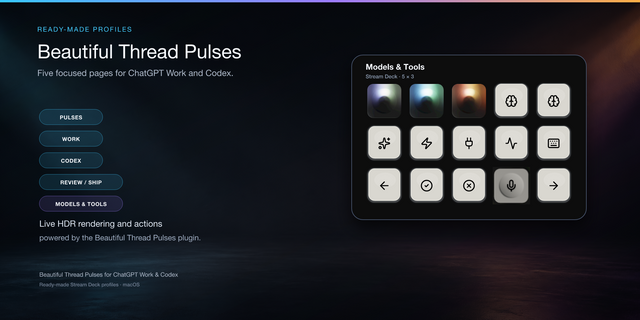
Switch models quick.
Open the Models folder, then hit the model you want. Each model gets its own dedicated key, with a nested Effort folder covering Light through Ultra. It replaces the usual picker, arrow-key and confirmation routine with something faster, cleaner and built for muscle memory.
Two more pages run the rest of your working day.
Find, pin, rename and archive conversations. Set a goal, copy a thread as Markdown, toggle Fast mode and check your usage. Attach files, point a task at a local workspace, dictate, and open a side chat or the browser.
All four dials earn their place.
Scroll long responses, move backwards and forwards through history, adjust reasoning effort, and jump between chats. Press to toggle the sidebar, find in the current chat, cycle effort levels or open the command menu.
Built for a US/ANSI keyboard layout.
Includes 43 matching black and white icons and a complete shortcut reference, so every action is easy to verify, customise or rebind.
Before you buy
Eleven of the commands this profile uses ship unassigned in ChatGPT. An included keybindings file sets them all in one step, but those keys do nothing until you do. Version 1.1 also drops the local-coding controls 1.0 carried, including Terminal and the review and bottom panels.
Compatibility and updates
The model and effort controls drive ChatGPT's composer menu, currently the only method the app exposes, so they may need updating when OpenAI changes its model line-up. Everything else uses direct keyboard shortcuts and should remain stable.
Requires Stream Deck 7.5 or later on macOS. Tested with the ChatGPT macOS app build 26.727.51351 on 2 August 2026. Stream Deck does not auto-update profiles, so future versions need installing manually.
Not affiliated with or endorsed by OpenAI.
Your conversations, models and tools, right at your fingertips. New in V1.8:
One-press model keys for GPT-6 Astra, GPT-6.1 Sol, GPT-6 Sol, GPT-6 Luna and GPT-5.6 Terra.
Model selection rebuilt for the new ChatGPT model picker. Tested with ChatGPT for macOS 26.930.31428.
Refreshed artwork, clearer labels.
Settings and Toggle Sidebar keys on the third page.
Single-tap dictation: press once to start, again to finish.
Updated setup guide, 12-shortcut reference and AI setup prompt. Upgrading from V1.7? Add one new shortcut, for Single-tap dictation.
Optional icons in two colour variants, as PNG and SVG.
For Stream Deck+ on macOS with a US ANSI keyboard layout and the current ChatGPT desktop app. Built-in Stream Deck actions; no helper app or extra plugin.
Model keys depend on your account's model-list order and may need adjusting after app updates. Check SETUP before use. Don't use the model or Picker keys while an approval request is showing: they press Escape, which declines it.
Version 1.8
Oct 7, 2026
Details
Type
Utilities
Device
Stream Deck +
OS
macOS
Compatibility
Stream Deck 7.1 or later
Size
451.36 KB
Version
1.8
Support
Icons
Yes
AI Content
Yes
Dial support
Yes
You might also like