Music
DeckTunes
by Sebastian R.
Overview
DeckTunes gives you seamless control over your music playback directly from your Stream Deck. It integrates with Apple Music and Spotify on macOS and Windows, allowing you to control playback, view the currently playing track, and quickly switch back to your music app without interrupting your workflow.
The plugin continuously monitors the active music player and updates button visuals in real time without launching applications unintentionally. Album artwork and track information are refreshed automatically while music is playing, ensuring your Stream Deck always reflects what’s currently playing.
Available Actions
Now Playing
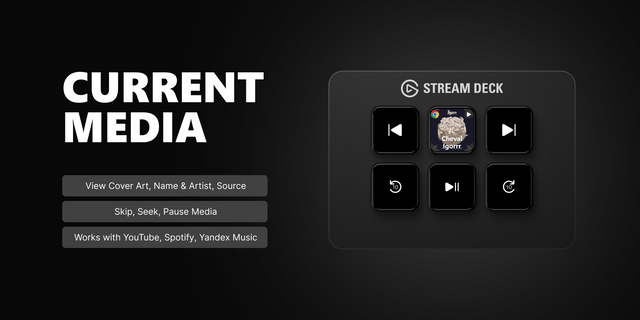
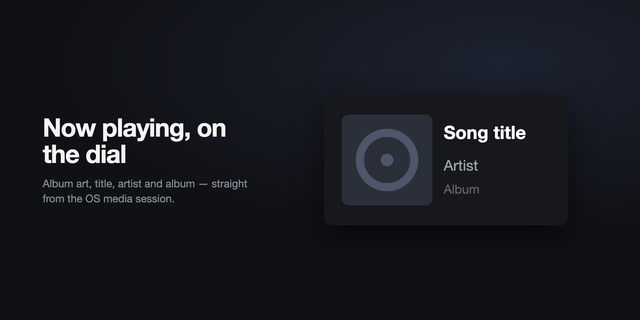
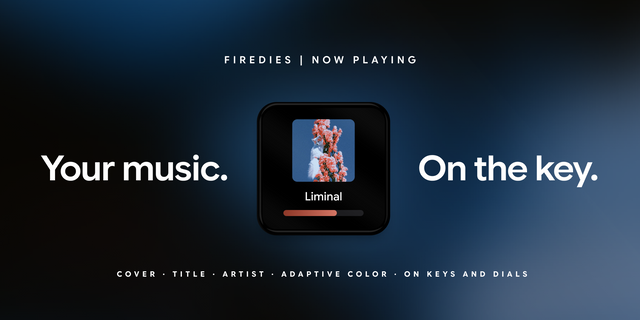
Displays the currently playing track including album artwork and a scrolling title showing song name, artist, and album. Artwork updates automatically when tracks change.
Play / Pause
Toggles playback for the active music player. The button icon dynamically switches between play and pause states based on the current playback status.
Next Track
Skips to the next track in the active music player.
Previous Track
Returns to the previous track.
Stop
Stops playback in Apple Music or pauses playback in Spotify (since Spotify does not support a true stop command).
Open Player
Brings the currently active music player to the foreground without launching it if it is not already running.
How It Works
DeckTunes detects which supported music app is currently running and uses that as the active player. Apple Music is prioritized when both apps are running. The plugin never launches apps automatically during status checks, ensuring that background monitoring does not interfere with your system.
Artwork and playback state are updated via lightweight background polling optimized for responsiveness without unnecessary system load.
Key Features
Real-time album artwork display
Automatic detection of active player
Dynamic Play/Pause button states
Smooth scrolling track titles
Apple Music and Spotify support
No unintended app launches
Optimized for macOS and Windows Stream Deck workflows
DeckTunes 1.1.0.0 — Dial Controls
DeckTunes now includes three dial actions for compatible Stream Deck devices:
Now Playing: View album art, track, artist, and playback progress. Turn to seek and press to play or pause.
Output Volume: Turn to adjust system volume and press to mute or unmute.
Track Controls: Turn for previous or next track and press to play or pause.
A long dial press won’t trigger a music command, so it can be used to switch dial widgets on the Corsair GALLEON 100 SD. This release also shares Now Playing data with the Neo Infobar and improves targeted playback controls on Windows.
Version 1.1
Sep 25, 2026
Details
Type
Music
OS
Mac
Windows
Compatibility
Stream Deck 7.6 or later
Size
527.04 KB
Version
1.1
Language
English
Support
Profiles
No
Dial support
Yes
Neo Infobar support
Yes
You might also like