Audio
DeskPilot
by Dloper
Overview
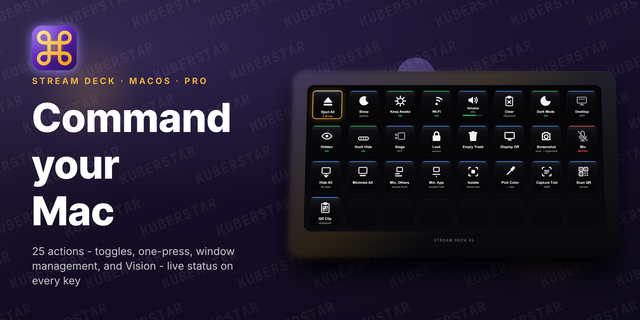
DeskPilot brings Windows controls, audio switching and live system monitoring to your Stream Deck. Build a desktop control panel with 29 actions, each ready to configure from its own settings panel.
WINDOWS AT YOUR FINGERTIPS
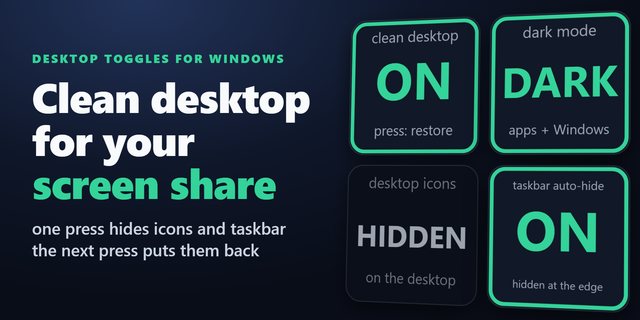
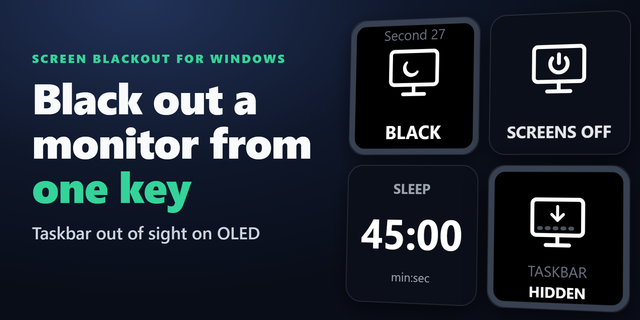
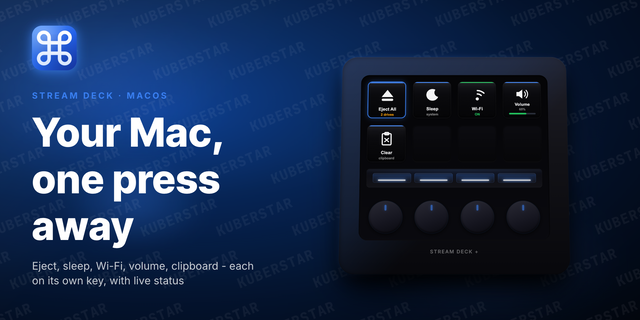
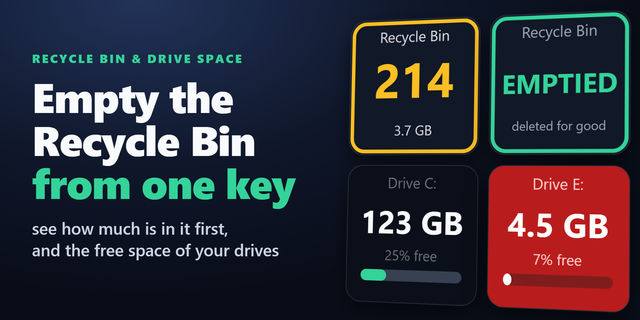
Sleep or lock your PC, turn off the display, clear the clipboard and eject removable drives. Toggle Keep Awake, Dark Mode, desktop icons, hidden files and taskbar auto-hide. Control Wi-Fi, mute your microphone and hold to empty the Recycle Bin.
MAKE ROOM TO WORK
Minimize windows, isolate the foreground app or reveal the desktop without reaching for another keyboard shortcut.
CAPTURE WHAT YOU NEED
Take screenshots, pick a screen colour as HEX, RGB or HSL, recognize text from a selected region, or copy the content of a QR code or barcode. Choose a screen region or a clipboard image for barcode scanning.
SEE YOUR PC'S ACTIVITY
Give separate keys to CPU, memory, disk and network monitoring. Track a selected running app, view GPU load or dedicated video-memory use, and read CPU package wattage where a supported power sensor is available. Sensor and metric availability depends on the PC, Windows permissions and drivers; CPU package power is not whole-system electricity use.
PUT AUDIO WITHIN REACH
Control the default output volume, including rotation and press-to-mute on Stream Deck + dials. Set a default audio device or toggle between two configured devices with Audio Switcher. Applications with their own audio-device settings may not follow the Windows default.
Add multiple instances of the same action with different settings to create a layout that fits your setup.
Requires Windows 10 version 1903 or later or Windows 11 on an x64 PC, plus Stream Deck 7.6 or later. The release includes its .NET runtime. CPU power sensors and per-app network tracing require administrator rights. App disk activity measures process I/O, not exclusively physical-disk traffic. Night Light compatibility varies with Windows builds. OCR uses installed Windows recognition languages. Some protected content cannot be captured.
DeskPilot 2.0.1.0
- Fixed Audio Switcher's device selector so available Windows audio devices appear in settings.
- Added clear loading, empty-list, and timeout messages when refreshing devices.
- Fixed native helper startup from Stream Deck and improved startup diagnostics.
- Improved Live Wattage sensor detection and fallbacks for supported CPUs.
- Rebuilt the installer with a compact, Windows-compatible archive layout.
Version 2.0.1
Oct 6, 2026
You might also like