Development
DevDeck
by Dloper
Overview
DevDeck is the ultimate mission control for developers. It turns your Stream Deck into a powerful control surface for macOS, bringing essential developer tools, deployment monitoring, local environment controls, and script automation to your fingertips—without switching apps or terminals.
DevDeck includes 13 actions:
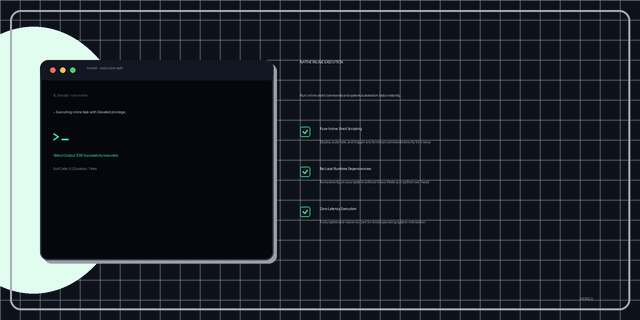
• Local Environment: Run shell scripts with optional Terminal log viewer, quickly open project folders in your favorite IDEs (VS Code, IntelliJ, Xcode, Cursor), and securely toggle /etc/hosts file entries.
• Docker & Containers: Toggle specific Docker containers start/stop states, execute Docker Compose Up/Down for projects, and effortlessly clear your system with Docker Prune.
• Ports & Networking: Monitor TCP ports and kill stuck listeners with a long press, ping hosts or APIs for latency, and spin up Cloudflare or ngrok tunnels with a single click.
• Deployments & CI/CD: Monitor the status of your GitHub Actions workflows, Vercel deployments, and Netlify site builds live on your keys.
• Cache Management: Quickly clear NPM, Yarn, Composer, or macOS DNS caches with a simple hold.
Drag and drop actions directly to your Stream Deck. Settings save automatically, keys display live color-coded states, and API tokens are securely stored in the macOS Keychain for privacy.
Requirements: macOS 13 or later and Stream Deck 6.9 or later. Apple silicon and Intel Macs are supported (Windows is not supported). Certain actions require external tools like Docker, IDEs, cloudflared, ngrok, or Administrator permissions.
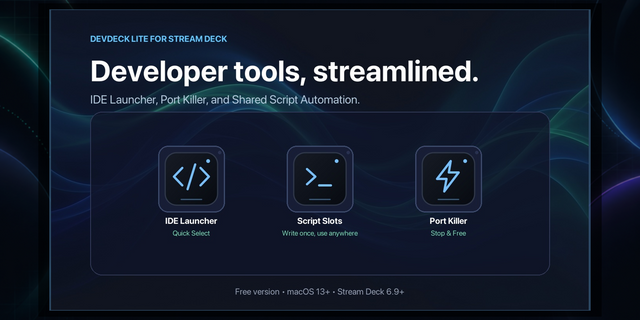
Note: DevDeck Lite is also available, offering a free version with a subset of features including IDE Launcher, Port Killer, and two shared script slots.
DevDeck - Version 1.0.1.0
Adds localization assets for DevDeck and DevDeck Lite (en, de, es, fr, ja, ko, pt, zh_CN) and wires the property inspector to load language JSON at runtime, including translated labels, placeholders, and status messages. Also refreshes the inspector footer styling/content, updates Lite branding icons, bumps plugin/app versions to 1.0.1/1.0.1.0, and aligns build/test scripts with the new versioned output.
Version 1.0.1
Sep 16, 2026
You might also like