Development
DevDeck Lite
by Dloper
Overview
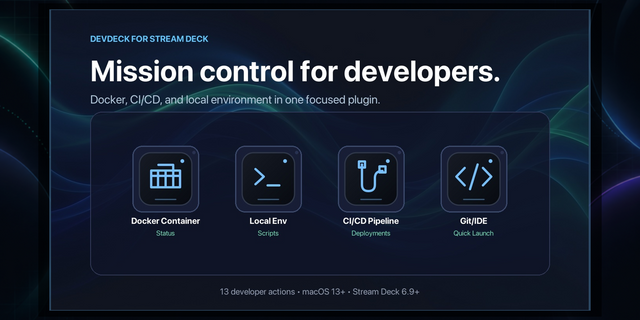
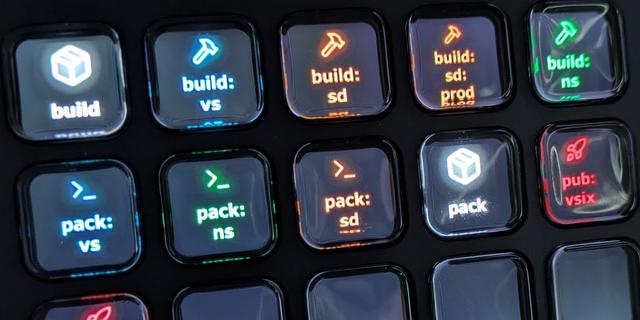
DevDeck Lite brings essential developer shortcuts to your Stream Deck. Run your everyday commands, open projects and free occupied ports without interrupting your workflow.
DevDeck Lite includes three tools across four actions:
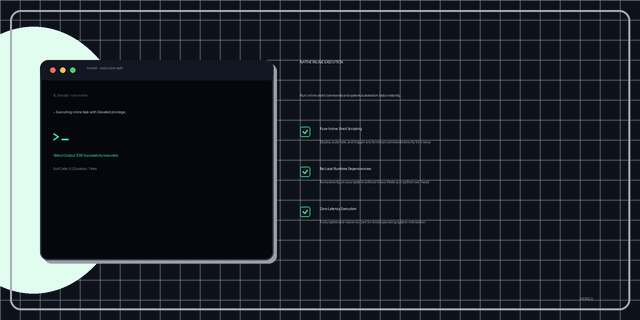
• Two script slots: Configure two shell commands with working folders, timeouts and optional Terminal output. Each slot is shared across all keys and profiles that use it.
• IDE Launcher: Open a project in VS Code, IntelliJ IDEA, Xcode or Cursor. Place multiple launcher keys with different folders and editors.
• Port Killer: See whether a TCP port is active, then hold for 1.2 seconds and release to kill its listeners. Green means active, red means inactive and orange means held.
Drag actions from the right-hand list onto your Stream Deck. Settings save automatically, and Done confirmations clear after two seconds. Commands run locally on your Mac; no Marketplace connection is needed to execute your scripts.
Requires macOS 13+ and Stream Deck 6.9+. Your selected editor and any tools used by your commands must be installed.
Want Docker controls, build and deployment monitors, cache clearing, hosts switching, ping, tunnels and unlimited independent script keys? Get the full version of DevDeck below.
DevDeck Lite - Version 1.0.1.0
Adds localization assets for DevDeck and DevDeck Lite (en, de, es, fr, ja, ko, pt, zh_CN) and wires the property inspector to load language JSON at runtime, including translated labels, placeholders, and status messages. Also refreshes the inspector footer styling/content, updates Lite branding icons, bumps plugin/app versions to 1.0.1/1.0.1.0, and aligns build/test scripts with the new versioned output.
Version 1.0.1
Sep 16, 2026
Details
Type
Development
Monitoring
Utilities
OS
Mac
Compatibility
Stream Deck 6.9 or later
Size
248.05 KB
Version
1.0.1
Language
Chinese
English
French
German
Japanese
Korean
Spanish
Support
Profiles
No
Dial support
No
Additional links
You might also like