Artistic
Develop XL for Lightroom CC
by Enfoke
Overview
Edit in Adobe Lightroom (the cloud app, once Lightroom CC) with real dials on Stream Deck + XL for macOS and Windows. Not for Lightroom Classic. 36 keys and six dials lay out a whole edit phase. Works with Lightroom in any language; keys and strip in English, German, French or Spanish, picked automatically.
What it does
Seven phases as tabs: Framing, Light, Color, Effects, Detail, Masking, Output.
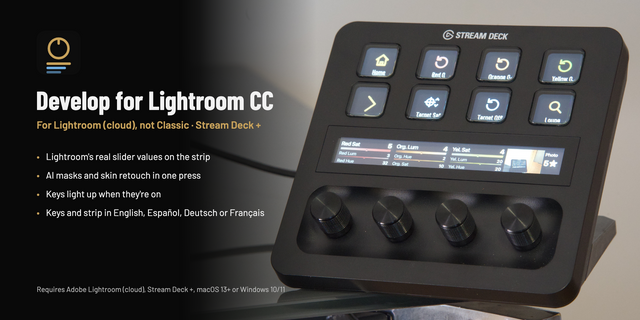
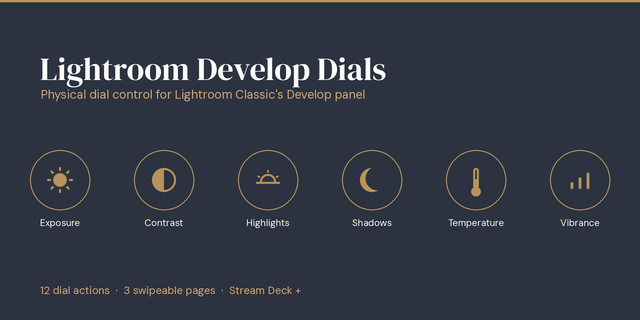
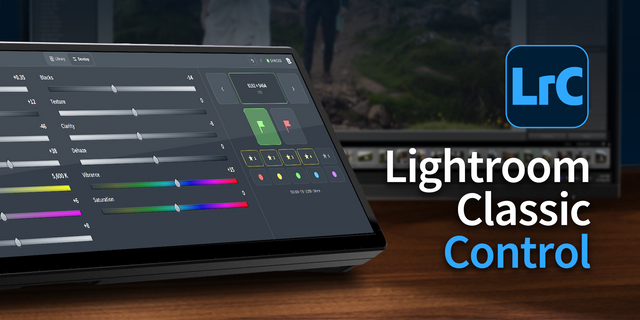
Dials that read Lightroom: the strip shows the slider's own number (kelvin on raws). Up to three sliders per dial. Turn to adjust, press and turn to fine-tune, press to reset, tap the strip to switch.
AI masks in one press: subject, sky, background, objects, landscape, people, sliders on five dials.
Portrait: Lightroom's adaptive presets (skin, eyes, teeth, brows, hair…) in one press, mask ready.
The deck follows you: pick crop, masking or remove and it jumps to that tab.
Keys light up when they're on: crop, ratio, B&W, HDR, clipping, stars.
Photo dial: the edited photo, its stars and flag on the strip. Build your own pages from 33 actions. A few keys use Lightroom's shortcut.
Requirements
Stream Deck + XL, macOS 13+ or Windows 10/11. For Stream Deck +, get Develop for Lightroom CC instead.
Adobe Lightroom (cloud) from Creative Cloud or the Mac App Store, with Enable external controllers on in Interface preferences (restart Lightroom after). Click Pair once.
Adobe and Lightroom are trademarks of Adobe Inc. Not affiliated with or endorsed by Adobe.
New key icons, your language, and minor fixes.
New key icons, redrawn to read at a glance. A key that is on turns into a solid plate of its color, so on and off are easy to tell apart.
Your language: English, Spanish, German or French on the keys, the tabs, the touch strip and the settings. The plugin picks it by itself (the language Lightroom uses, otherwise your computer's) and switches on the fly. To choose one yourself, open the settings of any key › Language.
A new Enfoke · Develop XL profile, with the new icons and in your language.
Already using the plugin? The profiles you have keep working as before. To get the new one, which keeps the same name: in the Stream Deck app, delete Enfoke · Develop XL, open the settings of any of the plugin's keys (or drag one of its actions onto a free key) and press Enfoke · Develop XL: the Stream Deck app offers to install it.
Minor fixes and improvements.
Version 1.2
Oct 26, 2026
Details
Type
Artistic
Productivity
OS
Mac
Windows
Compatibility
Stream Deck 6.9 or later
Size
8.61 MB
Version
1.2
Language
English
French
German
Spanish
Support
Neo Infobar support
No
Profiles
Yes
Dial support
Yes
Additional links
You might also like