Productivity
DevelopDeck
Overview
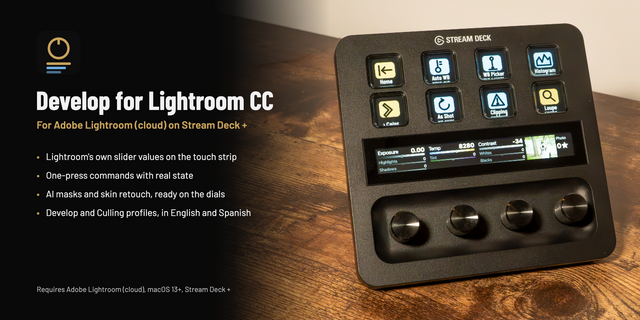
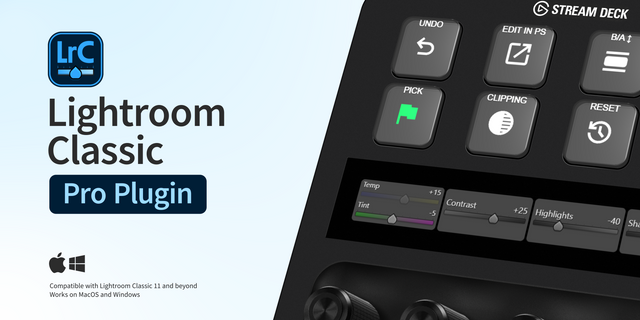
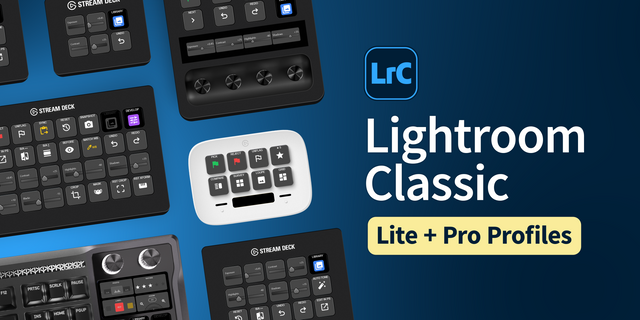
Edit in Lightroom Classic with real sliders under your fingers. DevelopDeck puts every develop slider on the Stream Deck + dials with its live value on the touch strip, and turns the keys into a culling console that lights up with each photo's rating, flag and color label.
Stream Deck + dials
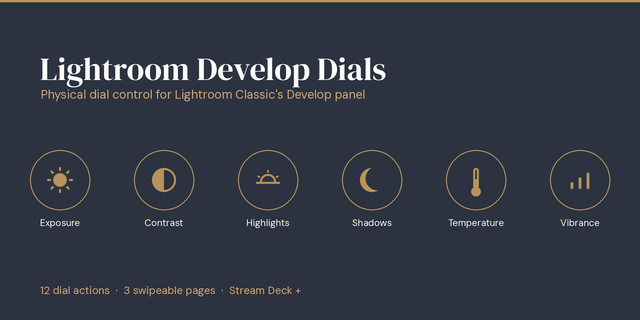
Develop Slider: Exposure, Contrast, Highlights, Shadows, Whites, Blacks, Temp, Tint, Texture, Clarity, Dehaze, Vibrance, Saturation, sharpening, noise, vignette, grain and the full HSL color mixer
Rotate to adjust, press to reset, tap to switch slider; values update even when you edit with the mouse
Rating Dial and Photo Navigator for fast culling
Keys
Rating, flag and color label with live state
Next / previous photo, modules and views (Before/After, Loupe, Grid...)
One-press AI masks: Subject, Sky, Background, People, Objects
Crop, Remove, Red Eye, Masking tools
Auto, Auto White Balance, Black & White, Reset All
Apply your develop presets, copy/paste settings, virtual copies
Compatibility
Lightroom Classic 12 or later on Windows 10/11, Stream Deck 6.9 or later. The small Lightroom connector installs itself; restart Lightroom Classic once. Keys work on every Stream Deck; dial actions need a Stream Deck +. English and French.
Cull and edit your next shoot without reaching for the mouse: add DevelopDeck to your Stream Deck.
Lightroom is a trademark of Adobe. DevelopDeck is independent, not affiliated with or endorsed by Adobe.
Fixed: the connection with Lightroom Classic could stay stuck for several minutes after Lightroom started, so keys and dials did nothing. DevelopDeck now detects a stalled link and reconnects automatically within seconds.
Version 1.0.4
Oct 6, 2026
Details
Type
Productivity
OS
Windows
Compatibility
Stream Deck 6.9 or later
Size
365.37 KB
Version
1.0.4
Language
English
French
Support
Profiles
No
Neo Infobar support
No
Dial support
Yes
You might also like