Audio
Device & Plugin Loader for Ableton
Overview
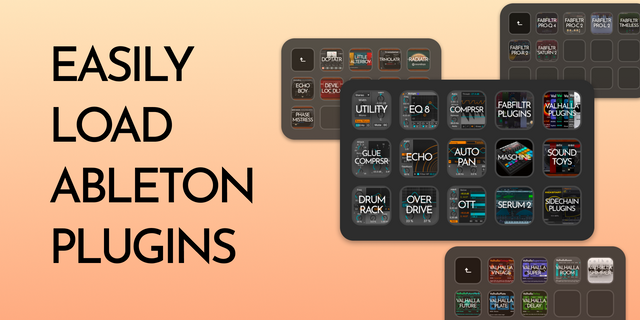
Instantly load any User Rack, Ableton device, or third-party plugin onto your active track with a single button press — no menus, no mouse. Only lists the devices that you own.
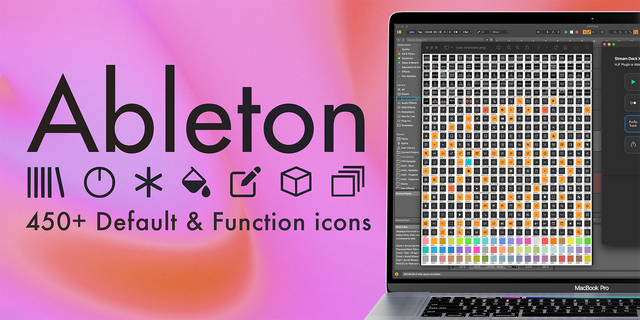
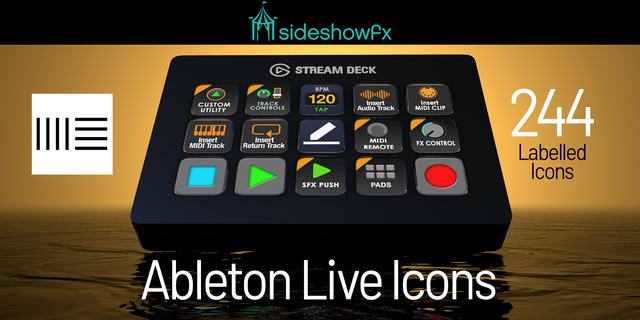
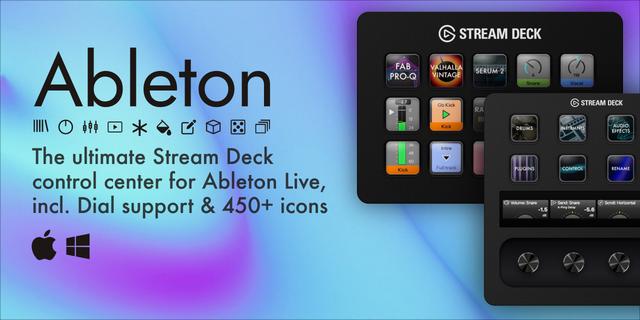
400+ bundled device icons, including:
User Racks · Instruments · Audio Effects · MIDI Effects · Max for Live · VST · VST3 · AU (macOS)
FabFilter, Mercurial Tones, Devious Machines, SIR Audio Tools, Voxengo, Output, Serum, Synchro Arts, Image-Line, and 40+ more
Manufacturer folder icons for major vendors — organize your Stream Deck layout by brand
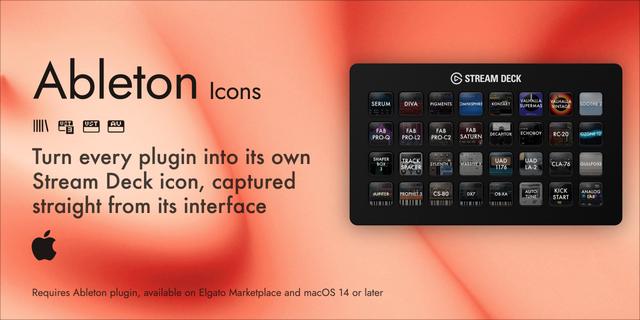
Automatically displays each device's icon on the button — or keep your own custom image
Devices can include multiple icon styles — choose your preferred version per button
Drop your own PNGs to extend the library at any time, no code changes needed
Browse and configure from the property inspector:
Search your entire plugin library without leaving Stream Deck — only shows what you own
Each button saves its own device — just press to load
Requirements: Ableton Live 12 (Live 11 should work but is unverified)
Setup:
Install the plugin from the Stream Deck Marketplace
Copy the AbletonDeviceLoader folder from the installed plugin directory to your Ableton User Library > Remote Scripts folder
Find your User Library path in Ableton: Preferences > Library > User Library
Default Windows: Documents\Ableton\User Library\Remote Scripts\
Default macOS: ~/Music/Ableton/User Library/Remote Scripts/
In Ableton: Preferences > Link, Tempo & MIDI > add AbletonDeviceLoader as a Control Surface
Restart Ableton
Drag the Load Device action onto any Stream Deck key and configure it
Free updates for life.
Note: Ableton must be running for the plugin to work.
Interested in having your products featured in the icon library? Get in touch: contact@cemeterysoulsmusic.com
All product names, logos, and brand assets are the property of their respective owners and are used for identification purposes only. This plugin is not affiliated with or endorsed by any of the companies referenced.
Initial Release
Version 1
Jul 21, 2026
Details
Type
Audio
Music
Productivity
OS
Mac
Windows
Compatibility
Stream Deck 7.1 or later
Size
66.15 MB
Version
1
Language
English
Support
Dial support
No
Profiles
No
Additional links
You might also like