Productivity
Dial Countdown
Overview
⚠️ This plugin is replaced by Dial It Countdown.
This version (4.5.0) is the final release and gets no more updates. It continues to work.
To get new features and fixes, install "Dial It Countdown" from the Marketplace. Your buttons and presets do not move across automatically: add the new actions and enter your presets again.
Added:
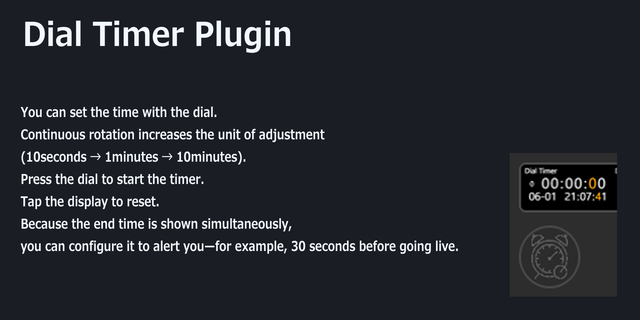
• You can now see that it is ringing. The dial draws a bell in the middle of its ring, and a key says ringing on its one line — a key cannot have the bell, because the middle of a key is where its clock is drawn. It is there for as long as the sound is, and gone the moment the sound is, whether you silenced it or it ran out on its own. The bell outranks whatever the clock itself is doing, and that is the whole point of it. On 40m, 10m, 10m the forty runs out, its alarm starts, and the first ten starts counting in the same breath — so the timer is running, and until now the screen showed you a running timer and nothing else. It was true and it was no use: the thing to know is that there is a noise and that a press will take it away.
Fixed:
• A frame is now compared against what is actually being drawn, rather than against a hand-written list of the things a frame was thought to depend on. Nothing failed when that list fell behind: the screen simply stopped being able to change for whichever field had been left out. The bell above would have been the next one caught by it — a sounding alert changes nothing else about a frame, so at a step boundary the clock behind it reads the same second and the frame is judged identical and dropped. The list is gone rather than extended, because a list can go stale and the picture cannot.
Version 4.2
Sep 22, 2026
You might also like