Productivity
Dial Down
Overview
Make time visible!
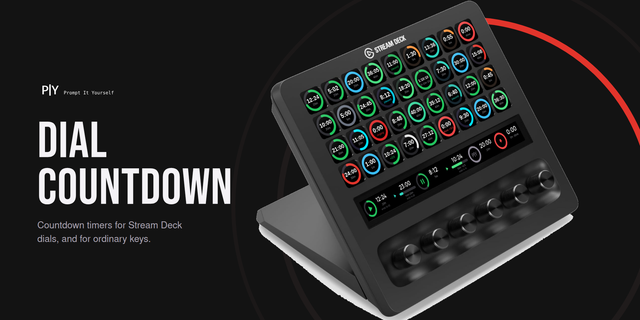
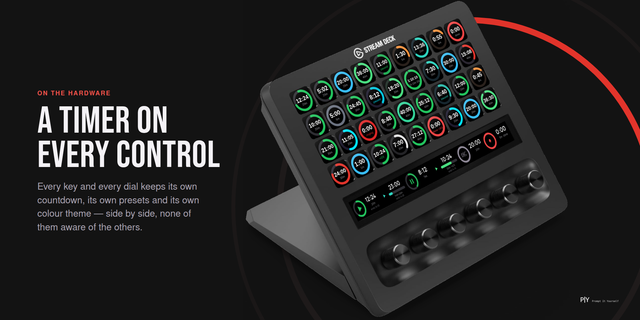
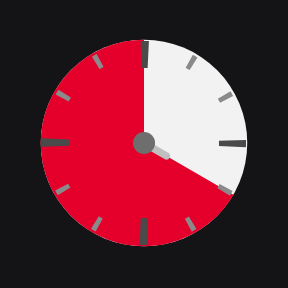
A visual countdown for one Stream Deck+ dial. A coloured wedge covers the time remaining on a 60-minute face and drains away as it counts, so you read how much is left as an area rather than as digits. Turn the dial to set it, press to start or pause, hold to rewind. A running timer keeps an absolute deadline, so it survives your machine sleeping and the Stream Deck app restarting.
First release!
- A (up to) 60-minute face on the touchscreen. A wedge covers the time you have left and drains away as the countdown runs, so you can read what remains without reading a number.
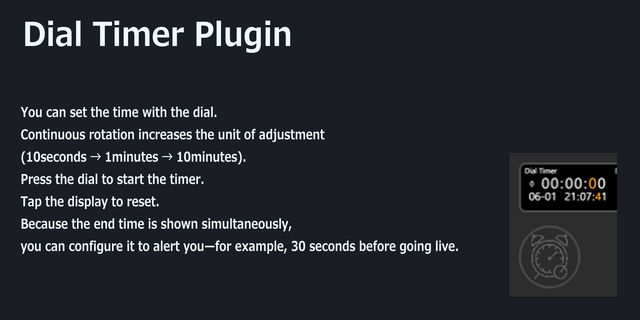
- Turn the dial to set the time. Turning left adds, a quick spin moves in five-minute steps, and turning is ignored while a countdown is running so a knock cannot change it.
- Press to start, press again to pause. Hold the dial to rewind to the time you set.
- The pin at the centre of the face pulses green while the timer runs.
- The countdown keeps an absolute deadline rather than counting ticks, so it survives your machine sleeping and the Stream Deck app restarting.
- Choose the wedge color in the action's settings.
Requires a Stream Deck + and uses one dial and the touchscreen.
Version 1
Aug 19, 2026
Details
Type
Productivity
OS
Mac
Windows
Compatibility
Stream Deck 7.1 or later
Size
45.77 KB
Version
1
Language
English
Support
Profiles
No
Dial support
Yes
Additional links
You might also like