Monitoring

EasyBluetooth plugin

Overview

EasyBluetooth plugin displays Bluetooth device battery information from the EasyBluetooth Data API directly on Stream Deck keys. Each key can be assigned to a different device and can show its name, battery level, charging status, sleeping state, or unavailable status.

To use the plugin, run EasyBluetooth on Windows, enable its local Data API, add the Battery Level action to a Stream Deck key, and select a detected device. The plugin reads the device status automatically, and pressing the key requests an immediate update from the Data API. Optional API token authentication is supported.

The key appearance can be customized with a standard percentage display or battery ring, automatic or custom battery colors, transparent or card backgrounds, custom fonts, font sizes, and text positions. Device names can also be renamed independently for each key.

The interface supports English and Simplified Chinese and automatically follows the language selected in the Stream Deck application.

Requirements: Windows 10 or later, Stream Deck 6.9 or later, and EasyBluetooth running with its Data API enabled.

Initial Marketplace release of EasyBluetooth plugin.

- Display EasyBluetooth device names and battery levels on Stream Deck keys.

- Supports the EasyBluetooth local Data API with optional API token authentication.

- Supports multiple devices and independent device selection per key.

- Includes standard battery display and battery ring styles.

- Supports automatic or custom battery colors, transparent background, custom fonts, and positioning.

- Supports English and Chinese user interfaces.

- Clicking the key refreshes the displayed battery status.

EasyBluetooth must be running with its Data API enabled.

Version 1.0.11

Aug 13, 2026

Details

Type

Monitoring

OS

Windows

Compatibility

Stream Deck 6.9 or later

Size

527.14 KB

Version

1.0.11

Language

Chinese

English

Support

Profiles

No

Dial support

No

You might also like

  • Bluetooth Buddy
    Bluetooth Buddy app icon

    Bluetooth Buddy

    by FlowKits

    ∙

    Monitoring

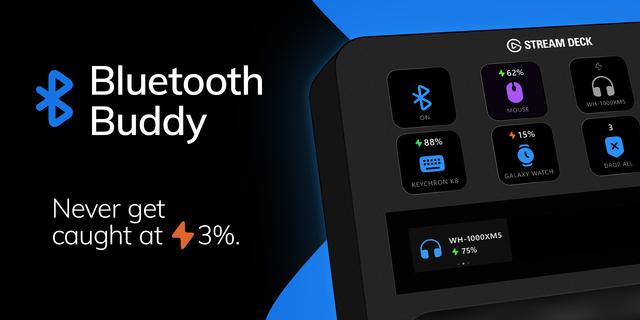
    🎧 Bluetooth Buddy: your headphones, mouse, and controller on one key each, with battery level visible. Windows buries B...

    Free

  • HyperX Battery
    HyperX Battery app icon

    HyperX Battery

    by NightfurY

    ∙

    Monitoring

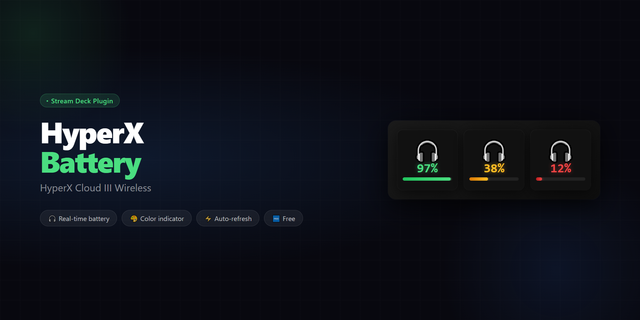
    Displays the real-time battery level of your HyperX Cloud III Wireless headset directly on your Stream Deck key. COMPATI...

    Free

  • Batterius
    Batterius app icon

    Batterius

    by @slavikus

    ∙

    Monitoring

    Batterius by @slavikus is a plugin that displays battery levels of connected Bluetooth devices as well as internal batte...

    Free

  • HyperXBattery
    HyperXBattery app icon

    HyperXBattery

    by AlexAdiaconitei

    ∙

    Monitoring

    Lightweight plugin for showing your HyperX Cloud Flight headset battery on your Stream Deck. Main actions: Battery statu...

    Free

  • Wireless Device Manager
    Wireless Device Manager app icon

    Wireless Device Manager

    by PackRat 🐀

    ∙

    Utilities

    See what one wireless device is doing without opening Windows Settings or a vendor app. Wireless Device Manager Lite giv...

    Free

  • Wireless Device Manager Pro
    Wireless Device Manager Pro app icon

    Wireless Device Manager Pro

    by PackRat 🐀

    ∙

    Utilities

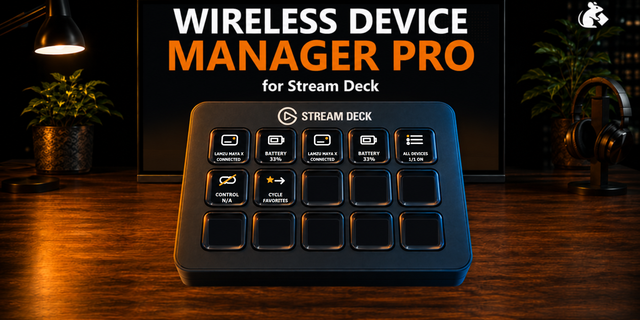
    Turn Stream Deck into a wireless device dashboard for Windows. Wireless Device Manager Pro combines Bluetooth device sta...

    $7.99

  • GameBuds Battery
    GameBuds Battery app icon

    GameBuds Battery

    by AInine

    ∙

    Monitoring

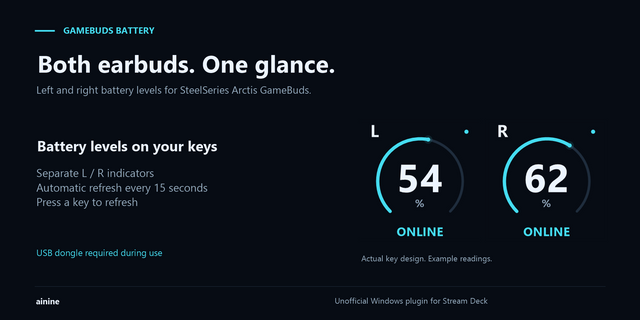
    See the left and right battery levels of your SteelSeries Arctis GameBuds on separate Stream Deck keys. Large percentage...

    $600.00

  • Dygma Battery
    Dygma Battery app icon

    Dygma Battery

    by Eminence

    ∙

    Monitoring

    Shows left/right wireless battery levels from a Dygma Neuron on a Stream Deck key. Verified on Defy; Raise 2 and Sonsei ...

    Free