Monitoring
EDGE / DOT
by ABE
Overview
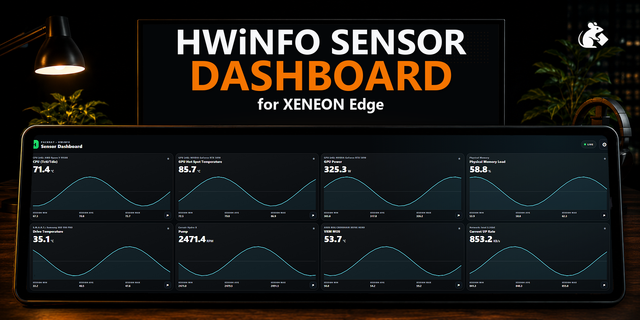
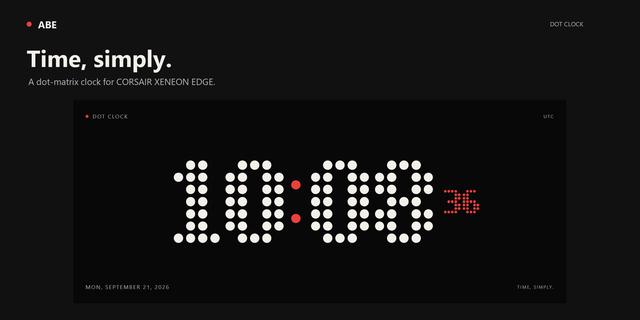
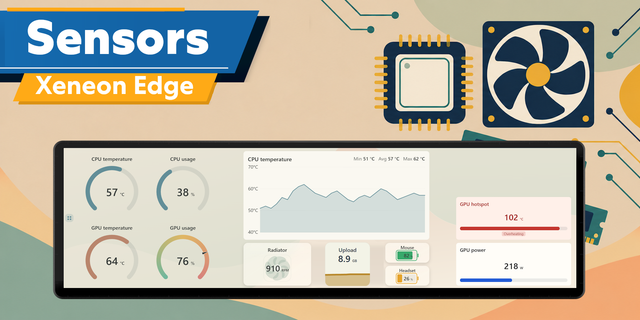
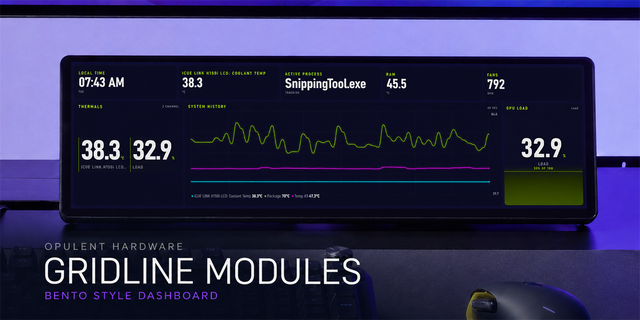
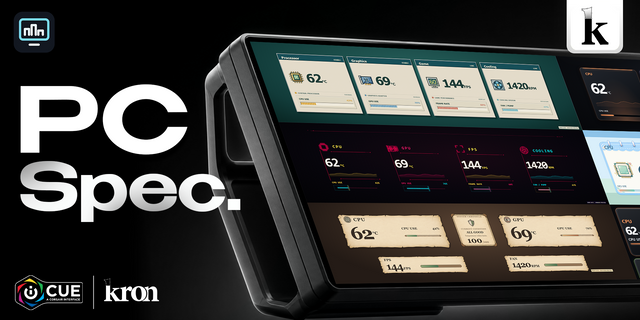
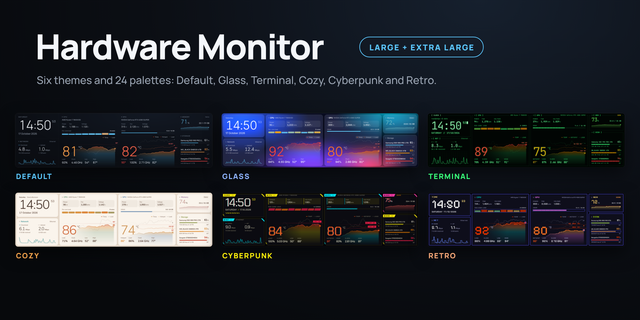
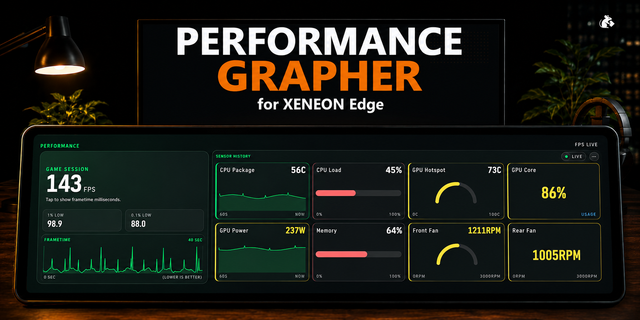
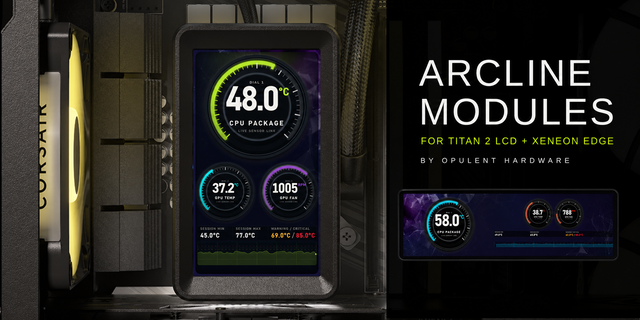
EDGE / DOT brings PC telemetry to CORSAIR XENEON EDGE with a dot-matrix FPS display, customizable hardware cards, and rolling history graphs. Track available iCUE sensors, set display warnings, and arrange your readings using the touch editor.
Personalize colors, background images or videos, temperature units, refresh rate, and history length. Add, rename, reorder, and color up to 64 sensor cards, displayed four at a time. Missing readings show unavailable or stale states.
Native iCUE sensors and FPS work without a companion. Optional RTSS FPS and HWiNFO Gadget sensors require the separately installed EDGE / DOT companion, Node.js 20+, and the relevant telemetry application. FPS availability depends on game capture and the selected provider.
Requires Windows, iCUE 5.47 or later, and CORSAIR XENEON EDGE. Supports horizontal and vertical S, M, L, and XL layouts. English interface.
The EDGE / DOT Companion is much lighter in the background: it only reads RTSS and HWiNFO while the widget is asking for data, and stops 10 seconds after the widget goes away.
The widget keeps one connection to the companion open instead of reconnecting every second.
Existing layouts, sensors and settings carry over unchanged.
Version 1.0.7
Oct 30, 2026
Details
Type
Monitoring
Utilities
Device
XENEON EDGE
OS
Windows
Size
325.9 KB
Version
1.0.7
Language
English
Support
Dashboard Sizes
Extra large
Large
Medium
Small
Recommended Orientation
Horizontal
Vertical
Interactive
Yes
Additional links
You might also like