Streaming
Edit Deck for Final Cut Pro — Stream Deck MK.2
by panda studio
Overview
A Final Cut Pro editing deck for Stream Deck on Mac: 66 commands laid out by editing stage, so each key sits where your hand expects it.
FOR STREAM DECK MK.2 (15 keys)
• Home: play, blade, in, out, append, insert, connect, overwrite, marker, undo, redo
• Trim & Tools: select/trim/position/range/blade tools, trim start/end, extend edit, ripple and gap delete, lift, snapping
• Audio & Marks: expand/detach audio, solo, clip on/off, volume ±1 dB, compound clip, markers, full screen
• Color & FX: balance and match color, color inspector, scopes, transition, title, lower third, paste/remove effects, transform, crop
• Speed & Export: retime, hold, freeze frame, normal speed, render, import, share, timeline zoom, next/previous edit
SETUP
Double-click the .streamDeckProfile file to import it, then click into Final Cut Pro and press a key. Nothing to bind: the keys send Final Cut Pro's default shortcuts.
DETAILS
• A matching icon on every key, one stroke style
• Stream Deck MK.2 (15 keys), macOS only. US keyboard layout recommended
• Default shortcuts, checked against Apple's Final Cut Pro 12.3 shortcut list
MORE MAC DECKS FOR STREAM DECK MK.2
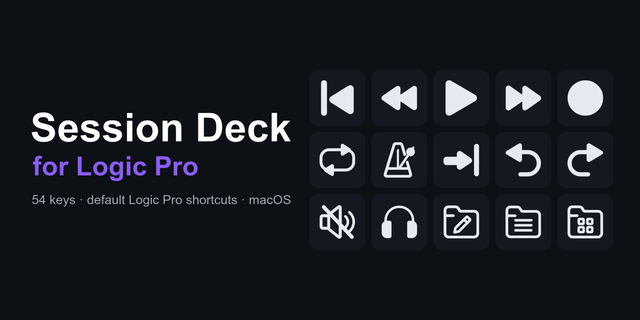
• Session Deck: 45 music-production commands
• Build Deck: 57 coding commands
• Content Creator Editing Deck — MK.2 (macOS): 15 keys for any editor
Free: Essentials Deck for Mac (Free), 28 Mac shortcuts.
Final Cut Pro, Logic Pro, Xcode and Mac are trademarks of Apple Inc. Not affiliated with or endorsed by Apple.
Initial release. Built and exported in the Stream Deck app on macOS.
Version 1
Sep 29, 2026
Details
Type
Streaming
Device
Stream Deck MK
OS
macOS
Compatibility
Stream Deck 7.1 or later
Size
777.92 KB
Version
1
Support
Icons
Yes
AI Content
Yes
You might also like