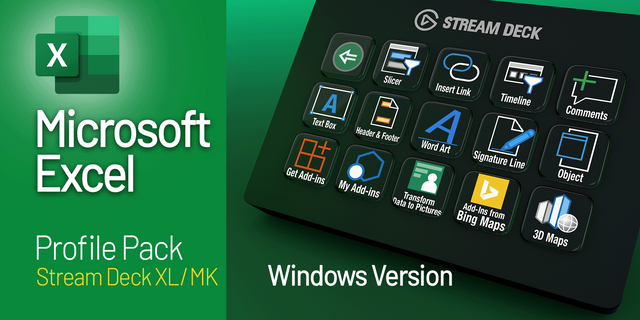
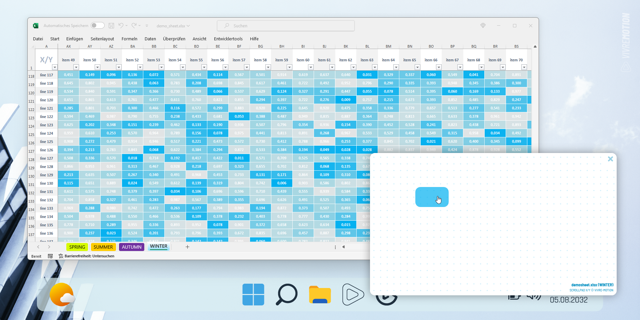
Excel Essentials Profile Pack
Overview
Work faster. Analyze smarter. Stay in flow.
The Microsoft Excel Essentials Stream Deck profile puts your most-used Excel actions one tap away—so you can focus on analysis, not menus. Whether you’re cleaning data, building models, or reviewing spreadsheets, this profile streamlines everyday Excel work with intuitive, clearly labeled keys.
Perfect for analysts, designers, PMs, and anyone who lives in spreadsheets.
🚀 Key Features
One‑tap formatting
Currency, percentages, number formatting
Bold, italics, borders, fill color
Data tools
Sort & filter
Freeze panes
Text to Columns
Formula & editing shortcuts
Insert functions
AutoSum
Fill down / fill right
Navigation
Jump between sheets
Select row / column
Go to top or bottom of data
Review & cleanup
Remove duplicates
Find & replace
Toggle gridlines
📦 What’s Included
Fully configured Stream Deck XL profile
Clean, readable keys (titles on by default, can be turned off in 'Style' settings
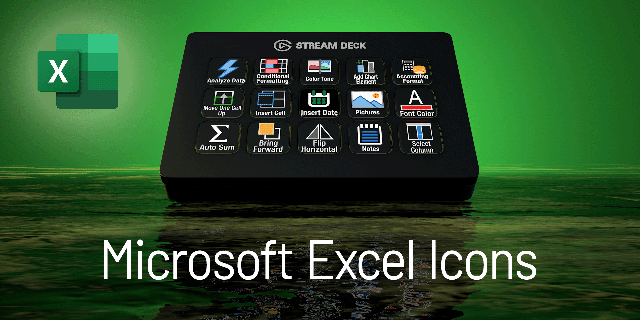
Excel‑inspired iconography
Organized layout designed to minimize hand movement and context switching
💡 Ideal For
Data analysts & business analysts
Designers and PMs working with tables and tracking sheets
Finance, ops, and marketing professionals
Anyone who wants faster, less frustrating Excel workflows
🔧 Customizable
Every key can be:
Remapped to your preferred shortcut
Relabeled or reordered
Extended with multi-actions (e.g., format + autosize + freeze panes)
Make it yours in minutes.
🧭 Why Use a Stream Deck with Excel?
Excel is powerful—but too many everyday actions are buried in ribbons and right‑click menus. This profile brings your most common tasks to your fingertips, reducing clicks, speeding up workflows, and helping you stay focused on the work that matters.
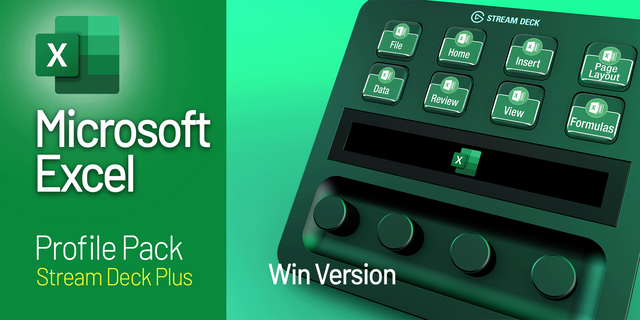
Streamdeck 15 key and Streamdeck dial profiles added.
Version 2
Mar 30, 2026
Details
Device
Stream Deck +
Stream Deck MK
Stream Deck XL
OS
Windows
Size
1.05 MB
Version
2
Support
Icons
Yes
You might also like