Gaming
Farming Simulator 22 Stream Deck Profile + Icons
by StreamSpell
Overview
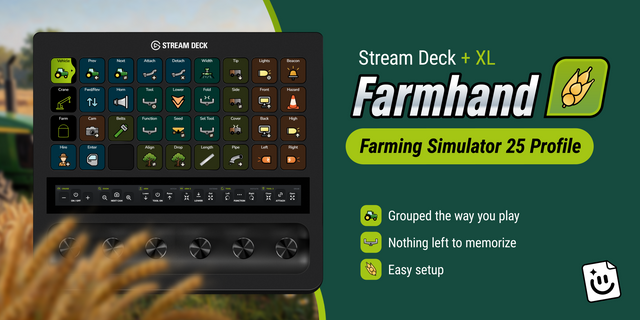
Keep 35 Farming Simulator 22 keyboard actions at your fingertips with seven device-specific Windows Stream Deck profiles and a matching category-color icon pack.
What's included
Farm: shop, game menu, map, object use, jump, multiplayer chat and previous, next or toggle radio controls.
Vehicles: enter or exit, camera and zoom, unload, attach or detach a tool, switch vehicles, activate an AI worker, lift or lower a tool, change control group, refill and cruise control.
Build: open build mode, change item color with N or M, and cancel the current build action.
Menus: select, confirm, cancel, reset, access further actions and move through menu items in all four directions.
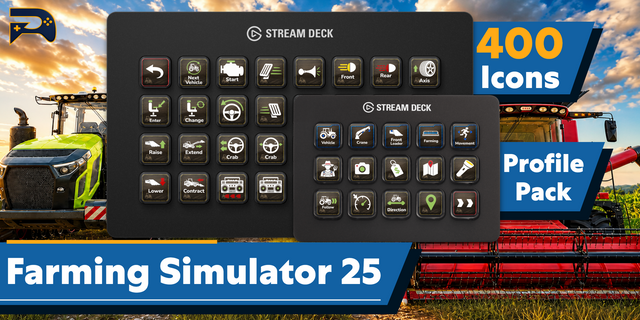
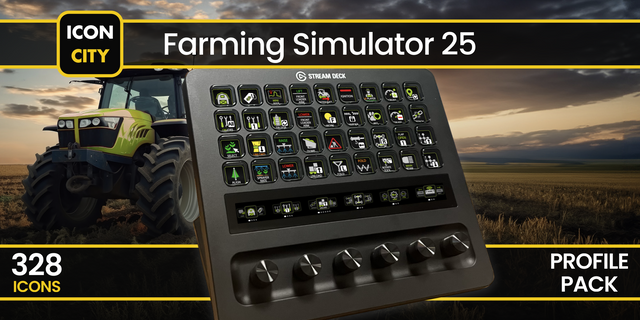
Matching artwork: an installable Stream Deck Icon Pack and 2436 matching icons, in all category colors on dark backgrounds.
Key map: an English CSV listing each action, shortcut, behavior and game context.
Easy to navigate
Four category folders keep every command in its place. Each category shares one accent color across its folder and command keys. The smaller devices use additional pages so the full set stays accessible.
Compatible devices
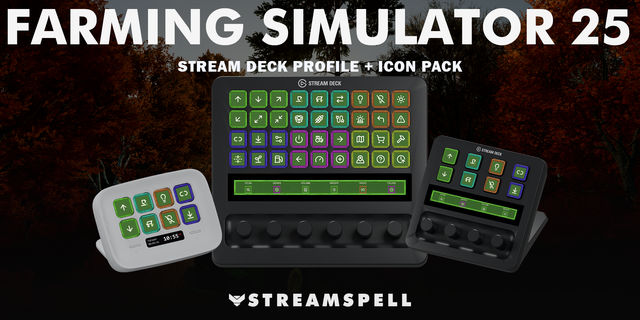
Stream Deck Mini, Neo, MK2, +, +XL, XL and Galleon 100 SD on Windows.
Requirements and setup
Requires Farming Simulator 22 for Windows, Stream Deck software and the default PC keyboard controls. Vehicle, build and menu shortcuts work in their relevant game contexts. If you have remapped a command in game, match it to the profile shortcut.
Independent StreamSpell product. Not affiliated with, endorsed by or sponsored by GIANTS Software. Game names and trademarks belong to their respective owners.
Dial controls
Stream Deck +: Zoom Camera (Page Down)/Zoom Camera (Page Up), Previous Radio Channel/Next Radio Channel, system volume, Stream Deck brightness. Stream Deck +XL: Zoom Camera (Page Down)/Zoom Camera (Page Up), Previous Radio Channel/Next Radio Channel, system volume, Stream Deck brightness, Previous Menu/Next Menu, Navigate Menu Left/Navigate Menu Right. Galleon 100 SD: Zoom Camera (Page Down)/Zoom Camera (Page Up), Previous Radio Channel/Next Radio Channel, system volume, Stream Deck brightness. Rotation sends a short tap for each step; press/touch are not assigned to game commands. Alternative touch strip backgrounds are included.
Updated current-device previews and matching touch strips. Added dial controls using existing source-matched shortcuts, plus system volume/Stream Deck brightness. Existing commands and navigation retained. Alternative strip backgrounds included.
Version 1.1
Oct 22, 2026
Details
Type
Gaming
Device
GALLEON 100 SD
Stream Deck +
Stream Deck Mini
Stream Deck MK
Stream Deck Neo
Stream Deck XL
Stream Deck + XL
OS
Windows
Compatibility
Stream Deck 7.1 or later
Size
53.87 MB
Version
1.1
Support
Icons
Yes
Dial support
Yes
Additional links
You might also like