Gaming
Farming Simulator 25 - Galleon 100 SD Farmhand
by FlowKits
Overview
🚜 Farming Simulator 25 for Corsair Galleon 100 SD, built on the game's own controls.
Farming Simulator 25 has more keybinds than anyone keeps in their head. Y seeds, V lowers, Shift+V folds, and J moves something different on every machine you climb into. Farmhand puts those hotkeys on labeled keys carrying a picture of the thing they move 🚜
--
✅ 38 actions across three pages: Drive, Field, and Farm & On Foot.
✅ Nine keys and four dial screens on every page, tabs along the bottom row.
✅ Easy setup.
--
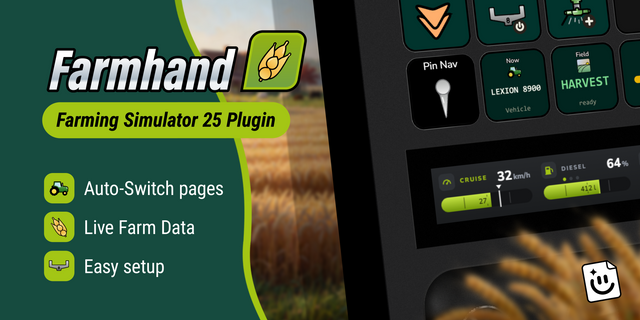
📈 Want live farm data and automated page changing?
This profile is hotkeys only. The Farmhand plugin (Windows only) adds so much more. Live data keys and dials, pages that switch themselves, and worker alerts: 👉 https://marketplace.elgato.com/product/farming-simulator-25-farmhand-plugin-e94ed325-e221-4481-9512-9cdcf842a86c
--
🗂️ One job per page
Twelve keys is enough to give each part of the job its own page.
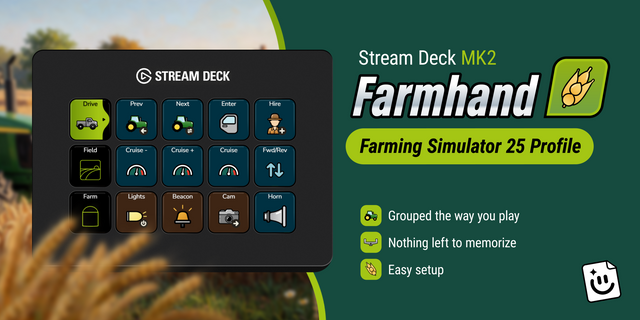
Drive is the cab: swap vehicles, enter and exit, forward and reverse, lights, beacon, hazards, horn.
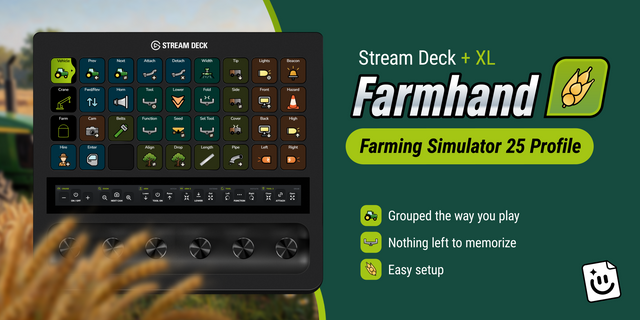
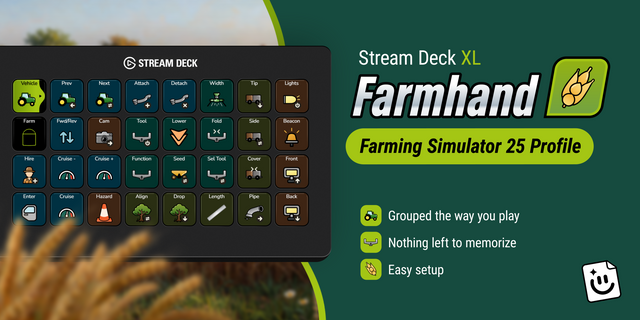
Field is the work: attach, detach, tool on, lower, fold, seed type, tip trailer, and the pipe.
Farm & On Foot is everything you do out of the seat: hand tools, activate, interact, build mode, flashlight, shop, map, menu.
Page tabs run along the bottom row, always visible, active page highlighted. Hire Helper holds the top-left key on all three pages.
--
🎛️ Two dials, four screens
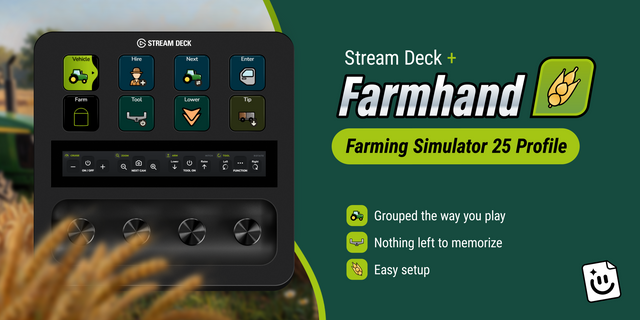
The Galleon gives you two rotary dials driving four LCD screens, and every page fills all four.
Drive gets cruise control, camera zoom, time of day and the radio. Field swaps the last two for the arm and the tool, so the axes you need while working are under your hand. Farm puts vehicle switching on the first screen.
Nudge cruise speed a notch, feather the arm down onto the trailer, zoom out to line up a turn. Things you want by degrees, not by tapping a key until it looks right. Each press does the job that goes with it: cruise on, tool on, camera change.
--
🧠 Nothing left to memorize
J raises a hitch on a tractor, a boom on a loader, a reel on a combine. Same key, three different jobs, and the game never tells you which one you are about to do. Here it is a labeled picture of the thing that moves, so you press what you mean.
--
📦 What's Inside
Three pages: Drive, Field, and Farm & On Foot
Seeding, harvesting, tipping and loader work grouped on Field
Four dial screens per page with custom LCD artwork on every one
Bottom-row page tabs with Hire Helper in the same corner throughout
Hand-drawn icons, drawn for this profile
Color-coded groups and editable labels in any language
Windows and Mac profiles, both included
--
🚀 Easy setup
Extract the .zip
Double-click the profile for your platform to import it
Start Farming Simulator 25
Nothing else to install and no keybinds to change. It uses the game's own default controls, so it works on a fresh install.
--
📥 What's Included
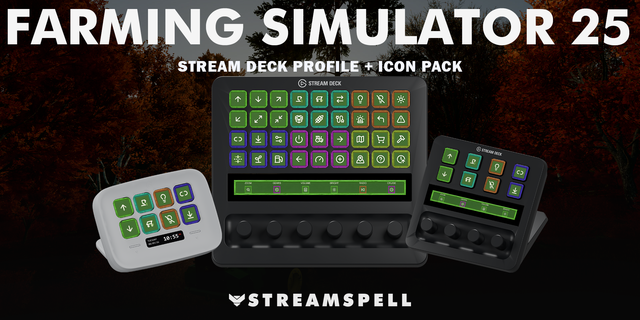
✅ Farming Simulator 25 Stream Deck profile for the Galleon 100 SD, Windows and Mac
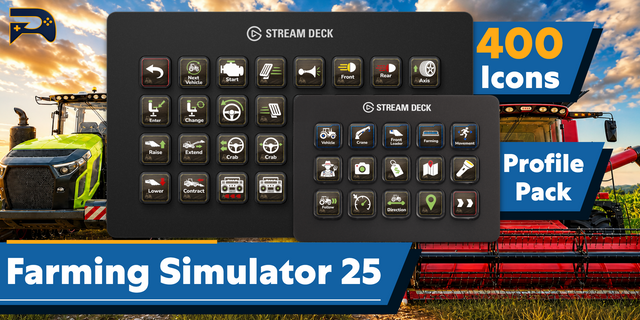
✅ Full FS25 key icon set as PNGs
✅ Online setup guide
--
ℹ️ Good To Know
Each dial covers two of the four screens, and you push and hold to swap between them. That is how the hardware works rather than anything this profile does, and it takes some getting used to.
If you play on a QWERTZ or AZERTY keyboard, Farming Simulator 25 itself ships US bindings and asks you to rebind, so a few keys will want your attention. The setup guide covers it.
--
Disclaimer
This Stream Deck profile is an independent creation, not affiliated with or endorsed by GIANTS Software. Farming Simulator is a trademark of GIANTS Software GmbH, used solely to identify compatibility.
What's New! AZERTY and QWERTZ keyboard support. If you're on a French, Belgian, German, Swiss, or Austrian keyboard, some keys were firing the wrong thing. Attach steered the tractor instead of hitching the trailer. That's fixed. Use the profile in the "Non-US Keyboards" folder inside your download. QWERTY keyboards need nothing new, and neither does Mac. A French customer reported this one, which is the only reason it's fixed - thank you!
A Fill key. For refueling, and for filling seed and fertilizer tanks. It was buried where nobody would find it from inside a cab. It's now on every deck.
One tradeoff. The XL was completely full, so the hazard and indicator lights came off to make room for Fill. The key icons pack in your download has what you need if you'd rather build them back.
Key icons pack updated with the new Fill icon.
Version 1.1
Aug 18, 2026
Details
Type
Gaming
Device
GALLEON 100 SD
OS
macOS
Windows
Compatibility
Stream Deck 7.1 or later
Size
2.12 MB
Version
1.1
Support
Icons
Yes
Additional links
You might also like