Creative Tools
Final Cut Pro for Stream Deck
by SideshowFX
Overview
FINAL CUT PRO — STREAM DECK XL & MK
568 XL COMMANDS • 505 MK COMMANDS • 1,230+ CUSTOM ICONS Mac • Stream Deck XL, MK1 & MK2 • CommandPost Support
🎬 EDIT FASTER. CREATE MORE.
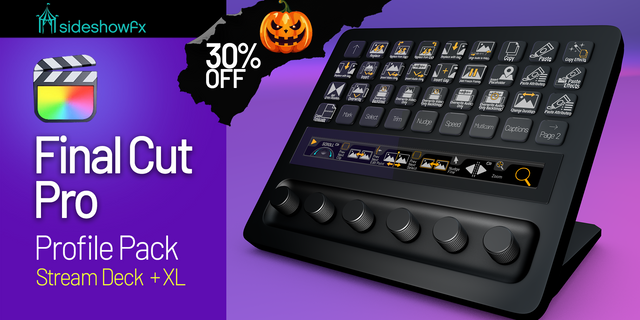
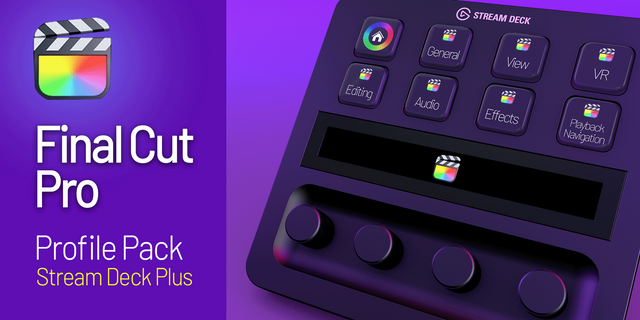
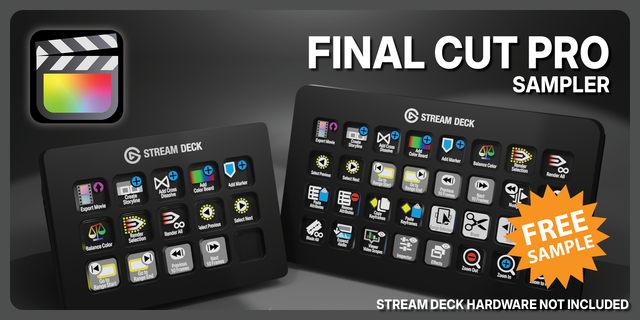
Transform your Stream Deck into a powerful Final Cut Pro editing control surface with the SideshowFX Final Cut Pro Profile Pack. Featuring up to 568 preprogrammed commands and over 1,230 custom-designed icons, this comprehensive collection puts your editing tools and shortcuts directly at your fingertips. Professionally organized by workflow, these ready-made profiles help reduce repetitive clicking, speed up everyday editing tasks and keep you focused on your creative work. Less clicking. Faster editing. More creativity.
⚡ HUNDREDS OF READY-TO-USE COMMANDS
No need to spend hours building your own Stream Deck profiles.
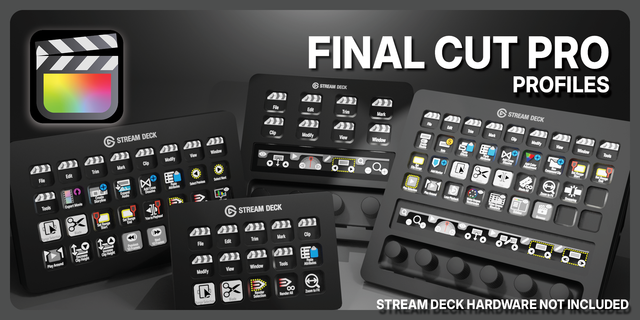
STREAM DECK XL 568 preprogrammed commands.
STREAM DECK MK1 & MK2 (15-KEY) 505 preprogrammed commands.
Commands are organized around your editing workflow, making it easy to access frequently used Final Cut Pro functions. Load the included profiles and get started, or customize them to match your editing style.
🎛️ COMMANDPOST VERSIONS INCLUDED
Take your Final Cut Pro workflow further with dedicated CommandPost-compatible profiles. These versions offer additional flexibility and control:
• Support for different keyboard language layouts • Use your existing custom shortcut keyfile • Control Inspector parameters • Access color controls
Choose the standard profiles or CommandPost versions depending on your workflow and preferred setup.
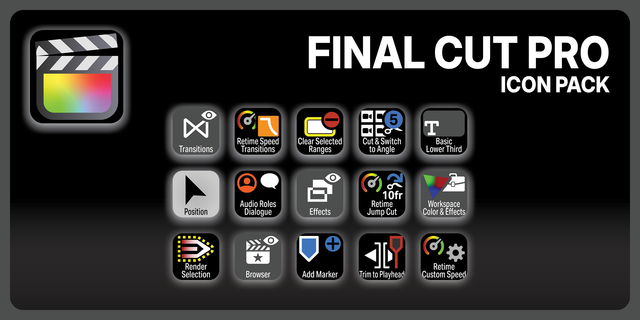
🎨 1,230+ CUSTOM-DESIGNED ICONS
Give your Stream Deck a professional appearance with two extensive icon collections:
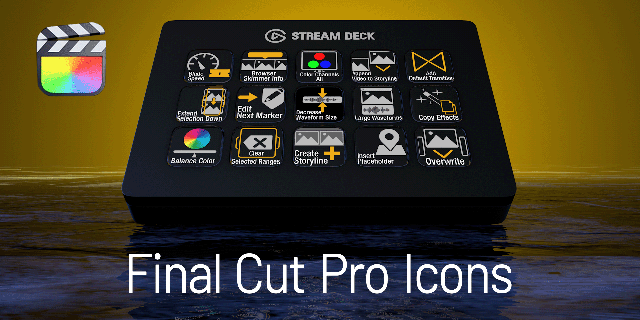
• 630+ labeled icons • 600+ unlabeled icons
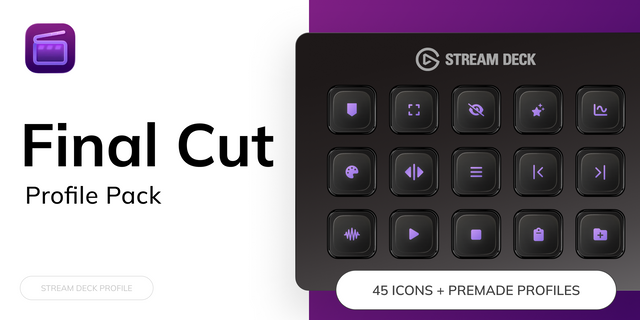
Use labeled icons for easy command recognition or unlabeled versions to build your own personalized layouts. The icon collections can be imported directly into Stream Deck software, making it easy to find and assign icons when customizing your profiles.
🛠️ MAKE THE WORKFLOW YOUR OWN
Start with professionally programmed profiles, then tailor them to your editing needs. Reorganize commands, personalize layouts and create a Stream Deck interface that complements the way you work in Final Cut Pro.
📱 STREAM DECK MOBILE PRO SUPPORT
The non-CommandPost profiles are also compatible with Stream Deck Mobile Pro, giving you another way to access your editing commands. CommandPost versions are not supported on Stream Deck Mobile Pro.
✓ WHAT YOU GET
✓ XL profiles with 568 programmed commands ✓ MK profiles with 505 programmed commands ✓ Standard and CommandPost-compatible versions ✓ 630+ labeled shortcut icons ✓ 600+ unlabeled shortcut icons ✓ Workflow-organized commands ✓ Inspector and color controls via CommandPost ✓ Customization through Stream Deck software ✓ Stream Deck Mobile Pro compatibility (standard profiles only)
📖 PRODUCT GUIDE
View or download the PDF manual: https://www.sideshowfx.net/s/Final-Cut-Pro-Profiles-Stream-Deck-V31.pdf
⚠️ BEFORE YOU BUY
• Designed for Stream Deck XL, MK1 and MK2 (15-key) • Mac only — Final Cut Pro required • Standard profiles require an English QWERTY keyboard layout • CommandPost versions support other keyboard layouts and custom shortcut keyfiles • CommandPost is required for CommandPost-specific functionality • Stream Deck Mobile Pro supports non-CommandPost versions only • Final Cut Pro software is not included
💬 STAY CONNECTED
Mailing List: https://www.sideshowfx.net/mailing-list
Discord Community: https://discord.gg/JuGBTedrXf
SIDESHOWFX — PREMIUM STREAM DECK WORKFLOWS. HANDCRAFTED & ENGINEERED SINCE 2019.
This version has been updated for Final Cut Pro 12 featuring updated shortcuts and a few new commands and icons. German versions no longer supported.
View – Show Horizon Editing – Beat Detection Editing – Beat Detection Grid Playback – Play Rate – Rate +.5 Playback – Play Rate – Rate -.5 General – Image Playground View – Audio Lanes Effects – Adjustment Clip Effects – Magnetic Mask
New Icons:
Vertical_to_Caption.png Retime_Video_Quality.png Play_Rate_-.png Play_Rate_.png Collapse_Expand_Subroles.png Both_Eyes.png Beat_Detection_Grid.png Magnetic_Mask_Editor.png Magnetic_Mask.png Add_Adjustment_Clip.png Image_Playground.png Show_Horizon.png Timeline_Scrolling.png Beat_Detection.png
Version 3.1
Apr 8, 2026
Details
Type
Creative Tools
Video
Device
Stream Deck MK
Stream Deck Mobile
Stream Deck XL
OS
macOS
Compatibility
Stream Deck 7.1 or later
Size
109.72 MB
Version
3.1
Support
Dial support
No
Icons
Yes
Additional links
You might also like