Final Cut Pro Profiles Stream Deck + XL
by SideshowFX
Overview
🎃🎃🎃SAVE 30% UNTIL NOV 1 DURING OUR HALLOWEEN SALE!🎃🎃🎃 ENTER THE DISCOUNT CODE SPOOKY AT CHECKOUT
TAKE HANDS-ON CONTROL OF FINAL CUT PRO 🎬
877 PLUGIN COMMANDS • 36 KEYS • 6 ROTARY DIALS • PRECISION COLOR CONTROL
Stream Deck + XL Only • Mac Only • English Final Cut Pro Required
⚡ EDIT FASTER. GRADE SMARTER. CREATE MORE.
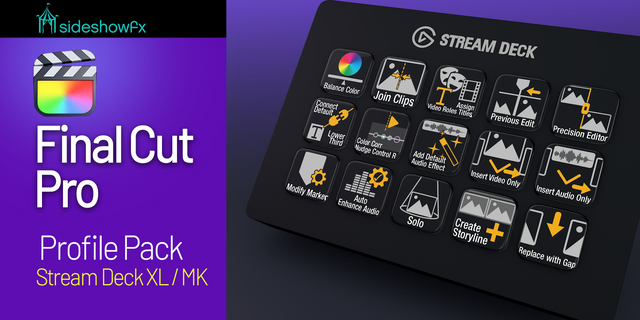
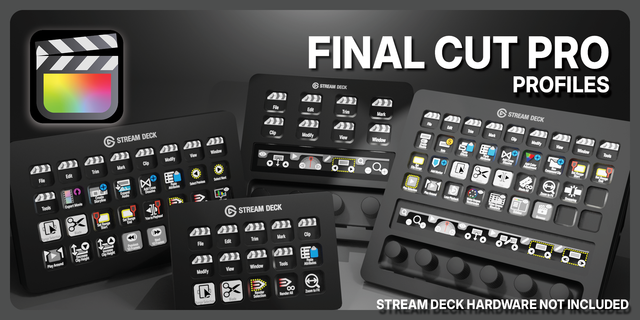
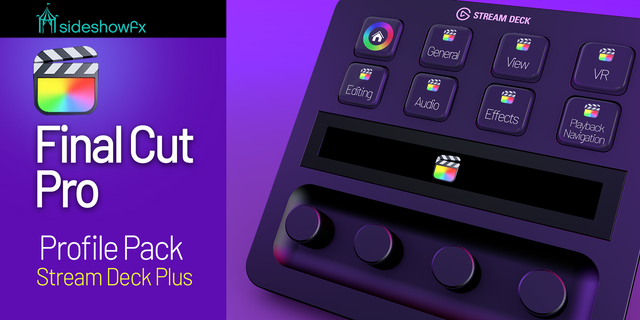
Transform your Stream Deck + XL into a powerful editing and color grading control surface for Final Cut Pro. Powered by our proprietary SideshowFX Final Cut Pro plugin, this pack combines 36 customizable LCD keys with six precision rotary dials for an intuitive, hands-on editing experience. Navigate your timeline, make precision edits and adjust Color Wheels parameters—all without constantly reaching for your mouse. More control. Fewer interruptions. Better creative flow.
🔌 POWERED BY OUR EXCLUSIVE FINAL CUT PRO PLUGIN
This isn't just another collection of keyboard shortcuts. Our proprietary SideshowFX Final Cut Pro plugin provides 877 built-in commands, giving you an extensive range of functions for customizing your workflow. Start with our professionally organized profiles, then personalize them using the plugin's command library. Built for flexibility. Designed for professional workflows.
🎬 EDITING MODULE — 12 PAGES OF CONTROL
Access 12 organized pages featuring frequently used Final Cut Pro editing tools and commands. Use the Stream Deck + XL dials to:
• Navigate and move through your timeline • Nudge clips for precise positioning • Perform trimming adjustments • Access essential editing functions
Keep your most-used commands within easy reach and spend less time navigating menus.
🎨 EFFECTS MODULE — COLOR CONTROL WITH DIALS
Take a more hands-on approach to color grading. Use your Stream Deck + XL rotary dials to adjust Final Cut Pro Color Wheels parameters directly.
HORIZONTAL & VERTICAL CONTROL Adjust parameters across two axes using dedicated dial movements.
DIAGONAL ADJUSTMENTS Combine horizontal and vertical movements for precise diagonal positioning.
CONTROL NAVIGATION Use a third dial to move between Color Wheels controls.
Make intuitive corrections with tactile adjustments instead of relying entirely on mouse movements. Your Color Wheels. Under your fingertips.
🎛️ 36 KEYS. 6 DIALS. ONE CONNECTED WORKFLOW.
The Stream Deck + XL brings together extensive shortcut access and tactile rotary control. Switch between editing and effects workflows, navigate your timeline and make supported adjustments without interrupting your creative process. With customizable layouts and an extensive plugin command library, you can adapt the pack to the way you work.
✓ WHAT YOU GET
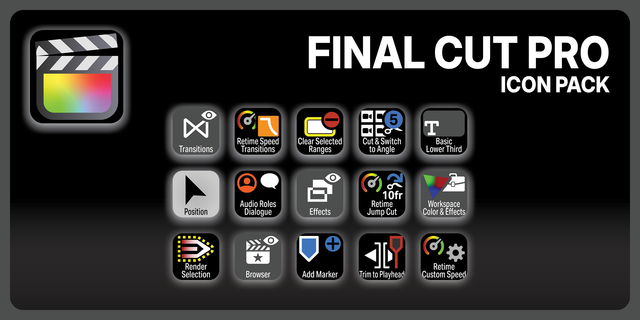
✓ Preprogrammed Stream Deck + XL profiles ✓ Proprietary SideshowFX Final Cut Pro plugin ✓ 877 built-in plugin commands available ✓ Editing Module with 12 pages of commands ✓ Effects Module with Color Wheels controls ✓ Timeline navigation, nudging and trimming ✓ Horizontal, vertical and diagonal color adjustments ✓ Rotary dial navigation between color controls ✓ Customizable keys, dials and profiles ✓ Comprehensive PDF guide
⚠️ BEFORE YOU BUY
• Stream Deck + XL only (36 keys + 6 dials) • Mac only — Windows not supported • English version of Final Cut Pro required • English QWERTY keyboard layout recommended • Many plugin commands work independently of keyboard layout, but some shortcut functions require English QWERTY • Final Cut Pro must be installed separately
PDF GUIDE: https://www.sideshowfx.net/s/Final-Cut-Pro-Profiles-SDXL.pdf
SIDESHOWFX — PREMIUM STREAM DECK WORKFLOWS. HANDCRAFTED & ENGINEERED SINCE 2019.
Updates the plugin to work with FCP inside of Apple Creator Studio
If updating, uninstall the old plugin first by right clicking on any of the FCP plugin tools in the Stream Deck right side panel then double click the 1.2 version of the plugin.
Version 1.2
Jul 20, 2026
Details
Device
Stream Deck + XL
OS
macOS
Compatibility
Stream Deck 7.1 or later
Size
165.89 MB
Version
1.2
Language
English
Support
Icons
Yes
Dial support
Yes
Additional links
You might also like