Audio
FL Studio VSD Profile
by PackRat 🐀
Overview
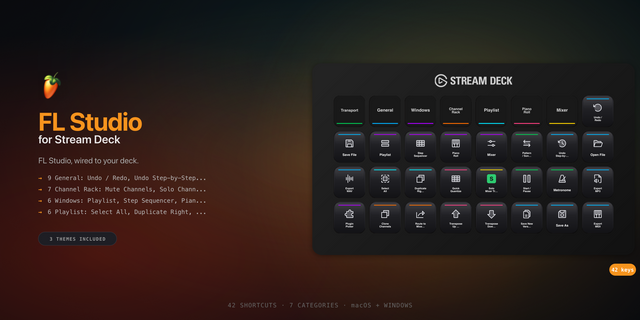
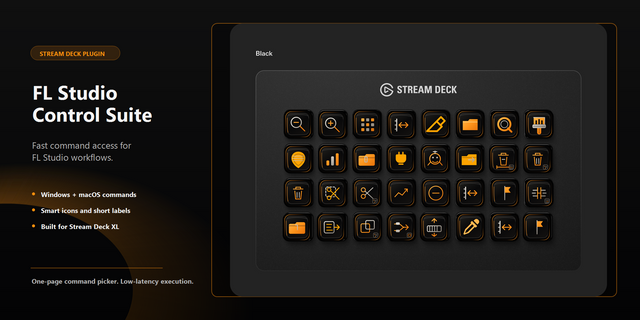
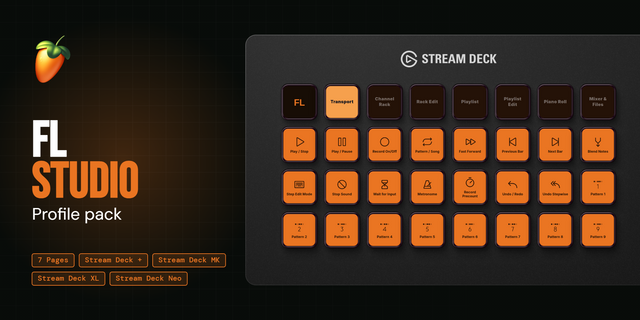
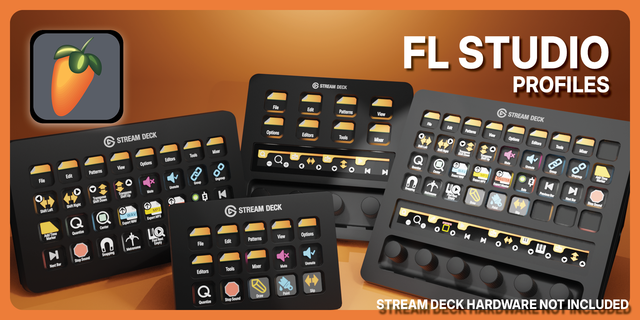
FL Studio Stream Deck profile: playlist, step sequencer, piano roll, mixer, browser and MIDI settings, on Image-Line's own default keybinds.
The FL Studio window switches you make constantly, on real buttons: playlist, step sequencer, piano roll, plugin and sample browser, mixer, MIDI settings and window arrangement.
Works on Virtual Stream Deck (NIGHTSWORD v2 WIRELESS SD and SCIMITAR ELITE), for Windows and macOS.
*Every FL Studio window, one tap away.*
**Core windows** - Playlist, step sequencer, piano roll, browser and mixer, each on its own key.
**Transport** - Play and pause without leaving your MIDI controller.
**Samples** - A dedicated key for your sample browser, separate from the plugin picker.
**Workspace** - MIDI settings and arrange windows, one tap each.
**Reference** - One tap to Image-Line's own online manual.
Every key here is a confirmed default from Image-Line's own manual, nothing guessed.
---
Part of the Packrat profile collection for Stream Deck. Game decks, streamer decks and editing decks, all on the marketplace at @packrat.
FL Studio, FL Studio Stream Deck, Stream Deck profile, music production, DAW shortcuts
- Playlist, step sequencer, piano roll, browser and mixer, each on its own key.
- Play/pause, sample browser, MIDI settings and arrange windows.
- One-tap link to Image-Line's own online manual.
Version 1
Aug 17, 2026
Details
Type
Audio
Music
Device
NIGHTSWORD v2 WL SD
SCIMITAR ELITE
Virtual Stream Deck
OS
macOS
Windows
Compatibility
Stream Deck 7.1 or later
Size
32.57 KB
Version
1
Support
Icons
Yes
You might also like