Audio
FL Studio Control Suite
Overview
FL Studio Control Suite brings fast, visual Stream Deck control to your FL Studio workflow.
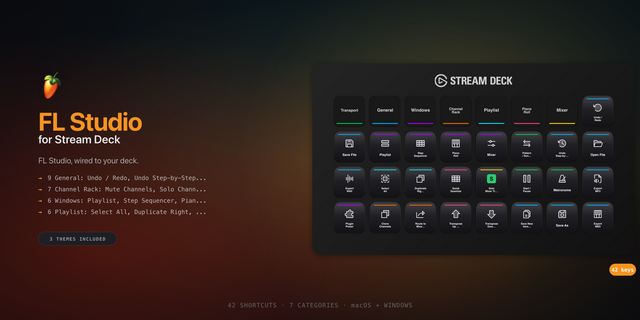
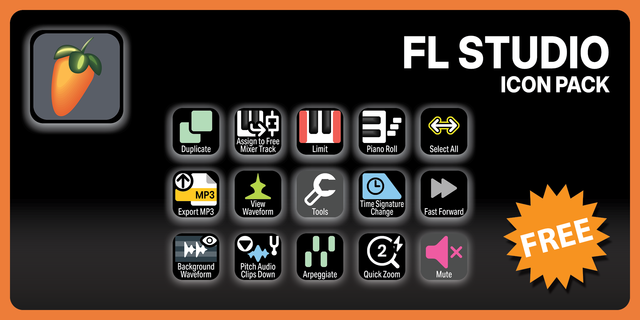
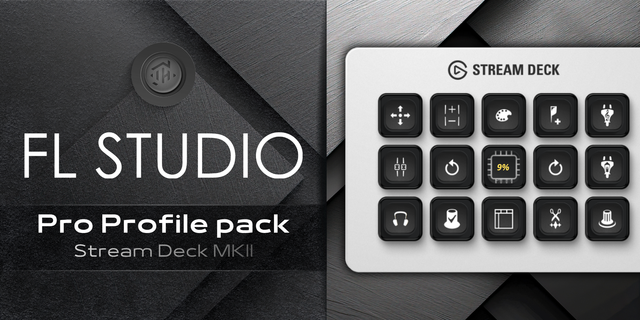
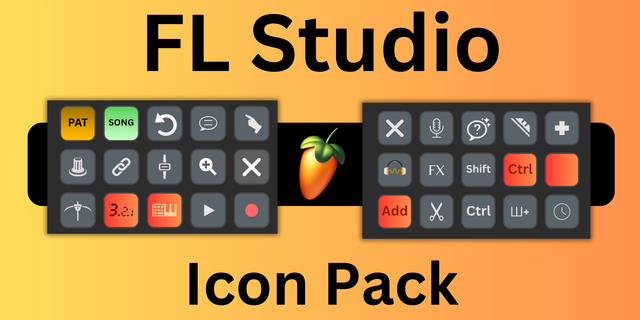
Trigger your favorite FL Studio shortcuts from a clean, icon-driven Stream Deck layout. Browse commands by practical categories like Playlist, Mixer, Piano Roll, Browser, Tools, Playback, and File, then assign them to keys with smart labels and command-specific icons.
Built for speed, the plugin uses a warmed input worker for near-instant shortcut execution, while preserving a safe PowerShell fallback path. It keeps FL Studio focus behavior conservative, avoiding window movement or resizing while still supporting optional focus-before-command behavior.
Great for producers who want quicker access to common FL Studio actions like opening the Mixer, toggling the Playlist, routing channels, switching tools, opening the Plugin Picker, exporting audio, zooming, slicing, drawing, painting, quantizing, and navigating core workflow windows.
Highlights
One simple FL Command action
200+ mapped FL Studio commands
Smart functional categories
Searchable command picker
Automatic short Stream Deck labels
Command-specific key icons
Optional icon-only buttons
Fast worker-backed hotkey execution
Safe focus handling
Ideal for Producers, beatmakers, engineers, and FL Studio power users who want faster hands-on control without memorizing every shortcut.
What's New
FL Bridge / Status
Install and manage the FlowGrid MIDI bridge from Stream Deck. Check your FL Studio connection, verify bridge files, test communication, and copy diagnostics when troubleshooting.
FL Plugin Library
Browse your installed FL Studio instrument plugins, search your plugin database, assign an instrument to a Stream Deck key, and launch it through the FL Studio Plugin Picker workflow.
FL Mixer FX Library
Browse effect plugins and assign mixer-focused actions to your Stream Deck keys for faster access to your FX workflow.
FL Studio Help
A new dedicated Help action provides setup instructions, bridge status checks, diagnostics, and troubleshooting guidance directly inside Stream Deck.
Improvements
Added macOS more support alongside Windows.
Improved plugin database search and path handling.
Refined bridge installation, connection status, and diagnostic feedback.
Updated action icons and action-list presentation.
Setup Note
Bridge-powered features require the FlowGrid MIDI bridge to be installed and configured in FL Studio. Add the FL Bridge / Status or FL Studio Help action to a Stream Deck key, then follow the setup instructions to install or repair the bridge and configure the FlowGrid MIDI controller in FL Studio.
Version 1.2
May 28, 2026
Details
Type
Audio
Music
OS
Mac
Windows
Compatibility
Stream Deck 6.9 or later
Size
7.95 MB
Version
1.2
Language
English
Support
Dial support
No
Profiles
No
You might also like