Gaming
FlightLab
by RaceLab
Overview
Control FlightLab overlays and features from your Stream Deck.
Actions included:
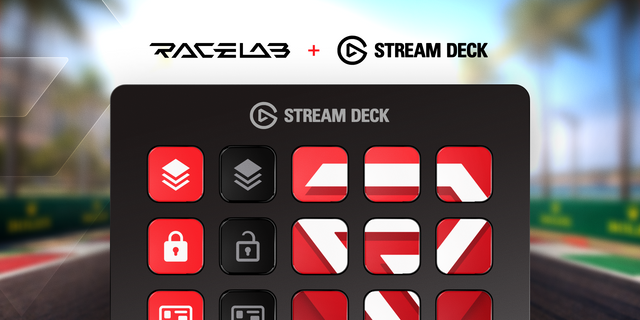
Toggle Overlay - Show or hide any of 12 individual overlays (Head Up Display, Runway, Mission Route, Speed and Altitude, Weather Monitor, Pilot Info, and more)
Show / Hide All Overlays - Toggle all overlays at once
Lock / Unlock Overlays - Prevent accidental overlay repositioning
Activate Overlay Set - Jump to a specific overlay set (A–J)
Start / Stop VR - Toggle VR mode
Recenter VR - Recenter your VR headset position
Start / Stop Layouts - Enter or exit overlay layout editing
Launch FlightLab - Start or close FlightLab (short press to launch, long press to close)
Features:
Real-time button state - buttons update live to reflect overlay and app status
4 icon themes (Flat, Glass, Glow, Plain) with customizable colors
Requires RaceLab v1.0.0+
First official version of the Flightlab streamdeck plugin.
The plugin needs to be used with flightlab: https://flightlab.app/
Version 1.0.2
Oct 13, 2026
Details
Type
Gaming
OS
Windows
Compatibility
Stream Deck 6.9 or later
Size
10.73 MB
Version
1.0.2
Language
English
Support
Profiles
No
Dial support
No
Neo Infobar support
No
Additional links
You might also like