Gaming
Flow for Discord (Edge)
by FlowKits
Overview
🎧 Your Discord voice calls and chat, without leaving the game.
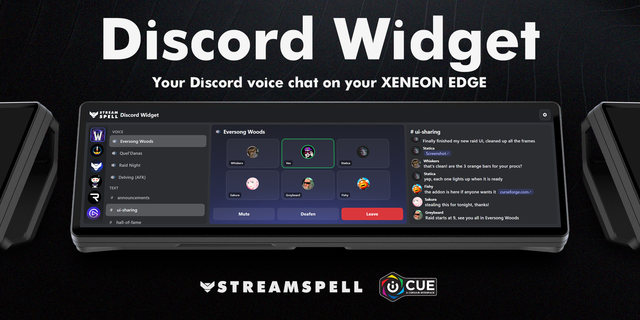
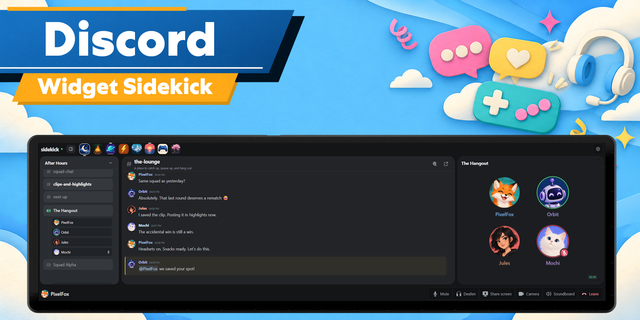
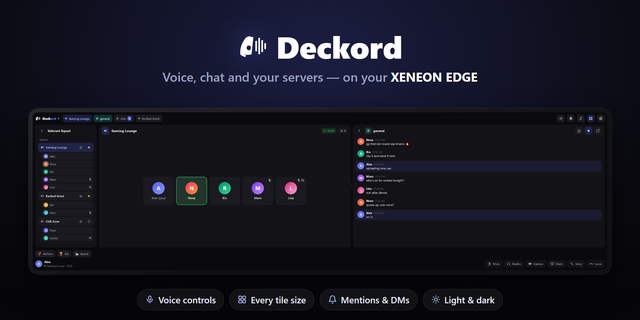
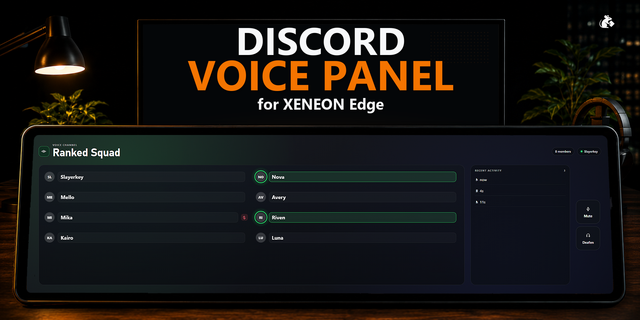
Flow for Discord puts your voice call, your controls and your chats on the Corsair Xeneon Edge, so you stop alt-tabbing out of a match to see who's talking or answer a ping.
✅ See who's talking at a glance, and mute or deafen in one tap.
✅ Talking while muted? The Edge tells you before your squad does.
✅ Mentions and DMs from every server pop up while you play.
--
🔊 Your Call, On Its Own Screen
Everyone in the call sits on the Edge with their avatar, and a ring lights up while they talk. Tap a friend to turn them up to 200% or down to a whisper, just for you. A balance slider sets your game against Discord, so callouts never drown in explosions.
Mute and Deafen in one tap, Disconnect with a short hold so it never happens by accident
Hold Mute to talk for a moment, then let go
A clear warning when you talk while muted
Optional push to talk that switches on while a game is running and back off when it closes
--
💬 Chat Without the Alt-Tab
Pin the text channels you care about from any server as tabs, alongside your DMs. Mentions get their own tab, and a quick preview slides in when someone tags you, with Open to jump straight to it in Discord.
GIFs, images and link previews show right in the feed
Read a chat in Discord on this PC and it clears on the Edge too
Streamer mode hides message text until you tap it
--
⭐ Your Channels, One Tap Away
Star your regular voice channels and they become big keys showing who's already in them. Tap one to see the room, then Join Voice. Long-press to rearrange, swipe for more pages. DMs get their own Direct tab, and an incoming call slides up with Answer and Ignore.
--
🎨 Fits Your Edge
Any size, either way up. Pick light or dark, a panel color and transparency so your dashboard shows through, the color of the speaking rings, and a larger text size.
--
📦 What You Need
Corsair Xeneon Edge with iCUE 5.47 or later
Windows 10 or 11 with the Discord desktop app
FlowKits Companion, a small background app that connects the widget to Discord on your PC. It installs in one step and keeps itself updated.
A Discord app of your own, set up once. The companion opens a page that walks you through it in a few minutes, and it means the connection belongs to you.
Full setup guide: getflowkits.com/setup-companion/flow-for-discord
--
ℹ️ Worth Knowing
Discord only lets apps see the Discord app on the same PC, so Flow for Discord works with the desktop app, not the browser or your phone. Your messages stay between the Edge and your PC: nothing is sent to me or anyone else.
Not affiliated with or endorsed by Discord.
My Voice Channels. Your starred channels now sit under "My Voice Channels", so it's clear at a glance that they're the voice rooms you can jump into.
A clear fix when Discord is full. Discord only lets so many apps connect at once. If another app on your PC uses them all up, the widget now says "Restart Discord" and shows you how, instead of asking you to approve Flow again.
It now stays connected while it's off screen, so it's live the moment you swipe back.
Updating. Import the new widget and choose Replace when iCUE asks. Your settings stay.
Version 1.0.1
Oct 30, 2026
Details
Type
Gaming
Streaming
Device
XENEON EDGE
OS
Windows
Size
290.41 KB
Version
1.0.1
Language
English
Support
Dashboard Sizes
Extra large
Large
Medium
Small
Recommended Orientation
Horizontal
Vertical
Interactive
Yes
Additional links
You might also like