Business
Flow for Gmail (Edge)
by FlowKits
Overview
📬 Flow for Gmail on the Corsair Xeneon Edge
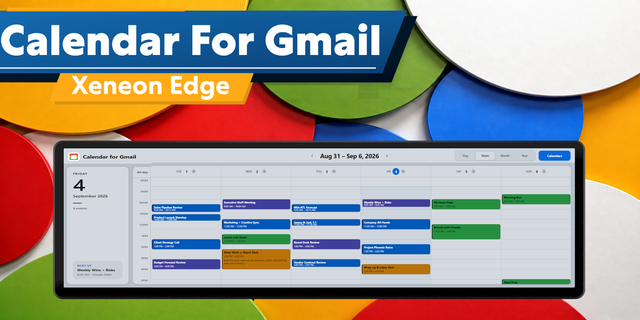
✅ A countdown to your next calendar meeting, and one press to join it on Google Meet ✅ Your week or month from Google Calendar, beside your Gmail inbox ✅ Tap an email and read it right there on the panel ✅ Customize the look, plus the order of each item in small, medium, large and extra large layouts
--
🗓️ What it does
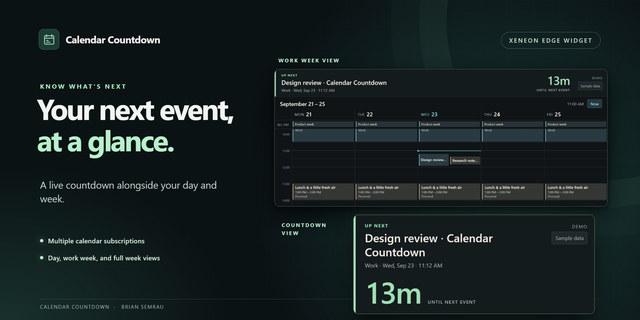
The answer to "what's next", on your desk instead of in a browser tab. The big number counts down to your next meeting, turning amber and then red as it gets close, with what it is, when it starts, and a Join that opens the Meet link.
When the meeting starts, the panel becomes that meeting: minutes left over a progress bar and who's in it. The rest dims so it reads from across the room, and a touch lifts the dim if you need your inbox mid-call.
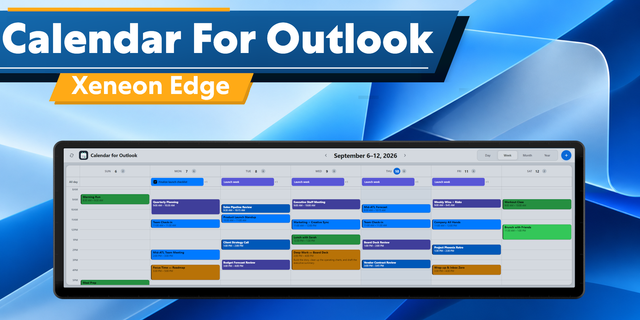
Beside it, your calendar as Today, 7 days or Month, every account you have connected has in its own color on the calendar, shared and holiday calendars included.
--
📥 Your inbox
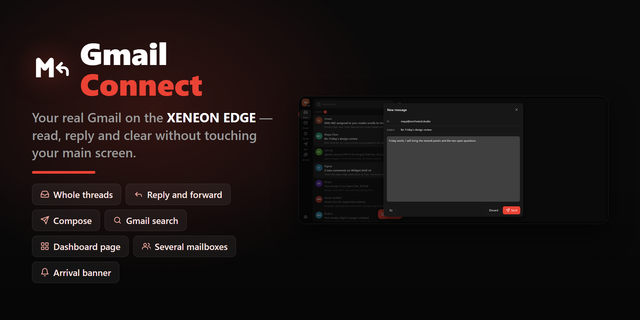
Newest email first, with Gmail's own labels, stars and importance markers
Tap an email to read it on the panel, without touching the PC
Show Primary only, everything, or everything but Promotions
An Unread button for when you only want what's waiting
--
👥 More than one account
Sign in to as many Google accounts as you use, work and personal, and they merge into one view: your next meeting is your next meeting, whichever calendar it came from. Tap an account's chip to hide it for a while.
--
🔒 Privacy, and where your data goes
A panel sits where people can read it, so press the eye in the corner and every name and subject turns to a gray bar. The shape of your day stays, the detail goes.
The data goes nowhere except Google. No FlowKits server in the middle, no account to create, no telemetry.
You sign in on Google's own page in your own browser. I never see your password
What comes back is stored on your PC, encrypted by Windows with your own key
It's read-only, and it can't send, delete, archive or mark anything as read
Sign out and it's gone, or remove FlowKits from your Google account at any time
--
🎨 The small stuff
Fits all eight slot sizes, horizontal or vertical, rearranging itself rather than shrinking
Dark, Light and Contrast themes, or pick your own background and accent color
Focus hides the inbox for as long as you like, and tells nobody
12 or 24-hour time, following your Windows clock unless you say otherwise
--
⚙️ Setup: 2 steps
A widget inside iCUE can't hold a Google sign-in, so a small companion app does that part.
Add the widget to a slot in iCUE
Download the companion, run it, and sign in with Google
I wrote a guide for every step: getflowkits.com/setup-companion/gmail
--
📋 Worth knowing before you buy
Windows 10 or 11, and iCUE 5.47 or later
It uses a small companion app that runs in the background on your PC
It reads your mail and calendar and never changes them, so marking as read and archiving stay in Gmail
Work accounts: if your organization limits which apps can connect, your admin may need to allow FlowKits first. getflowkits.com/it-approval/gmail is written for them
--
Disclaimer
Gmail, Google Calendar and Google Meet are trademarks of Google LLC. FlowKits is not affiliated with or endorsed by Google.
Initial 1.0 Release Display upcoming Meetings, Calendar Events, Email and a Reader for Gmail.
Version 1
Oct 1, 2026
Details
Type
Business
Productivity
Device
XENEON EDGE
OS
Windows
Size
354.03 KB
Version
1
Language
English
Support
Dashboard Sizes
Extra large
Large
Medium
Small
Recommended Orientation
Horizontal
Vertical
Interactive
Yes
Additional links
You might also like
-thumbnail-optimized-70c35d7a-a6e5-40ab-9ea7-e94ae4542f3f.png)