Business
Flow for Outlook and Teams (Edge)
by FlowKits
Overview
📅 Flow for Outlook and Teams is your email, calendar and workplace communication for the Corsair Xeneon Edge
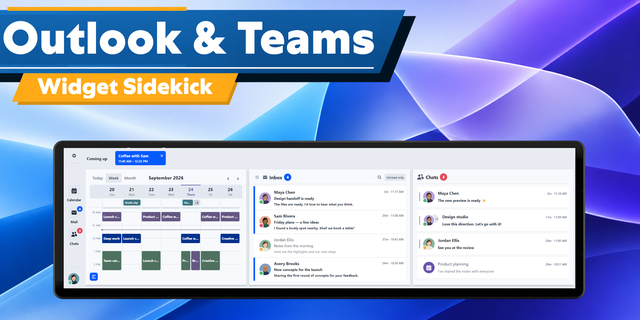
✅ A countdown to your next meeting on your calendar, and one press to join it ✅ Your whole day, week or month as a calendar grid, with the inbox and Teams chats beside it ✅ Set your status or start a focus block without opening a window ✅ Show 1-4 modules at one time: Meeting, Calendar, Outlook Email, Team Chats ✅ Small, Medium, Large and Extra Large widget sizes plus vertical layouts
--
⚠️ Work account? Check this before you buy ⚠️
Your organization decides which apps its people may connect, and many are set to ask an admin first. If yours is, Microsoft stops the sign-in and says so, and nothing on my side changes that.
Send your admin getflowkits.com/it-approval/outlook-teams first. It is written for them: every permission with its reason, where the app runs, what leaves the PC, and which button to press. One approval covers this and the Stream Deck version too.
Personal accounts sign straight in with nothing to approve.
--
🗓️ What it does
The answer to "what's next", on your desk instead of behind a window. The countdown is the big number: how long until the next thing, what it is, who called it, and a Join that joins that meeting and not a different one.
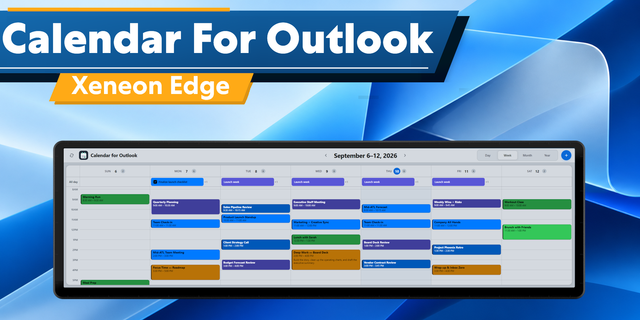
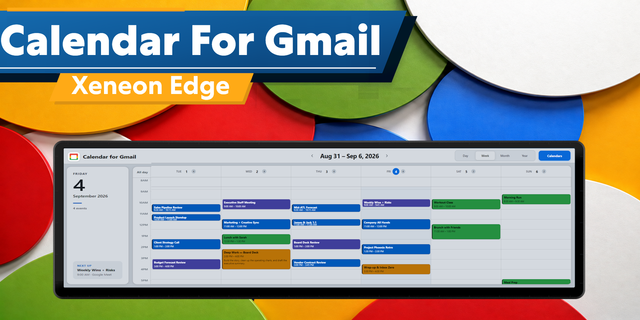
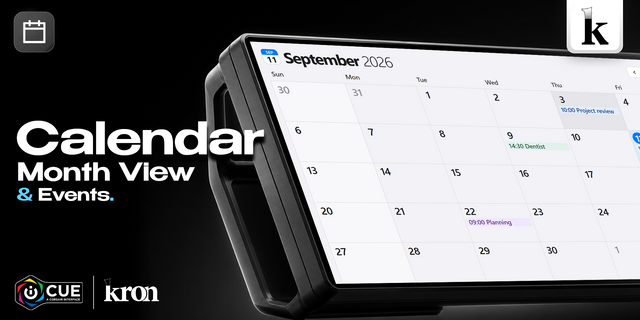
Beside it, your day as a grid, so you see the shape of the afternoon rather than a list. Today, 7 days or Month.
--
📥 Mail and chats
Your Microsoft Outlook inbox, newest first, unread counts per account
Microsoft Teams chats on the next page
Tap a message to open it, press and hold to mark it read
--
🟢 Your status, without the window
Available, Busy, Do not disturb, Be right back, Appear away or Appear offline, straight from the panel. Or start a focus block, 25m to two hours, and your status hands itself back to Teams when time is up.
--
👥 More than one account
Sign in to as many Microsoft accounts as you use, work and personal, and it all merges into one view: your next meeting is your next meeting, whichever calendar it came from. Each gets its own color, carried by every meeting, email and chat.
--
🔒 Privacy, and where your data goes
A panel sits where people can read it, so press the eye in the corner and every name and subject turns to a grey bar. The shape of your day stays, the detail goes.
The data itself goes nowhere except Microsoft. No FlowKits server in the middle, no account to create, no telemetry.
You sign in on Microsoft's own page in your own browser. I never see your password
What comes back is stored on your PC, encrypted by Windows with your own key
FlowKits is a Microsoft Verified Publisher, so the consent screen shows a verified badge, not the unverified warning
Sign out and it is gone. You can also revoke it from your Microsoft account
What it asks for: read calendar, read mail and mark as read, read Teams chats, set your own Teams status. The calendar is read-only.
--
🎨 The small stuff
Fits all eight slot sizes, rearranging itself rather than shrinking
Graphite, Light and Contrast themes, or custom
In a meeting, the panel becomes that meeting, and one press hands it back
It updates itself quietly in the background, signed
--
⚙️ Setup: 2 steps
A widget inside iCUE cannot hold a Microsoft sign-in, so a small free companion does that part.
Add the widget to a slot in iCUE
Download the companion, run it, and sign in with Microsoft
I wrote a guide for every step: getflowkits.com/setup-companion/outlook-teams
--
📋 Worth knowing before you buy
Windows 10 or 11, and iCUE 5.47 or later
The free companion has to be running. It is not optional
Personal Microsoft accounts have no Teams, so those parts sit quiet
--
Disclaimer
Microsoft, Microsoft Outlook, and Microsoft Teams are trademarks of the Microsoft group of companies. FlowKits is not affiliated with or endorsed by Microsoft.
Smoother Today calendar. The Today view now stays rock steady on your Edge, with no more flicker.
Clashing meetings, side by side. Overlapping meetings now share the space in Today and 7 days, so you can read both at a glance. The countdown also tells you when your next meeting starts at the same time.
Quicker connection fixes. If iCUE is blocking the widget, the panel now shows you exactly where to allow it.
Updating. Import this version and choose Replace when iCUE asks. Your settings stay put, and the companion app doesn't need updating.
Version 1.1.1
Oct 30, 2026
Details
Type
Business
Monitoring
Productivity
Device
XENEON EDGE
OS
Windows
Size
424.7 KB
Version
1.1.1
Language
English
Support
Dashboard Sizes
Extra large
Large
Medium
Small
Recommended Orientation
Horizontal
Vertical
Interactive
Yes
Additional links
You might also like