Creative Tools
Galleon Claude CLI Control Deck
by ThaygiaoSang
Overview
A Stream Deck profile to control Claude CLI on macOS. Launch Terminal and start the CLI in one tap, run slash commands (/reset, /status, /reasoning, /plan), Esc/Ctrl+C/Enter hotkeys, plus handy prompts. Includes a Claude sparkle LCD wallpaper. Requires Accessibility permission. Built for Galleon 100 SD (also compatible for other Stream Deck devices)
Initial release.
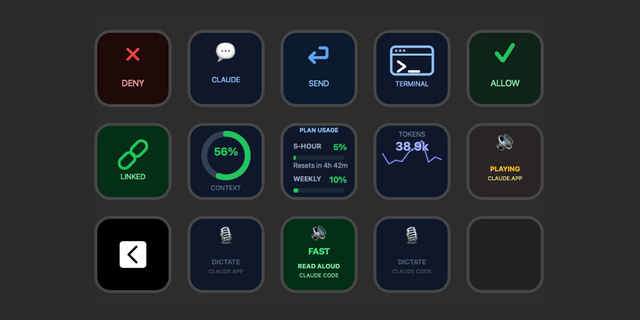
Claude CLI Control Deck for Galleon 100 SD (macOS):
- Launch: open Terminal
- Claude: start the CLI (types claude + Enter)
- Slash commands: /reset, /status, /reasoning, /plan
- Hotkeys: Stop (Esc), Cancel (Ctrl+C), Enter
- Quick prompts: Go, Push, Debug
- Includes a Claude sparkle LCD wallpaper
Requires macOS Accessibility permission for Stream Deck so the text keys can type.
Version 1
Jul 6, 2026
Details
Type
Creative Tools
Development
Device
GALLEON 100 SD
Stream Deck +
Stream Deck MK
Stream Deck Neo
Stream Deck Studio
Stream Deck XL
Stream Deck + XL
OS
macOS
Compatibility
Stream Deck 7.1 or later
Size
177.08 KB
Version
1
Language
English
Support
Icons
Yes
You might also like