Monitoring

Glance — System Monitor for Mac

Overview

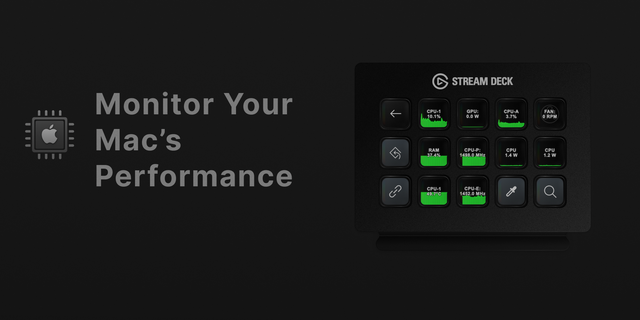
Glance turns your Stream Deck keys into a system monitor you can actually read. Each key shows one stat as a large, color-coded number you can read from across the room: green when calm, amber when busy, red when maxed. No squinting at tiny graphs.

Seven actions:

CPU usage

GPU usage

CPU temperature

GPU temperature

RAM used

Battery

Power draw (watts)

Glance turns your Stream Deck keys into a system monitor you can read at a glance. Each key shows one stat as a large, color-coded number you can read from across the room: green when calm, amber when busy, red when maxed.

Seven actions:

- CPU usage

- GPU usage

- CPU temperature

- GPU temperature

- RAM used

- Battery

- Power draw (watts)

Built for macOS on Apple Silicon. Everything Glance needs is bundled and signed, so it installs in one click — nothing else to set up.

Everything stays on your Mac. No accounts, no tracking, no data collected.

Tap a temperature key to switch between °C and °F. Tap any other key to cycle through 15 visual themes, from deep OLED blacks to warm paper pastels. No menus, no setup.

Works on standard keys no dials needed

Mac, macOS and Apple Silicon are trademarks of Apple Inc. Stream Deck and Elgato are trademarks of Corsair Memory, Inc.

Glance is an independent product and is not affiliated with, endorsed by, or sponsored by Apple Inc. or Corsair Memory, Inc.

Requires Stream Deck 7.1 or later.

Stability and reliability improvements.

The plugin now runs on Node.js 24, provided by Stream Deck 7.1 and later.

Improved internal logging to help resolve support requests faster.

Version 2.0.2

Sep 8, 2026

Details

Type

Monitoring

OS

Mac

Compatibility

Stream Deck 7.1 or later

Size

834.44 KB

Version

2.0.2

Language

English

Profiles

No

Dial support

No

You might also like
  • One Key System Monitor
    One Key System Monitor app icon

    One Key System Monitor

    by SquierStream

    ∙

    Monitoring

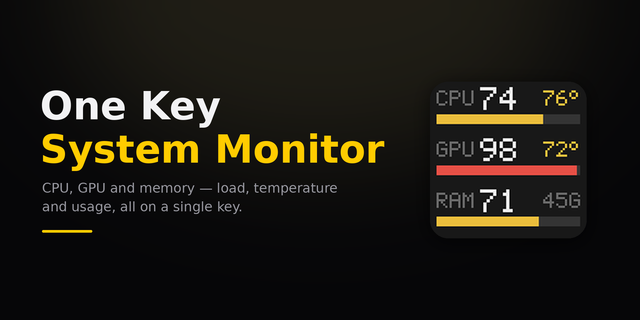
    Your Stream Deck can show what your PC is actually doing. One Key System Monitor puts five readings on a single key: CPU...

    Free

  • System Usage
    System Usage app icon

    System Usage

    by Corrugator Inc.

    ∙

    Monitoring

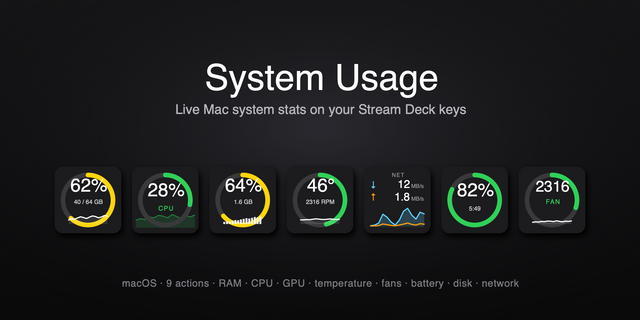
    System Usage puts live macOS RAM and CPU load right on your Stream Deck — a clean, color-coded percentage that turns gre...

    Free

  • Sho Metrics - System Monitoring
    Sho Metrics - System Monitoring app icon

    Sho Metrics - System Monitoring

    by Sho Metrics

    ∙

    Monitoring

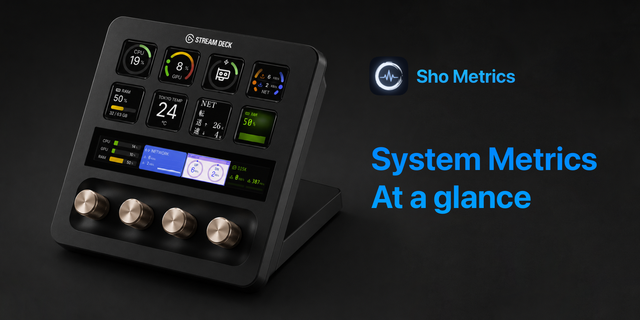
    Sho Metrics turns your Stream Deck into a live system monitoring dashboard. It's free, open source, and available for bo...

    Free

  • Hardware Stats Monitor
    Hardware Stats Monitor app icon

    Hardware Stats Monitor

    by Gen-E Software Lab

    ∙

    Development

    A Stream Deck plugin for macOS (Apple Silicon M-series) that displays real-time system metrics including CPU load and te...

    $1.49

  • Native Hardware Monitor
    Native Hardware Monitor app icon

    Native Hardware Monitor

    by Ahmed Mahmoud

    ∙

    Monitoring

    Native Hardware Monitor (no external depencies or sensors) brings comprehensive system monitoring to your Stream Deck wi...

    Free

  • System Monitor for Windows
    System Monitor for Windows app icon

    System Monitor for Windows

    by GRAMSHIFT

    ∙

    Gaming

    See how hard your PC is working without switching windows. System Monitor for Windows puts CPU usage, GPU usage and GPU ...

    $780.00

  • Metrics
    Metrics app icon

    Metrics

    CPU, RAM, GPU, VRAM and disk, live on your keys. You only look at your machine’s numbers once something has already gone...

    Free

  • System Vitals
    System Vitals app icon

    System Vitals

    by VIVRE-MOTION

    ∙

    Monitoring

    Live System Monitoring tool to track system vital metrics such as: RAM/CPU/GPU ─ usage in percentage or throughput in GB...

    Free