Business
Glypher
by RoboMac
Overview
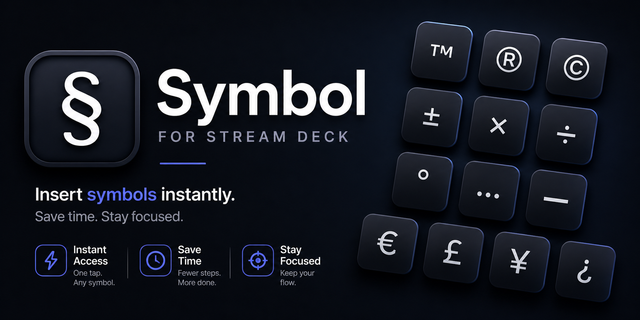
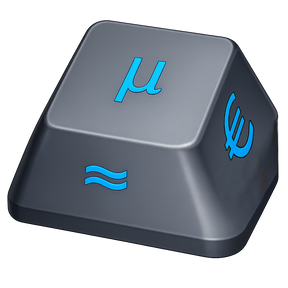
Insert any Unicode character into the focused application with a single button press.
Glypher runs on macOS and Windows and supports up to three independent characters per button via tap, double-tap, and long-press gestures.
Special Features:
Visual representation on the Stream Deck and selection in the Property Inspector
Unicode Line-Sep - a "return" that survives in a Slack message. (Slack removes extra lines that it recognizes.)
Business characters aren't on keyboards. µ, €, £, →, em-dashes, and similar symbols which otherwise require memorising obscure key combinations or using a character picker.
Zero-Width Space (ZWSP) — U+200B - an invisible character hinting that wrapping (breaking) at this point is allowed. i.e. best place in a very long string to break
Non-Breaking Space (NBSP) — U+00A0 - a visible space that prevents wrapping (breaking) at this point. e.g. between the title and name (Mr. Smith)
Addressed Icon background and Glyph placement concerns.
Version 0.2.0.8
Mar 25, 2026
Details
Type
Business
Productivity
Utilities
OS
Mac
Windows
Compatibility
Stream Deck 6.9 or later
Size
489.93 KB
Version
0.2.0.8
Language
English
Support
Dial support
No
Profiles
Yes
You might also like