Productivity

Gmailo

Overview

See your Gmail inbox count live on your Stream Deck — available on Mac and Windows.

What it does

Gmailo puts an always-visible unread email counter on any Stream Deck key. At a glance, you know how many emails need your attention — no app switching, no distractions.

Tap the key to open Gmail in your default browser. Double-tap to jump straight to your newest unread email.

Features

Live unread counter Checks your inbox every 60 seconds to keep the number fresh.

Colour signals White for 1–25 unread emails. Warm pink above 25 — a subtle nudge to clear your inbox.

Per-key label scoping Each key can track your full inbox or a specific Gmail label (e.g. Clients, Newsletters/Tech). Use multiple keys to create a live inbox dashboard.

Label indicator dots Up to 3 coloured dots show labels from your most recent emails. Quickly spot important messages without opening Gmail.

Built-in troubleshooting Clear error messages (network, expired App Password, rate limits) with guided fixes and one-click retry.

Setup (about 2 minutes)

1. Drag the Inbox action onto a Stream Deck key

2. Enter your Gmail address

3. Click “Open Google App Passwords” and create a 16-character password (name it “Gmailo Stream Deck”)

4. Paste the code into the plugin and click Connect

Done — your inbox count appears instantly.

Heads up

App Passwords require 2-Step Verification on your Google account. If not enabled, Google will guide you through a quick one-time setup.

Privacy & security

Gmailo uses IMAP (like Apple Mail or Thunderbird), not OAuth. Your App Password is stored locally inside Stream Deck settings.

It is only used to:

– Fetch your unread email count – Read subjects of recent emails

Nothing else is transmitted. No personal data is collected.

You can revoke the App Password anytime from your Google account.

---

Part of the Microdash family of Stream Deck plugins.

First release

Version 1.1

Apr 30, 2026

Details

Type

Productivity

OS

Mac

Windows

Compatibility

Stream Deck 7.1 or later

Size

399.91 KB

Version

1.1

Language

English

Support

Profiles

No

Dial support

Yes

Additional links

You might also like

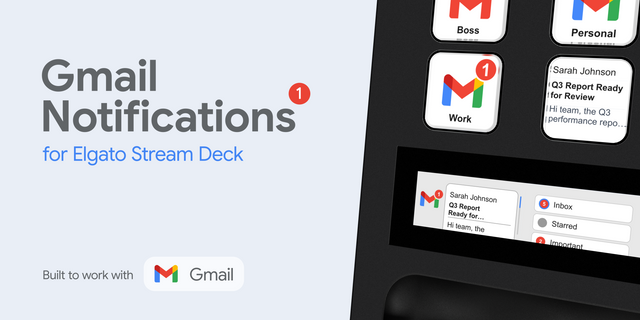
  • Gmail Notifications
    Gmail Notifications app icon

    Gmail Notifications

    by FlowKits

    ∙

    Business

    📩 Gmail Stream Deck Plugin with profiles - Notifications and Email Reader on any Stream Deck without opening Gmail. The...

    $10.00

  • Gmail Stream Deck Profiles

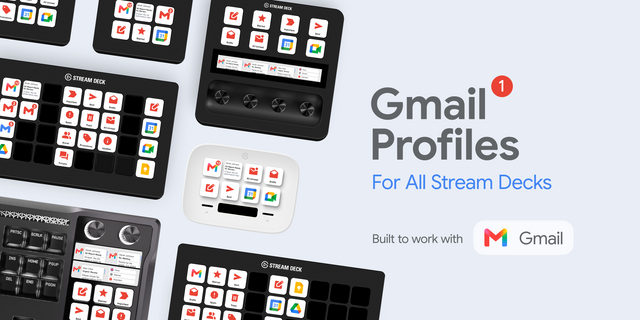
    Gmail Stream Deck Profiles

    by FlowKits

    ∙

    Business

    📬 Gmail for Stream Deck. Start free with Lite. Upgrade to Pro for a live email inbox and dials. Put Gmail on your Strea...

    Free

  • Google Mail Profile

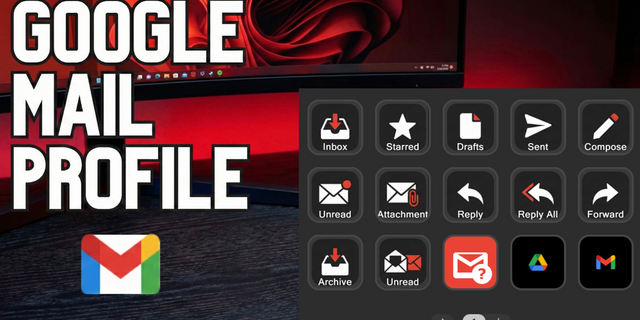
    Google Mail Profile

    Email shouldn't feel like a chore. The Gmail Command Center transforms your Stream Deck into a high-speed triage station...

    $2.29

  • Mail Bender Lite
    Mail Bender Lite app icon

    Mail Bender Lite

    by MagikCliks

    ∙

    Productivity

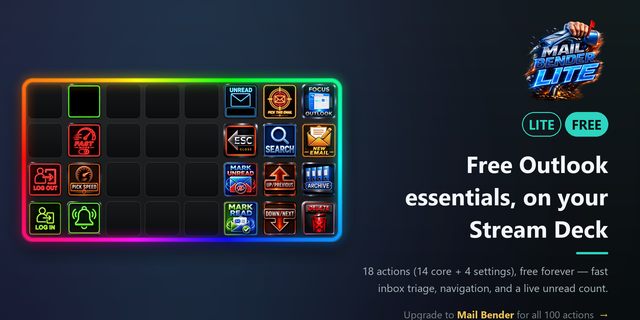
    Mail Bender Lite — Free Outlook control for your Stream Deck Run your inbox without touching the mouse. Mail Bender Lite...

    Free

  • UFC Tracker
    UFC Tracker app icon

    UFC Tracker

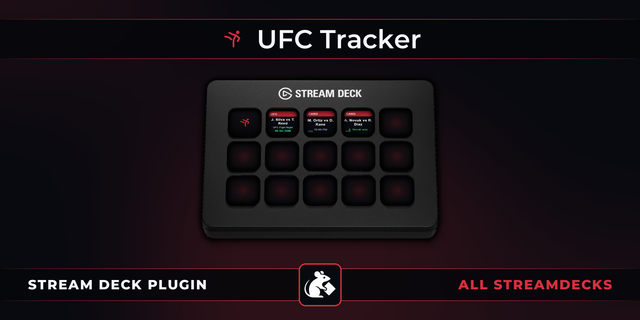
    UFC Tracker Stream Deck plugin: the next UFC card on your keys, a countdown to the first bell, every bout on the card on...

    $6.99

  • Task Scheduler Monitor
    Task Scheduler Monitor app icon

    Task Scheduler Monitor

    by GRAMSHIFT

    ∙

    Monitoring

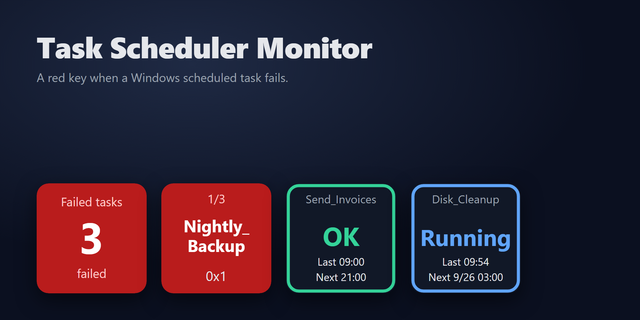
    A Stream Deck key that turns red when a Windows Task Scheduler task fails. It checks your scheduled tasks once a minute ...

    $980.00

  • Google Workspace

    Google Workspace

    by iConCity

    ∙

    Productivity

    It's fair to say Google lead the way with its search engine and the amazing performance of their web browser Chrome. Wit...

    $12.50

  • Mail Control
    Mail Control app icon

    Mail Control

    by Arturo

    ∙

    Productivity

    Your inbox. Within reach. Give your everyday email routine a place on your Stream Deck. Mail Control brings unread count...

    $1.99