Business
Google Docs Profile
Overview
Writers don't get paid to click menus—they get paid to write. The Google Docs profile transforms your Stream Deck into a dedicated command center for document creation.
Whether you are drafting a blog post, structuring a legal contract, or leaving feedback on a team project, this profile removes the friction of formatting so you can stay in the flow state.
🚀 Why you need this:
Instant Structuring: Toggle between Heading 1, Heading 2, and Normal text with a single tap—essential for clean documents and auto-generated Tables of Contents.
Review Like a Pro: Use the dedicated "Suggest Mode" and "Comment" buttons to fly through edits without hunting for hidden menus.
Smart Formatting: The "Paste Value" macro prevents "formatting disasters" when copying text from the web or AI tools.
Interactive Guide: Includes a custom HTML Master Guide that opens directly on your Stream Deck key to teach you the advanced features.
✨ What's Included:
15-Key Layout: Optimized for Stream Deck MK.2 (fully compatible with XL and Virtual).
Advanced Macros: Pre-configured tools for Lists, Clearing Format, and even Voice Dictation.
🎛️ The Layout (3 Rows of Power):
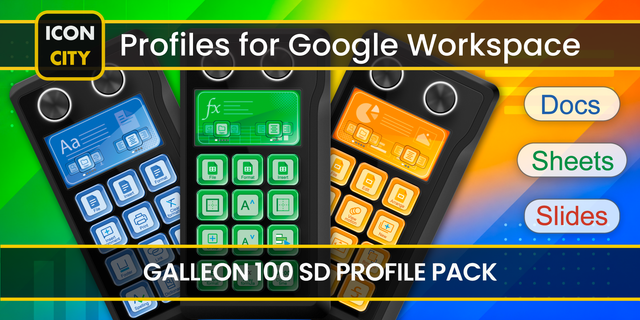
Row 1 (Structure): H1, H2, Normal Text, and Paste Value.
Row 2 (Flow): Bullet Lists, Numbered Lists, Links, and Comments.
Row 3 (Tools): Page Break, Dictate, Suggest Mode, and Word Count.
🛠️ Setup: Simply install the profile, ensure your keyboard language is set to US/UK (or adjust the hotkeys in the software), and start writing faster today.
Initial Release
Version 1
Jan 21, 2026
Details
Type
Business
Creative Tools
Productivity
Utilities
Device
Stream Deck MK
OS
Windows
Compatibility
Stream Deck 7.1 or later
Size
443.37 KB
Version
1
Language
English
Support
AI Content
Yes
Icons
Yes
You might also like